YouTube Growth Hacks: Scripting Viral Videos with AI Prompts
YouTube Growth Hacks: Scripting Viral Videos with AI Prompts
Jan 24, 2026
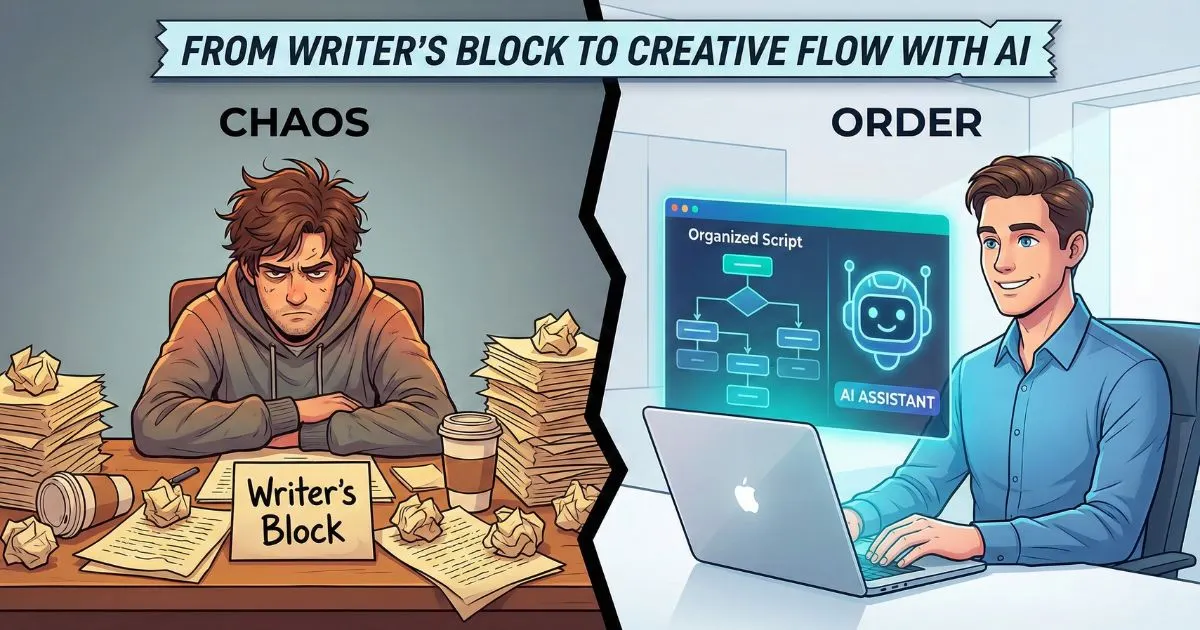
Let’s be honest: You know you need to be on YouTube. You know it’s the second-largest search engine in the world and a goldmine for building authority. If you want the full strategic picture before diving into prompts, start with the definitive guide to AI for social media — it covers how ambitious entrepreneurs are building audience and authority across every platform, including YouTube. But as a business owner wearing every single hat available—from CEO to cleaner—the thought of researching, scripting, filming, and editing a video feels like a fast track to burnout.
You are watching competitors with bigger teams and deeper pockets churn out daily content, while you are struggling to find an hour to draft a single script.
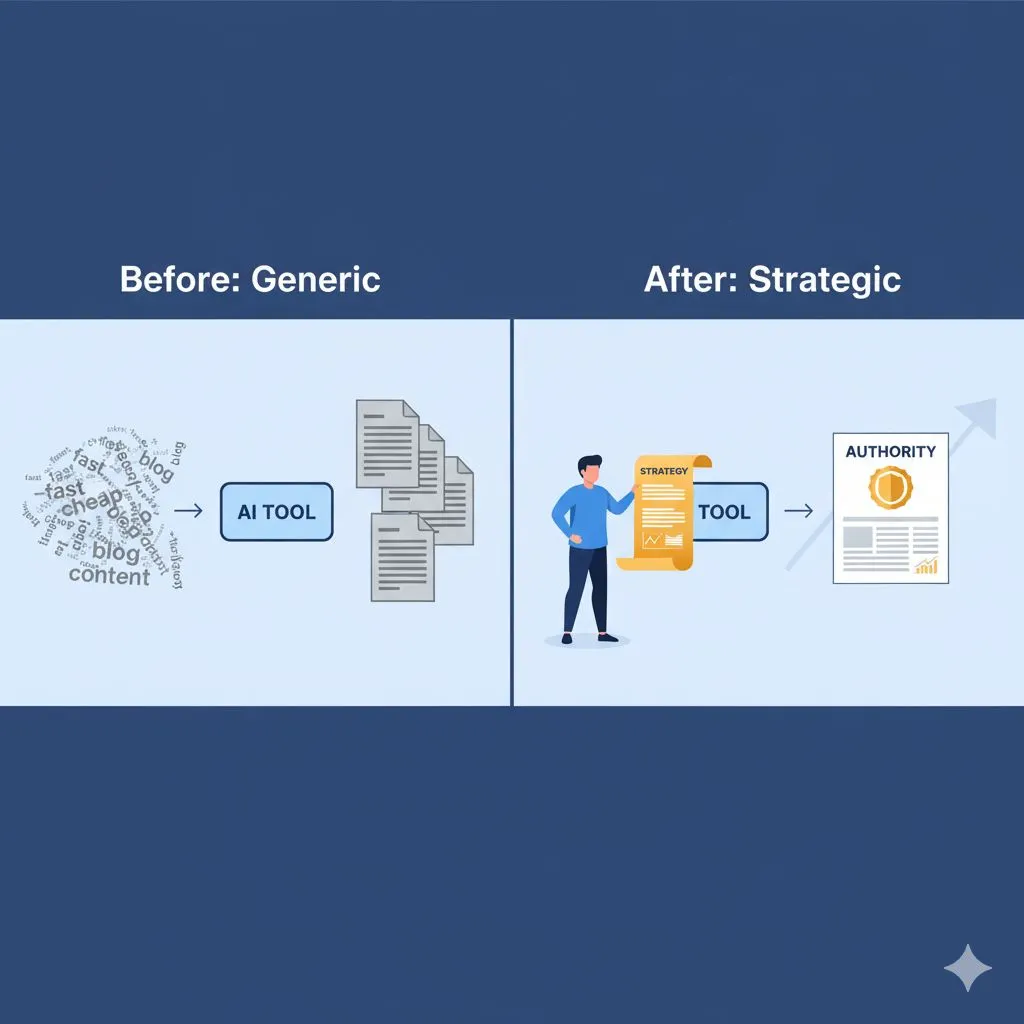
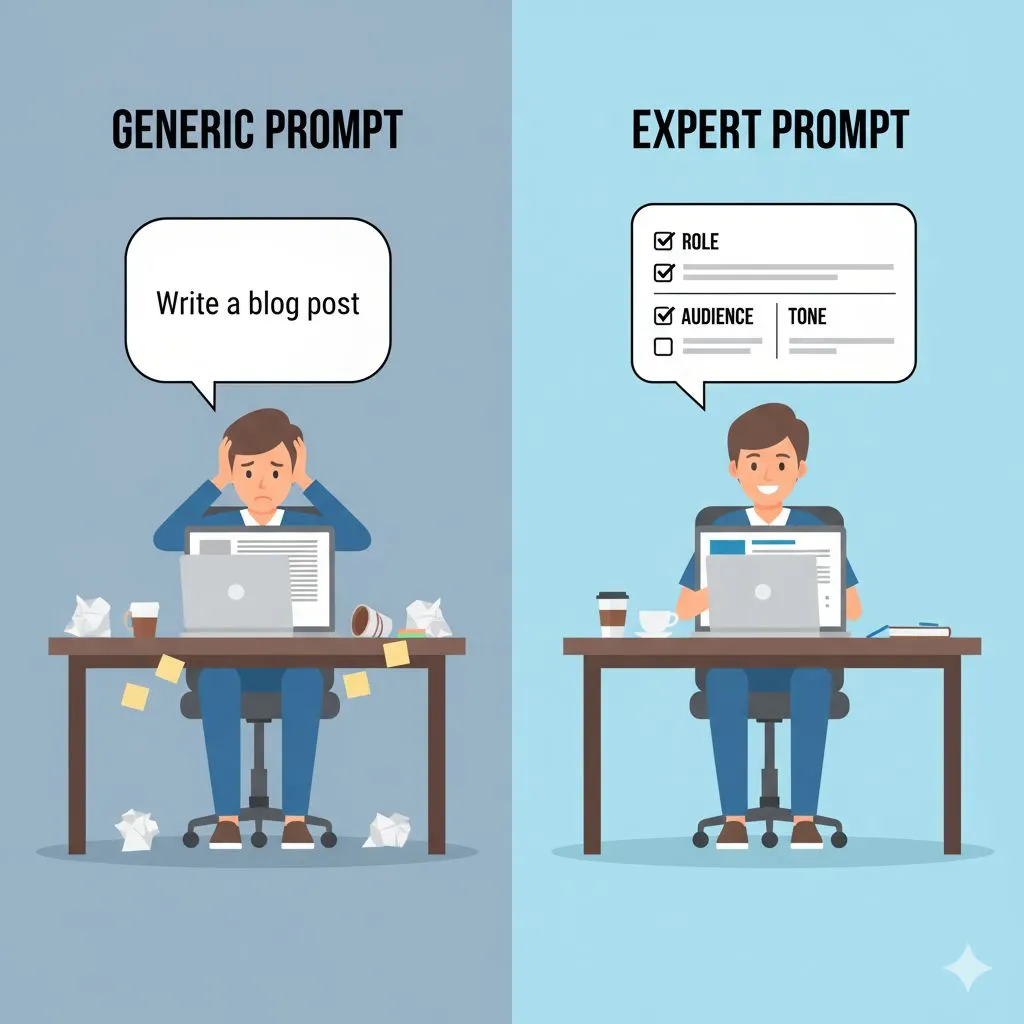
This is where the conversation about ai for youtube usually goes wrong. Most people treat AI as a magic button to spam the internet with generic, robotic content. That doesn’t work for you. You have a reputation to protect.
The real power of AI isn't in letting it do the thinking for you; it’s in using it to do the heavy lifting so you can focus on the strategy. By using the right prompts, you can cut your pre-production time by 80%, giving you the freedom to scale your channel without hiring a massive production team.
This guide will walk you through a proven workflow to script, optimize, and scale your YouTube presence using expert-level AI prompts.
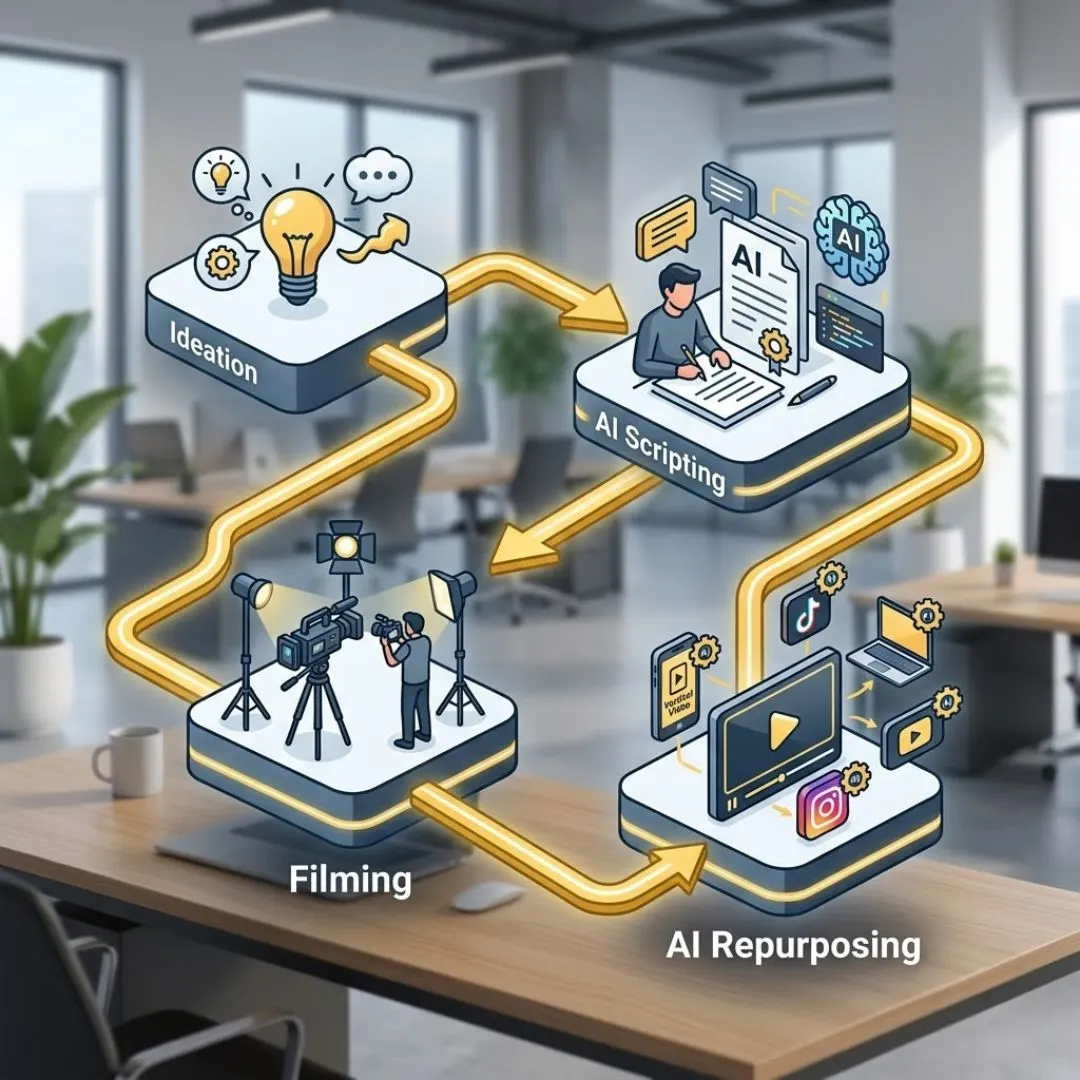
Phase 1: Strategic Ideation & Topic Validation
The biggest bottleneck in YouTube growth isn't usually filming; it's the mental energy required to decide what to film. Staring at a blank cursor is expensive.
To compete with larger players, you need to stop guessing what your audience wants and start using data-driven logic. AI is your research assistant here.
For ready-to-use prompt examples that take this further, explore the Expert AI Prompts resource on AI prompts for viral hooks on social media — a practical companion to everything in this section.
1. The "Competitor Gap" Analysis
Instead of scrolling through your feed hoping for inspiration, use AI to analyze the market. You don't want to copy your competitors; you want to see what they are missing.
The Prompt Strategy:
You need to feed the AI context about your niche and your specific expertise.
Try this prompt:
"I run a business in [Your Industry, e.g., Commercial Real Estate] targeting [Your Persona, e.g., High Net Worth Investors]. My competitors often cover [General Topic A] and [General Topic B]. Generate 10 specific, contrarian, or under-discussed video topics that would appeal to my audience's desire for [Specific Goal, e.g., ROI and Tax Savings], but are rarely covered in beginner-level videos."
This moves you away from generic "How to buy real estate" videos and toward expert-level content like "Why High Net Worth Investors Are Dumping Residential for Industrial in 2026."
2. The "Blue Ocean" Brainstorm
Once you have general themes, you need to validate them. You want topics that solve specific pain points.
The Prompt Strategy:
"Act as a [Your Persona, e.g., Stressed Small Business Owner]. List 15 burning questions you have about [Your Service/Product] that you are afraid to ask, or that keep you up at night. Focus on specific anxieties regarding cost, time, and trust."
This exercise often yields the most viral content because it hits a raw nerve. When you answer the questions your audience is secretly asking, you build instant trust.
Now that you have your topics, the trap is trying to "wing it" when the camera turns on. "Winging it" leads to 20 minutes of rambling footage that takes four hours to edit.
A tight script is the secret to efficient editing. However, you don't want AI to write the whole script word-for-word—it often sounds stiff. Instead, use AI to build the Structure.
Phase 2: The Viral Scripting Framework
Viral videos rarely happen by accident. They follow a psychological structure designed to retain attention. As a busy entrepreneur, you don't have time to study filmmaking theory — but you do need a repeatable system. See how other owners are handling this in the Expert AI Prompts guide on how to create a month of social media content in one hour, then come back to apply the same logic to your video scripts.
1. The Hook (The First 15 Seconds)
If you lose them here, the rest of the video doesn't matter. The hook must promise value immediately.
The Prompt Strategy:
*"I am making a YouTube video about [Topic]. Write 5 distinct opening hooks using the following frameworks:
- The 'Common Myth' Debunk
- The 'Counter-Intuitive' Statement
- The 'Direct Benefit' Promise
- Keep each hook under 40 words. Make them punchy and urgent."*
Example Output: "Stop trying to motivate your employees with pizza parties. It’s actually driving your best talent away. Here is the retention strategy that actually works."
2. The "Meat" (Educational Content)
This is where your expertise shines. Use AI to outline the logical flow so you don't ramble.
The Prompt Strategy:
"Create a bulleted outline for the body of this video. The goal is to teach the viewer [Specific Outcome]. Break the content down into 3 distinct steps or pillars. For each step, suggest a visual analogy or example I can use to explain the concept simply."
By asking for analogies, the AI helps you communicate complex business concepts to a broader audience, making your content more engaging.
3. The Retention Loop
YouTube algorithms love "Watch Time." To get high watch time, you need to keep people watching until the end. You can use AI to insert "Open Loops"—teasers for information coming later in the video.
The Prompt Strategy:
"Review the outline above. Suggest two points where I can insert an 'Open Loop' to keep the viewer watching. Example: 'I'll share the exact tool I use for this in just a minute, but first...'"
4. The CTA Transition
Most business owners are awkward at the sell. They either sell too hard or forget to sell at all. AI can script a natural transition from value to offer.
The Prompt Strategy:
"Write a seamless transition from the final teaching point to a Call to Action. The CTA is to [Desired Action, e.g., Book a Consultation]. The tone should be helpful, not pushy. Frame the CTA as the logical next step for those who want to implement what they just learned faster."
By structuring your script this way, you ensure every second of footage is usable. You aren't just creating content; you are creating a sales asset.
You have filmed the video. It’s high quality. It’s valuable. But if nobody clicks on it, it doesn’t exist.
This is where the "engine" of ai for youtube truly revs up. Search Engine Optimization (SEO) and Click-Through Rate (CTR) optimisation are data games, and AI excels at data — if you want the deep-dive on using AI specifically for search rankings, the Expert AI Prompts team have put together the ROI-driven guide to AI for SEO, which covers everything from keyword strategy to algorithm shifts.
Phase 3: Optimizing for Click-Through Rate (CTR)
The battle is won or lost on the thumbnail and the title. You can have Academy Award-winning content, but a boring title ensures zero views.
1. The Title Tester
You should never settle for the first title you think of. Top YouTubers often brainstorm 50 titles before choosing one. You don't have time for that—but your AI does.
The Prompt Strategy:
*"Generate 15 YouTube title variations for a video about [Topic].
optimize for high CTR using the following psychological triggers:
- Curiosity Gap
- Negativity Bias (e.g., 'Stop doing this...')
- Specific Numbers/Lists
- Keep titles under 60 characters. Do not use clickbait that over-promises."*
Why this works: It gives you a menu of options. You might mix and match, but you are starting from a place of strength rather than staring at a blank field.
2. Thumbnail Ideation
You might not be a graphic designer, but you need to give direction to one (or use a tool like Canva). AI can help you visualize the concept.
The Prompt Strategy:
"Describe 3 compelling YouTube thumbnail concepts for this video. Focus on high contrast, emotional facial expressions, and simple text overlays (max 3 words). Describe the visual composition so I can recreate it."
3. SEO Descriptions and Tags
Writing descriptions is tedious work that Alex Rivers (our persona) hates. It’s administrative, not strategic. Automate it.
The Prompt Strategy:
*"Write a YouTube video description for [Title].
- The first sentence must be SEO-optimized containing the keyword [Keyword].
- Include a bulleted list of what is covered (timestamps: 0:00 Intro, etc.).
- Include a section for 'Resources Mentioned' and my social links.
- Generate 15 comma-separated tags relevant to this topic and niche."*
This turns a 20-minute chore into a 30-second task, ensuring your video is readable by both humans and the YouTube algorithm.
The final piece of the puzzle is leverage. As a small business owner, you cannot afford to create a piece of content once and let it die. You need to squeeze every drop of ROI out of that video.
Phase 4: Repurposing for Scale (The Leverage Step)
A single 10-minute YouTube video contains enough value to fuel your social media for a week. This is how you create the illusion of being "everywhere" without actually being online 24/7.
1. The "Shorts" Cutter
YouTube Shorts, Instagram Reels, and TikTok are massive growth drivers. You can use AI to identify the viral moments in your long script. If TikTok is on your roadmap, the TikTok Prompt Playbook for Creators gives you 50 pre-engineered scripts specifically built for short-form viral content — no guesswork, no generic outputs.
The Prompt Strategy:
"Review the script we generated. Identify 3 standalone segments that could function as 60-second vertical videos (Shorts). Write a new hook for each of these segments to make them work as standalone clips."
Now, one filming session has produced one long-form asset and three short-form assets. To make this even faster, grab the free 10-Minute Viral Reel Template — a no-cost resource from Expert AI Prompts that gives you a plug-and-play structure for Shorts, Reels, and TikToks in under 10 minutes.
2. The LinkedIn/Blog Transformer
Your professional network is likely on LinkedIn. They prefer reading to watching.
The Prompt Strategy:
"Rewrite the key teaching points of this video script into a LinkedIn text post. Use short paragraphs, a professional but conversational tone, and bullet points. End with a question to drive engagement."
If LinkedIn is a primary channel for your business, the AI Prompt System for LinkedIn is a dedicated toolkit built to turn your video insights into high-performing posts, authority content, and lead-generating threads.
By executing this repurposing phase, you multiply your output. You are not just a YouTuber; you are a multimedia brand.
Conclusion: From Operator to Strategist
The difference between a burned-out business owner and a scaling entrepreneur isn't usually talent—it's systems.
Alex, you have the expertise. You have the value. What you’ve lacked is the time to package it. By integrating these specific ai for youtube workflows, you are doing more than just saving hours.
- You are protecting your energy: No more blank page anxiety.
- You are increasing quality: Structured scripts lead to better videos.
- You are scaling visibility: One video becomes ten assets.
Not sure where to start? The Expert AI Prompts Free Offers Hub gives you instant access to 11 free AI resources — including prompt templates, content planners, and workflow guides — with no purchase required.
The skepticism you feel about AI is valid when it comes to "push-button" generic content. But when you use AI as a strategist, simply organizing and amplifying your own expertise, it becomes the most powerful employee you never had to hire.
Stop hustling harder. Start scripting smarter.
Ready to implement this system immediately?
You don't have to write these prompts yourself. We have pre-engineered the exact sequences you need to dominate your niche on YouTube.
Or, if you want the complete Expert AI Prompts toolkit for your specific industry, browse all 30 industry-specific prompt packs in the pricing catalog — one-time investment, lifetime access.
Get the Prompt-to-Power YouTube Creator’s AI Toolkit
Further Reading
• The Definitive Guide to AI for Social Media — The complete expert AI Prompts guide to building authority and growing your audience across YouTube, TikTok, LinkedIn, and Instagram.
• AI Prompts for Viral Hooks on Social Media — Ready-to-use prompt templates for the exact attention-grabbing openings covered in Phase 1 of this guide.
• How to Create a Month of AI-Generated Social Media Content in One Hour — Extend the repurposing strategy from Phase 4 into a full monthly content system.
• Viral on TikTok: Using AI to Generate Scripts That Hook Viewers — Companion post for creators scaling from YouTube to TikTok short-form.
• The Influencer's Shortcut: Maintain Engagement While Spending Less Time Online — For content creators who want to scale their output without burning out.