The First 30 Days: How to Implement AI in Your Small Business
The First 30 Days: How to Implement AI in Your Small Business
Jan 29, 2026

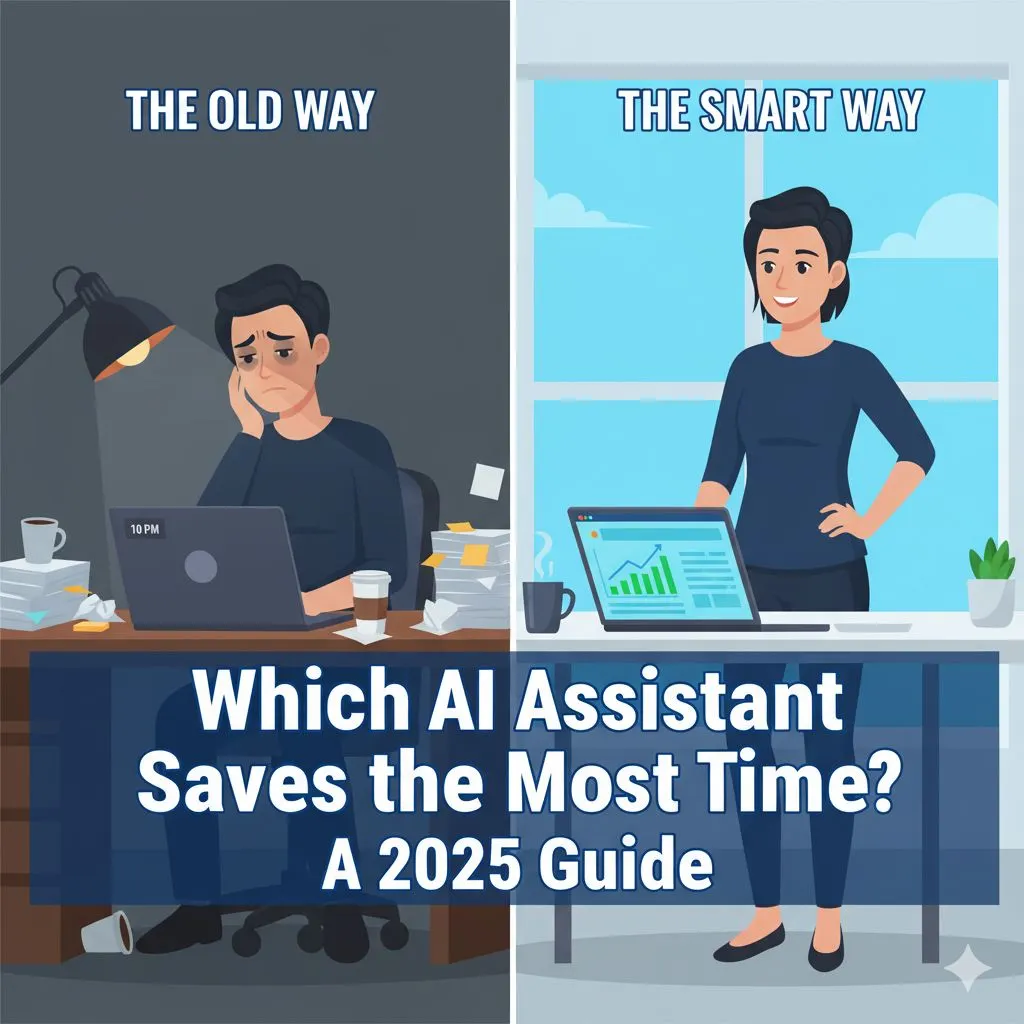
If you are like most small business owners, your day starts before your alarm goes off. You are mentally listing the emails you didn’t answer yesterday, the client deliverable due at noon, and the social media post you’ve been meaning to write for three weeks. You are wearing every hat—CEO, cleaner, marketing director, and customer support lead.
You know Artificial Intelligence (AI) is out there. You’ve seen the headlines, the hype, and the fear-mongering. But for you, the question isn’t "Will robots take over the world?" It is strictly practical: "Can this actually help me get home in time for dinner?"
For entrepreneurs like Alex Rivers—ambitious, resourceful, but stretched to the breaking point—this practical AI implementation roadmap for small business is not a luxury; it is a survival mechanism. It is the only way to compete with larger agencies and well-funded competitors without burning out or hiring a massive staff you can't afford yet.
This guide is not about tech jargon or futuristic theories. It is a practical, 30-day roadmap designed to take you from overwhelmed operator to confident strategist. By the end of this month, you won’t just be "using AI"; you will have integrated a digital workforce that handles the heavy lifting, allowing you to focus on growth.
Week 1: The Audit & The Setup (Foundation)
The biggest mistake small business owners make with AI is diving into the deep end without checking if there is water in the pool. They sign up for ten different tools, generate a few weird images, get frustrated by generic text outputs, and give up, claiming "it doesn't work for my industry."
Week 1 is about discipline. It is about preparing your business environment so that AI acts as a lever for growth, not a distraction.
Identify the Bottlenecks: The "I Hate Doing This" List
Before you write a single prompt, you need to know what you are trying to solve. AI works best when it solves a specific friction point.
For the first three days, keep a notepad on your desk. Every time you switch tasks, ask yourself two questions:
- Is this task repetitive?
- Does this task require my unique human expertise, or just my time?
If you are writing the same email response for the fifth time, that is a candidate for AI. If you are spending an hour staring at a blank cursor trying to write a LinkedIn post, that is a candidate for AI. If you are manually reformatting data from a PDF to a spreadsheet, that is definitely a candidate for AI.
Tool Selection: Avoiding Shiny Object Syndrome
There are thousands of AI tools launching every week. Ignore 99% of them. To start, you only need one reliable text-based Large Language Model (LLM) to act as your writer/assistant.
The Criterion for Choice:
- Reliability: Does it have a track record?
- Privacy: Does it protect your data?
- Accessibility: Is it easy to use on both desktop and mobile?
Don’t overcomplicate this phase. You aren't building a software stack; you are hiring a digital intern. Pick one major player and commit to learning its nuances for 30 days.
Security & Privacy: The Guardrails
You are a professional, and your clients trust you with their data. AI implementation requires boundaries.
- Anonymize Data: Never paste client names, addresses, or proprietary financial data into a public AI model. Use placeholders like [Client Name] or [Revenue Figure].
- Check Settings: Go into the settings of your chosen tool and ensure that your data isn't automatically being used to train their models if that option is available.
For a comprehensive overview of AI trust, security and risk mitigation specifically for small businesses, this resource covers everything from data handling to platform vetting.
Actionable Checklist: The 3-Task Pilot Program
Before you begin, download this free AI implementation checklist for small business owners to confirm your business is ready to get full value from the next 30 days.
By the end of Week 1, you should not be trying to overhaul your entire business. You should aim to complete just three specific tasks using AI to prove the concept:
- Rewrite a Bio: Feed the AI your current messy bio and ask it to polish it for LinkedIn.
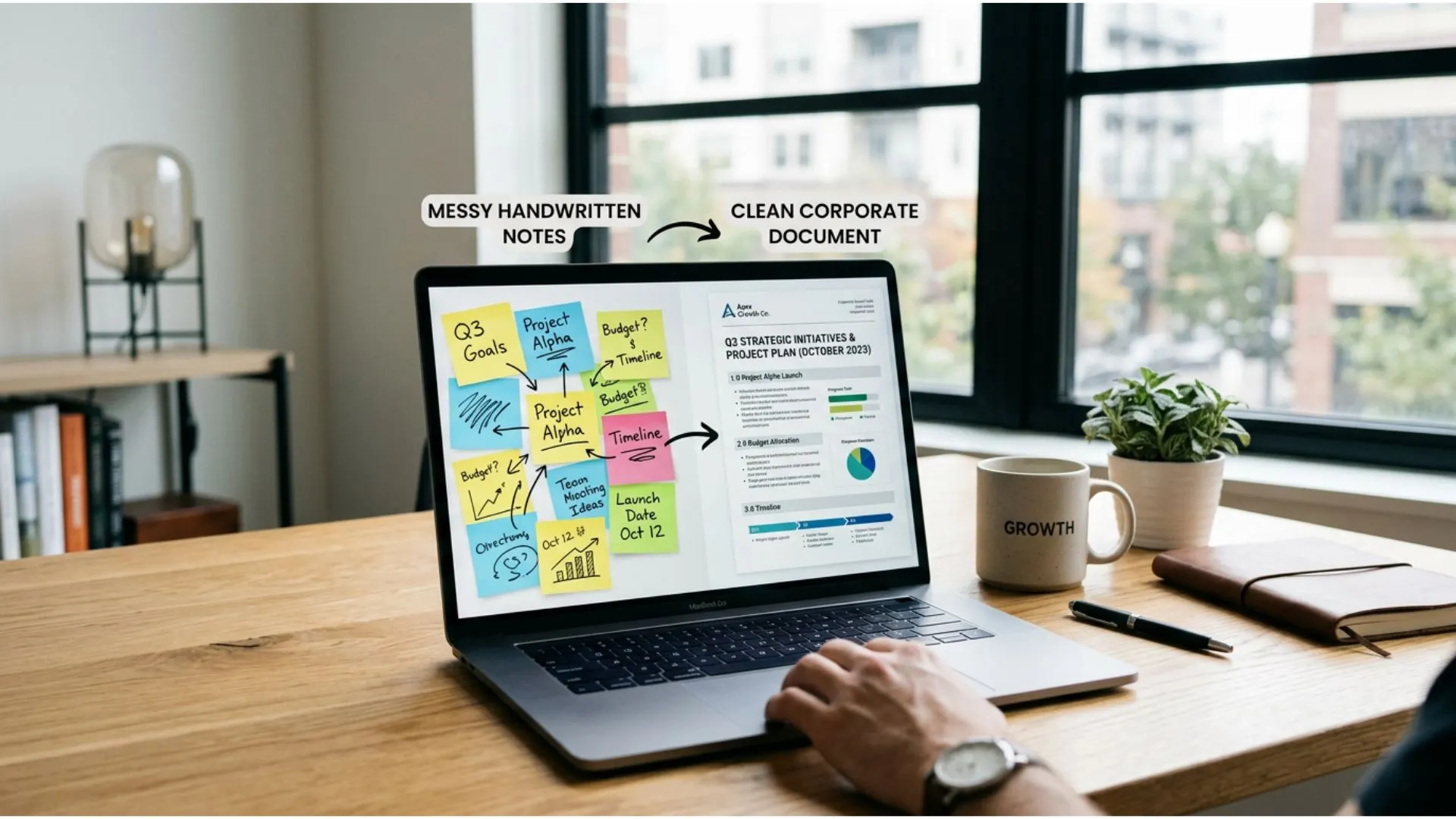
- Summarize a Meeting: Paste your messy notes from a call and ask for a clean list of action items.
- Draft an Email: Ask the AI to write a polite but firm response to a scope-creep request.
If you can do these three things, you have passed Week 1. You have proven that the tool can save you mental energy. Now, we scale.
Week 2: Reclaiming Marketing & Content (The Time Sink)
If Week 1 was about dipping your toe in the water, Week 2 is about diving in. For most small business owners, marketing is the source of the greatest guilt. You know you need to be visible to grow, but client delivery always takes priority. As a result, your blog is dusty, your newsletter is sporadic, and your social media presence is inconsistent.
This is where ai implementation delivers the fastest, most visible Return on Investment (ROI).
The Content Crisis
The problem isn't that you don't have ideas; it's that you don't have the time to articulate them. You are an expert in your field, but extracting that expertise onto a page takes hours you don't have.
This week, we shift your role. You are no longer the Writer; you are the Editor-in-Chief.
The "First Draft" Strategy
Blank page syndrome is the enemy of speed. In Week 2, your goal is to never write from scratch again.
The Workflow:
Instead of sitting down to "write a blog post," use voice-to-text to ramble your thoughts on a topic for 3 minutes. You might say:
"I want to talk about why small businesses fail at SEO. It's usually because they chase high-volume keywords instead of local intent. I saw a client yesterday who..."
Take that raw transcript and feed it to your AI tool with a specific prompt:
"Act as a senior content marketer. Take these raw thoughts and structure them into a 500-word blog post. Use a professional but approachable tone. Use short paragraphs and bullet points."
In 30 seconds, you have a draft that is 80% there. Your job is to spend 10 minutes refining it—adding your personal flair, correcting nuances, and injecting your brand voice. You have just turned a 2-hour task into a 15-minute task.
Repurposing Content: The Multiplier Effect
The most efficient businesses don't create more content; they distribute content better. AI excels at repurposing.
Take that blog post you just created. Do not let it sit alone on your website. Use AI to fracture it into micro-content.
- Prompt: "Take this blog post and write 3 LinkedIn posts, 5 Twitter/X threads, and a script for a 60-second Instagram Reel."
- Prompt: "Turn this blog post into a teaser email for my newsletter list. Focus on the curiosity gap."
Suddenly, one idea has populated your content calendar for the entire week. This is how you look like a team of ten when you are a team of two.
Quality Control: Garbage In, Garbage Out
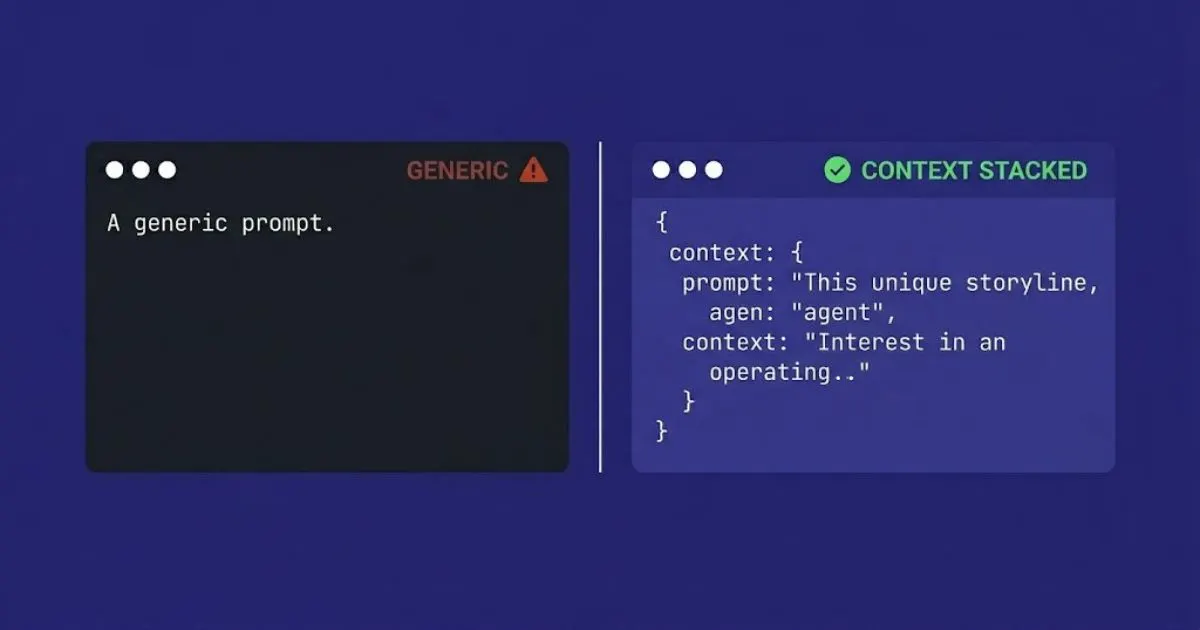
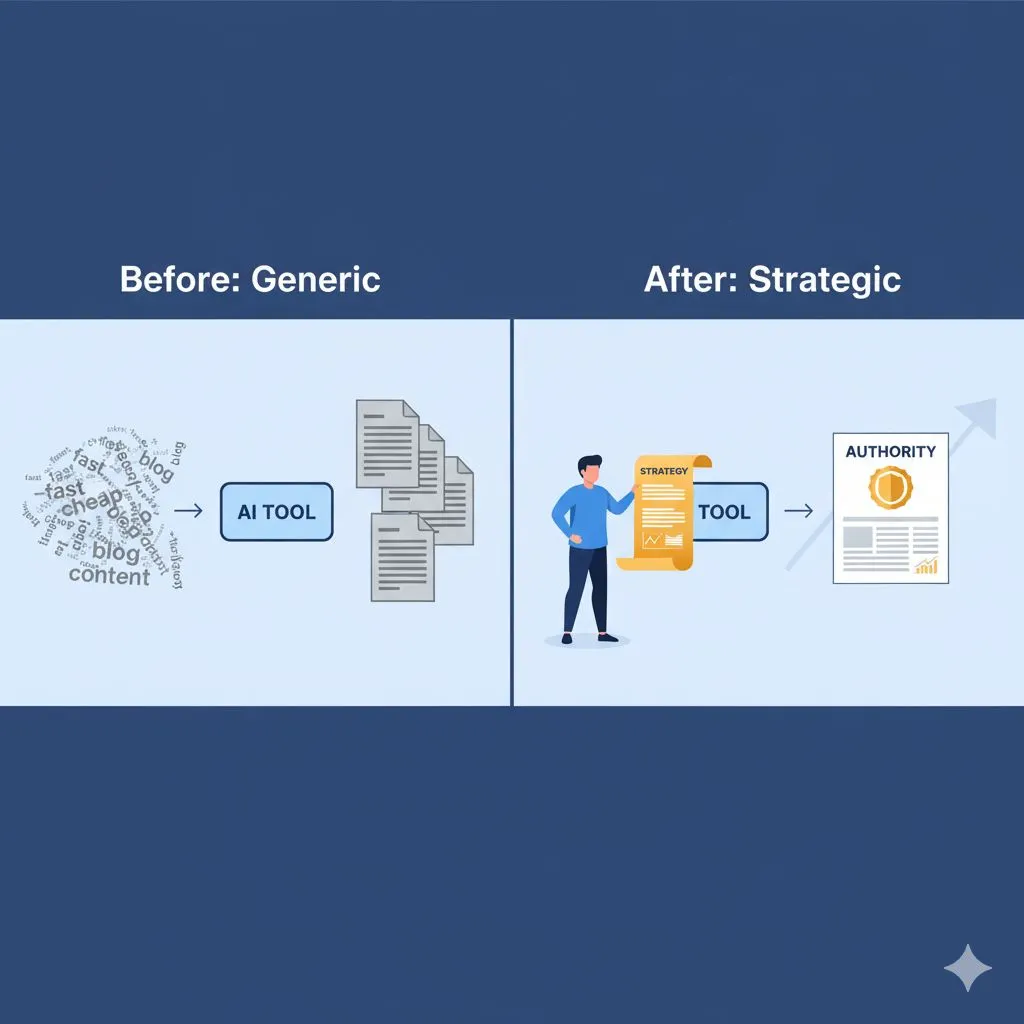
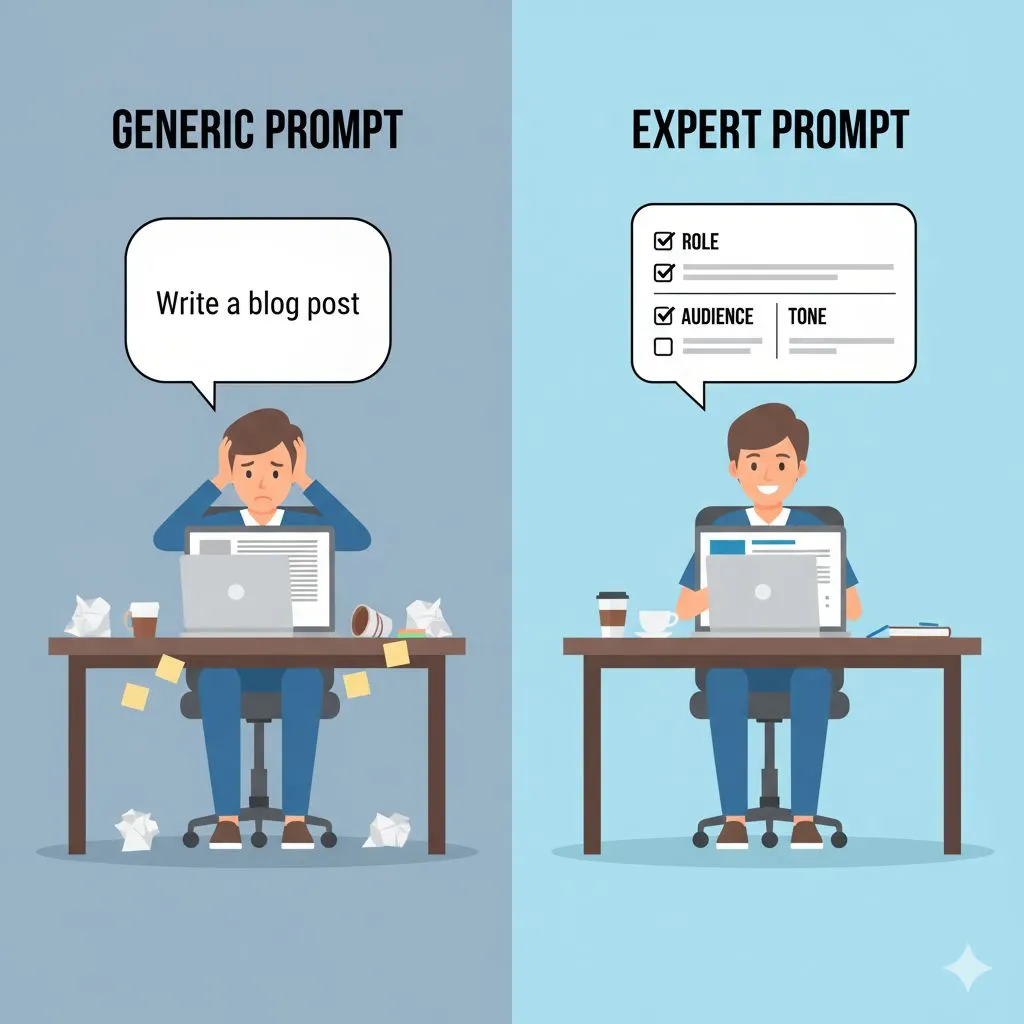
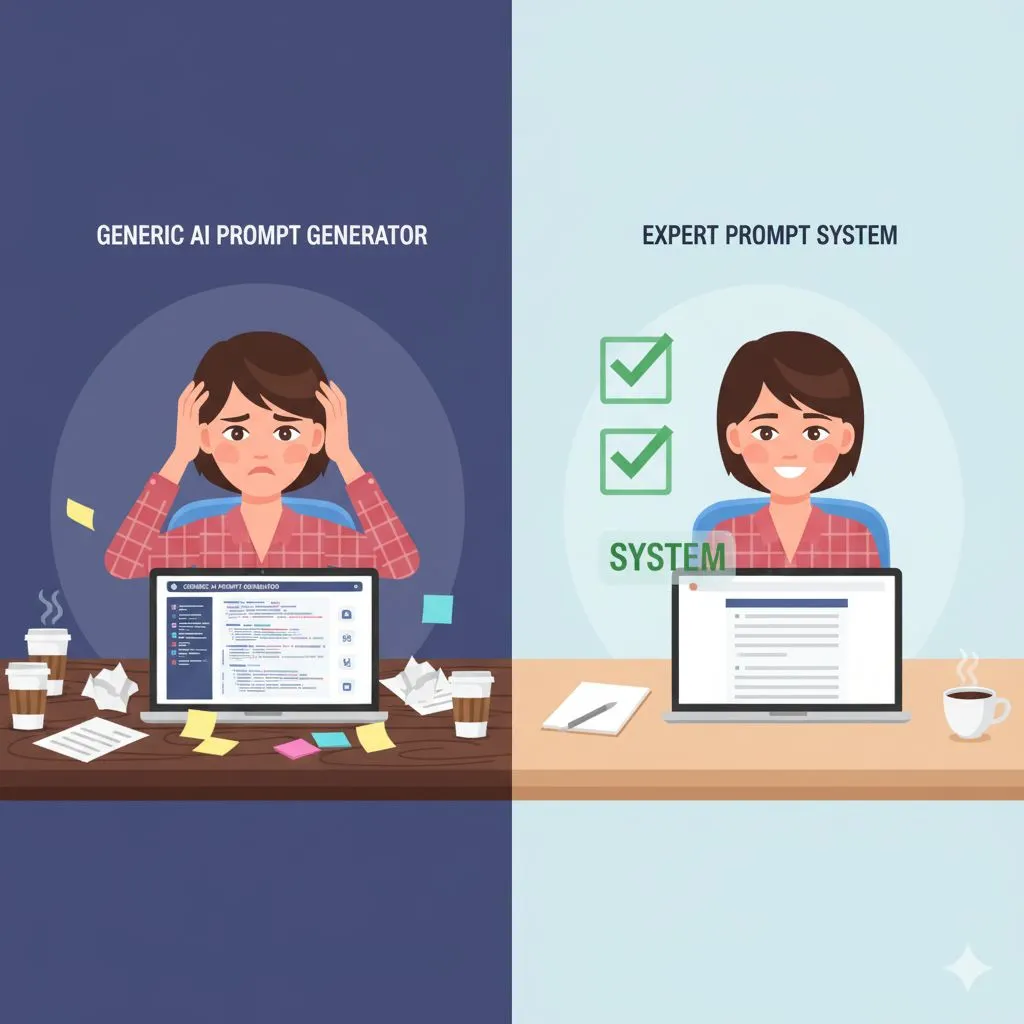
This is the critical friction point where many entrepreneurs fail. They use generic prompts like "Write a blog about SEO" and get generic, robotic trash that hurts their brand credibility.
To protect it, you must master the art of prompt engineering — the skill that separates business owners who get generic results from those who get expert-level outputs. You cannot treat the AI like a search engine; you must treat it like a junior employee. You have to give it context, constraints, and examples.
- Bad Prompt: "Write a post about productivity."
- Expert Prompt: "You are an efficiency consultant for creative agencies. Write a LinkedIn post challenging the idea that 'hustle' is required for success. Advocate for 'flow state' instead. Tone: Empathetic, authoritative, slightly contrarian."
The difference in output quality between those two prompts is the difference between looking like a spam bot and looking like a thought leader. This is where investing in proven industry-specific Expert AI Prompts pays for itself immediately — it eliminates the trial-and-error phase and delivers expert-level outputs from day one.
Week 3: Streamlining Operations & Admin (The Invisible Work)
By Week 3, your marketing content should be flowing with significantly less friction. Now, we turn our attention inward. Operations, administration, and customer communication are the "invisible work" that eats up 40% of your week. These are the tasks that don't generate new revenue but are required to keep the lights on.
Effective ai implementation in operations isn't about flashy outputs; it's about silence. It’s about quieting the noise of daily logistics so you can think strategically.
Email Triage and Customer Support
How much time do you spend answering the same five questions? "How much does this cost?" "What is your turnaround time?" "Can we hop on a quick call?"
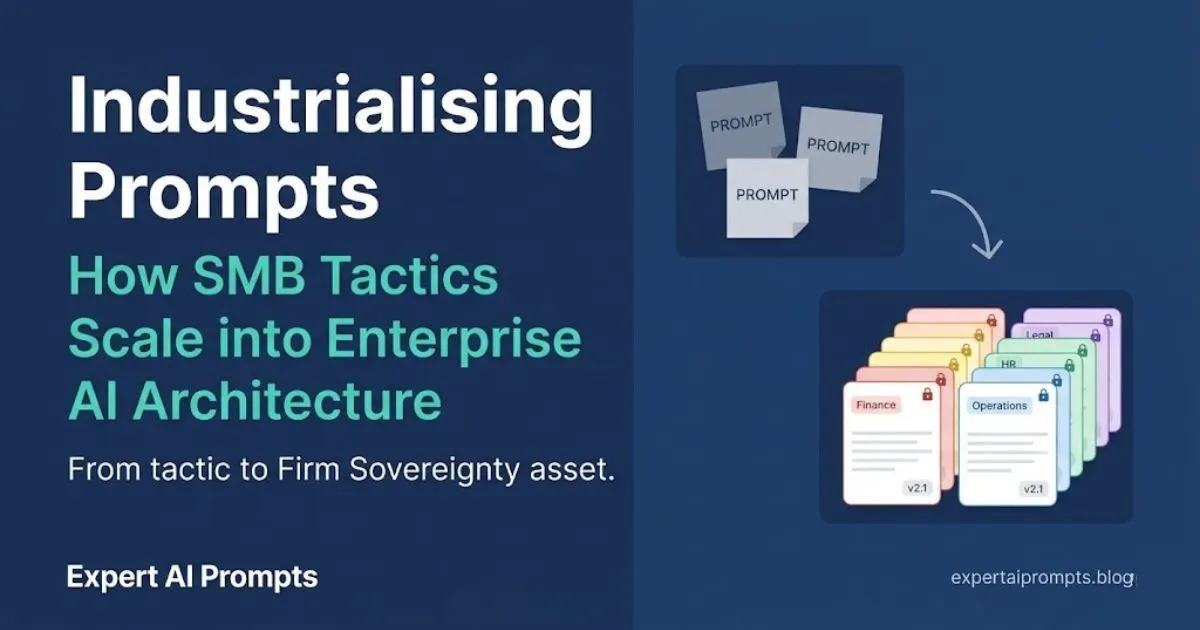
In Week 3, build a "Prompt Library" for your inbox.
Create a document with your standard pricing, service descriptions, and policies. When an email comes in, paste the inquiry into your AI tool along with your policy document.
- Prompt: "Here is an email from a potential client asking for a discount. Here is my policy document stating we do not discount, but we do offer payment plans. Draft a polite, professional reply that holds the boundary on price but offers the payment plan as a helpful alternative."
This removes the emotional labor of saying "no." It ensures you are always polite, consistent, and quick. You can even set up prompts to adjust the tone based on the recipient—formal for corporate clients, casual for startups.
SOP Creation: The Path to Delegation
You want to scale, which eventually means hiring help (human help). But you can't hire effectively if your processes are all in your head. You need Standard Operating Procedures (SOPs).
Writing SOPs is tedious. AI makes it easy.
Next time you perform a complex task—like "Onboarding a New Client"—record a loom video or voice memo describing what you are doing as you do it.
- "Okay, first I open the CRM, then I create a new contact. I make sure to tag them as 'Active'. Then I send the Welcome Packet PDF..."
Transcribe that recording and feed it to the AI.
- Prompt: "Turn this transcript into a step-by-step Standard Operating Procedure. Use bold headers for each step. Create a checklist at the end."
Now you have a training manual. When you are ready to hire a virtual assistant, you hand them these AI-generated SOPs, and you have cut their training time in half.
For ready-built AI implementation workflows and how-to guides that cover client onboarding, content delivery, and team delegation — skip the setup and start with a proven framework.
Meeting Notes & Action Items
One of the biggest leaks in business efficiency is the "post-meeting amnesia." You have a great call with a prospect, you agree to send a proposal, and then... life happens. You forget the specific details they mentioned.
Use AI to process your meeting notes. If you take rough shorthand notes during a call, they might look like gibberish to anyone else.
- Notes: "Budget 5k, needs launch by March, worried about mobile opt, likes blue."
Prompt: "I am a web designer. Here are my rough notes from a client discovery call. Please write a follow-up email to the client summarizing what we discussed, confirming their budget of $5k and March timeline, and reassuring them that we prioritize mobile optimization."
This ensures that within 10 minutes of hanging up, your client receives a professional summary. This level of responsiveness builds immense trust and authority—key drivers for closing sales.
Moving from "Doing" to "Reviewing"
The theme of Week 3 is the shift in your identity. You are stepping out of the weeds. By using AI to handle the first draft of emails, SOPs, and summaries, you become the quality control manager of your business rather than the factory worker. You are still responsible for the final output, but you are no longer manufacturing the raw materials.
Week 4: Review, Refine, and Scale (The Strategic Pivot)
Welcome to the final week of your first month. You have audited your time, streamlined your content creation, and organized your operations. Now, you must pause and assess. AI implementation is not a "set it and forget it" project. It is an evolving discipline.
In Week 4, we measure results and look for leverage.
The ROI Check
Business is about math. Did this experiment work?
Sit down and look at your schedule. Compare it to where you were 30 days ago.
- Are you spending less time staring at a blank screen?
- Are your emails going out faster?
- Is your social media presence more consistent?
Calculate the hours saved. If AI saved you 5 hours a week, and your hourly rate is $150, that is $3,000/month in reclaimed value. Compare that to the $20-$50 subscription cost of your tools. Use the free AI ROI calculator for small business to run the exact numbers for your business — the ROI case becomes undeniable when you see it in your own figures.
Quality Audit
Review the content and emails you sent out this month.
- Do they sound like you?
- Did engagement go up or down?
- Did clients notice a difference?
If you find the content feels "generic," it means your prompts need tightening. This is normal. Refine your "Context" inputs. Feed the AI examples of your best previous writing and ask it to analyze your style so it can mimic it better in the future.
Expanding the Scope
Now that you have mastered the basics, where else can you apply this leverage?
- Sales: Can AI help you roleplay sales objections before a big pitch?
- Data Analysis: can you upload your monthly expense spreadsheet and ask the AI to find trends or cost-saving opportunities?
- Product Development: Can you use AI to brainstorm new service packages based on client feedback?
Building the Habit
The danger after 30 days is slipping back into old habits. It is easier to just "quickly write the email myself" than to open the AI tool—or so you think. But that is a trap. That "quick" email breaks your focus and drags you back into the weeds.
Commit to the new workflow. Make the AI tool your default browser homepage. Keep your library of "Expert Prompts" open in a tab. The goal is for AI to become as natural to your workflow as Googling an answer.
Conclusion: Your New Normal
Thirty days ago, you were drowning in tasks, struggling to find time for strategy. Today, you have a digital partner that handles the grunt work.
You haven't replaced yourself; you’ve scaled yourself.
Real ai implementation isn't about generating a million words of text; it's about generating freedom. It's about giving you the mental space to look at your business and ask, "What's next?" instead of "What did I forget?"
The difference between the businesses that will dominate the next decade and those that will struggle isn't the size of their team—it's the quality of their systems. You now have the foundation of a system that allows you to compete with the big players.
But remember, the tool is only as good as the operator. The magic isn't in the AI; it's in the strategy and the prompts you use to drive it. Don't settle for average outputs. Demand expert-level results.
Download free AI prompts and resources — eleven no-cost tools to accelerate your first 30 days, including the 5-Hour Saver Prompts and the Perfect Prompt Framework.
Ready to stop guessing and start scaling?
You don’t have to invent these prompts from scratch. We have done the heavy lifting for you.
Unlock the Ultimate Guide to AI for Small Business & Get Your Prompt Pack
Ready to go further? Browse all 30 industry-specific prompt packs and pricing — one-time investment, lifetime access.