Reclaim Your Weekends: 5 AI Workflows for Burned Out Founders
Reclaim Your Weekends: 5 AI Workflows for Burned Out Founders
Jan 30, 2026

Part 1: The Trap of the "Everything" Founder
If you are reading this, your Saturday probably looks suspiciously like a Tuesday.
For founders, agency owners, and digital entrepreneurs, the concept of a "weekend" often feels like a relic from a past corporate life. When you are the CEO, the Head of Marketing, the Lead Salesperson, and the Customer Support Intern all at once, the math simply doesn't add up. There are not enough hours in the day to operate your business and grow it, let alone relax.
You have likely tried the standard productivity hacks. You’ve color-coded your Google Calendar, you’ve tried the Pomodoro technique, and you’ve downloaded a dozen project management apps. But the problem isn't that you are disorganized. The problem is that you are overextended.
This is where time management AI shifts from a buzzword to a survival mechanism.
Most small business owners treat AI like a novelty—a way to generate a funny image or write a generic blog post. But if you want to compete with larger agencies and actually see your family this weekend, you need to stop looking at AI as a "content writer" and start treating it as an "Operations Manager."
The secret isn't just asking ChatGPT to "do" things. It is about building reliable, repeatable AI workflows that act as a force multiplier for your limited time. For a practical breakdown, our guide on how to use a personal AI assistant to delegate tasks shows you exactly how to build this system from day one.
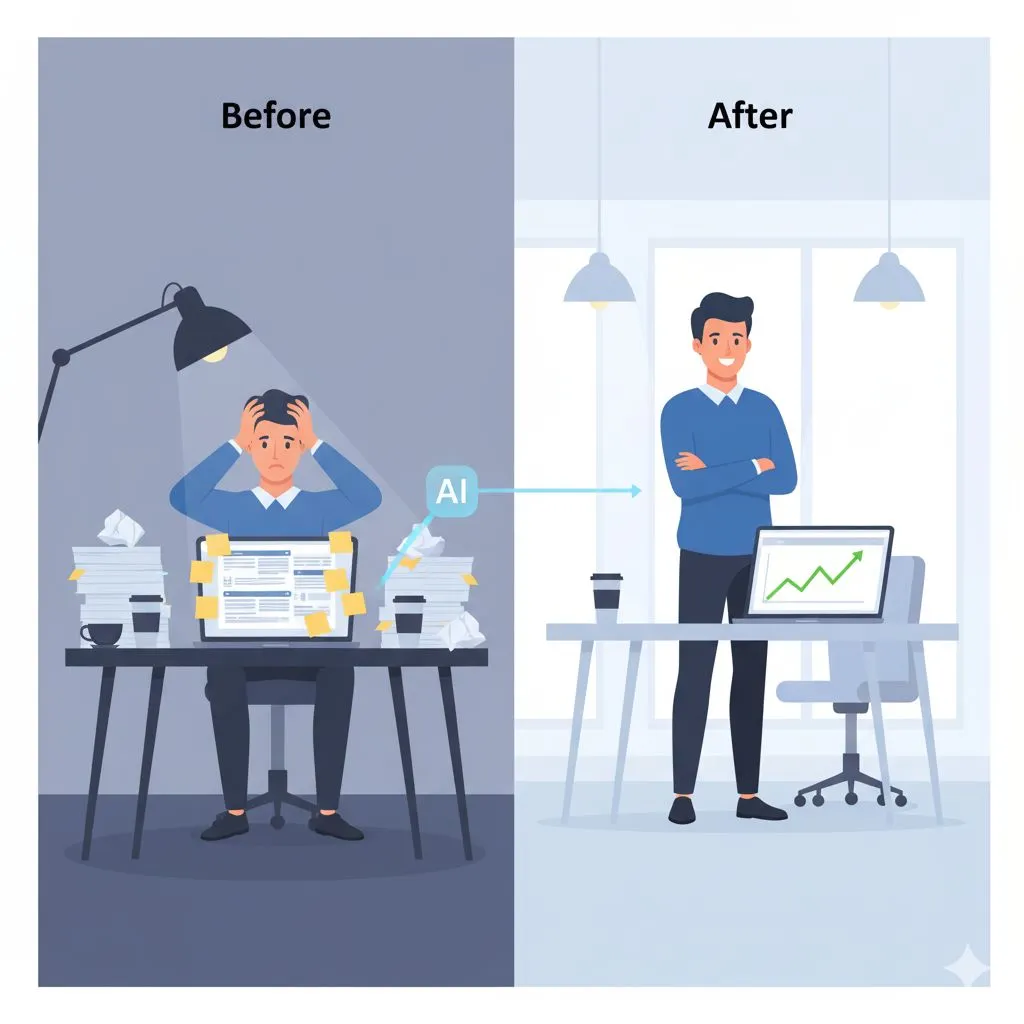
Below are five battle-tested workflows designed to take the heaviest cognitive loads off your plate, allowing you to transition from a stressed operator to a strategic owner.
Part 2: Communications & Content (The Time Vampires)
Workflow 1: The Intelligent Inbox Triage (Your Communications Manager)
The Bottleneck:
Small business owners spend an average of 2–3 hours a day managing email. It’s not just the typing; it’s the mental context switching. Every time you switch from "Strategic Planning" to "Answering a client's question about a generic invoice," you lose focus currency that you can’t get back.
The AI Workflow:
Stop writing emails from scratch. Instead, use AI to transform bullet points into polished, empathetic, and professional responses. But go one step further: use AI to read for you.
How to Execute:
Batch Processing: Instead of checking email every 10 minutes, dump the text of complex client emails into a secure AI thread once in the morning.
The "Triage" Prompt: Instruct the AI to analyze the text and extract three things:
- The core question asking for a decision.
- Any implied deadlines.
- The sentiment of the client (Are they happy? Anxious? Frustrated?).
The "Draft" Phase: Provide the AI with your shorthand decision (e.g., "Tell them yes, but we need 2 more days"). Ask it to draft a response in your specific brand voice—professional but approachable. To get consistent, on-brand results every time, first work through our step-by-step guide to training AI to write in your brand voice.
The Result:
You shift from "Reply Mode" (creative energy) to "Review Mode" (editorial energy). Reviewing a draft takes 30 seconds; writing one takes 10 minutes. Across 20 emails, you just saved 3 hours.
Workflow 2: The "One-to-Many" Content Multiplier (Your Marketing Team)
The Bottleneck:
You know you need to be on LinkedIn, Twitter, and your blog to build authority. But creating unique content for every platform is a full-time job. Most founders end up posting nothing because they don't have time to post everything.
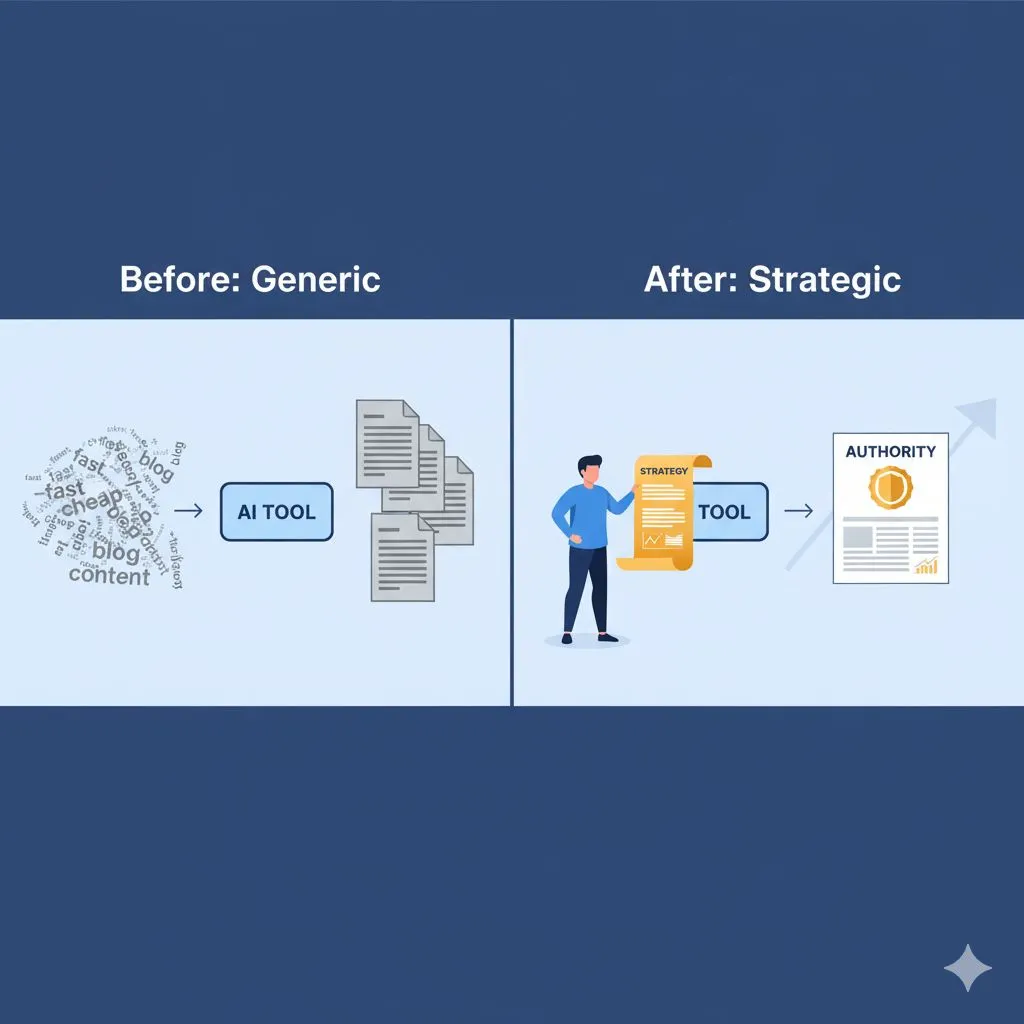
A complete framework for building that authority as a small team is laid out in The Small Business Playbook for AI Content Creation — the strategic guide to producing polished content across every platform without burning out.
The AI Workflow:
Stop trying to create content. Start documenting. This workflow turns one "Core Asset" into a week’s worth of distribution.
How to Execute:
- The Brain Dump: Record a 5-minute voice note on your phone about a problem you solved for a client this week. It doesn't need to be polished; it just needs to be smart.
- Transcribe & Structure: Use a transcription tool to turn that audio into text. Feed this raw text into your AI model.
- The "Cascade" Prompt: Ask the AI to repurpose this single transcript into:
- 1 Long-form LinkedIn Post: Focusing on the "Lesson Learned."
- 3 Short Tweets/Threads: Focusing on the "Hot Take" or punchy stats.
- 1 Newsletter Segment: Focusing on the "Behind the Scenes" value.
The Result:
You are no longer staring at a blinking cursor wondering what to post. You are documenting your actual expertise, and time management AI is handling the formatting and distribution strategy. You appear omnipresent, but you only spent 15 minutes talking to your phone.
Take this further with our free 1-week AI content plan template — a done-for-you content calendar built around AI prompts so you never face a blank week again.
Part 3: Operations & Strategy (The Growth Blockers)
Workflow 3: The Meeting-to-Action Pipeline (Your Project Manager)
The Bottleneck:
Meetings are where work is discussed, but often where work goes to die. If you finish a client call and don't immediately type up notes, scope requests, and tasks, things fall through the cracks. This leads to scope creep and unpaid work—the enemy of the profitable agency.
The AI Workflow:
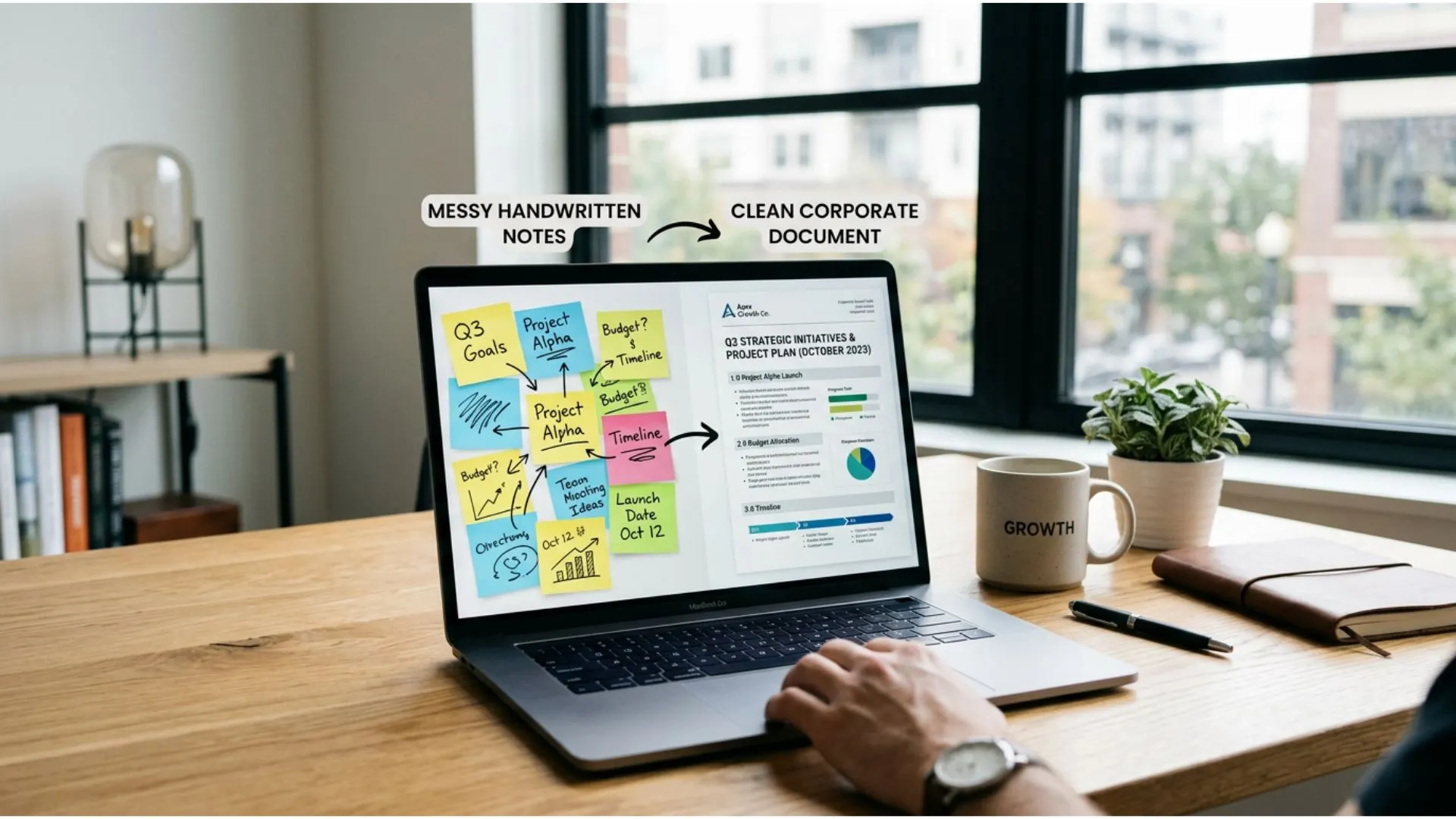
Turn "Chatter" into "Specs" instantly.
How to Execute:
- Record & Transcribe: (With permission) Record your client consultations or strategy sessions.
- The "Project Manager" Prompt: Paste the transcript into your AI. Do not ask for a summary (summaries are vague). Ask for an Action Matrix:
- Deliverables: What exactly did we promise?
- Deadlines: What dates were mentioned?
- Scope Flags: Did the client mention anything outside the original contract?
- Next Steps: Who needs to do what by when?
The Result:
You can send a "recap and confirmation" email to the client 5 minutes after the call ends. This screams professionalism and ensures you never accidentally agree to unpaid work.
For deeper systems across every business function, explore our full library of Implementation & How-To Guides — step-by-step AI workflow blueprints built for small business operators.
Workflow 4: The Decision Matrix Accelerator (Your Strategic Advisor)
The Bottleneck:
"Decision Fatigue" is real. By 3:00 PM, your brain is toast. Should you hire that freelancer? Should you buy that new software? Should you fire that difficult client? When you are tired, you procrastinate, and the business stalls.
The AI Workflow:
Use AI as an objective, emotionless board of advisors to force clarity.
How to Execute:
- The Context Dump: Explain the situation to the AI clearly. "I have Client X who pays well but demands too much time. I have Prospect Y who looks promising but has a lower budget."
- The "Mental Model" Prompt: Ask the AI to evaluate the decision using specific mental models, such as:
- The Eisenhower Matrix: Is this urgent or important?
- Second-Order Thinking: What are the consequences of this decision 6 months from now?
- The 80/20 Rule: Which option gives the highest return for the lowest effort?
The Result:
The AI won't make the decision for you, but it will lay out the logic without the emotional fog. It helps you cut through the noise and make executive decisions faster, preserving your mental energy for the work that matters.
Founders navigating high-stakes purchases or tool decisions will also want to read 3 mistakes solopreneurs make when buying AI tools — a sharp advisory that saves you from expensive decision traps.
Part 4: Sales & Conclusion (Reclaiming Freedom)
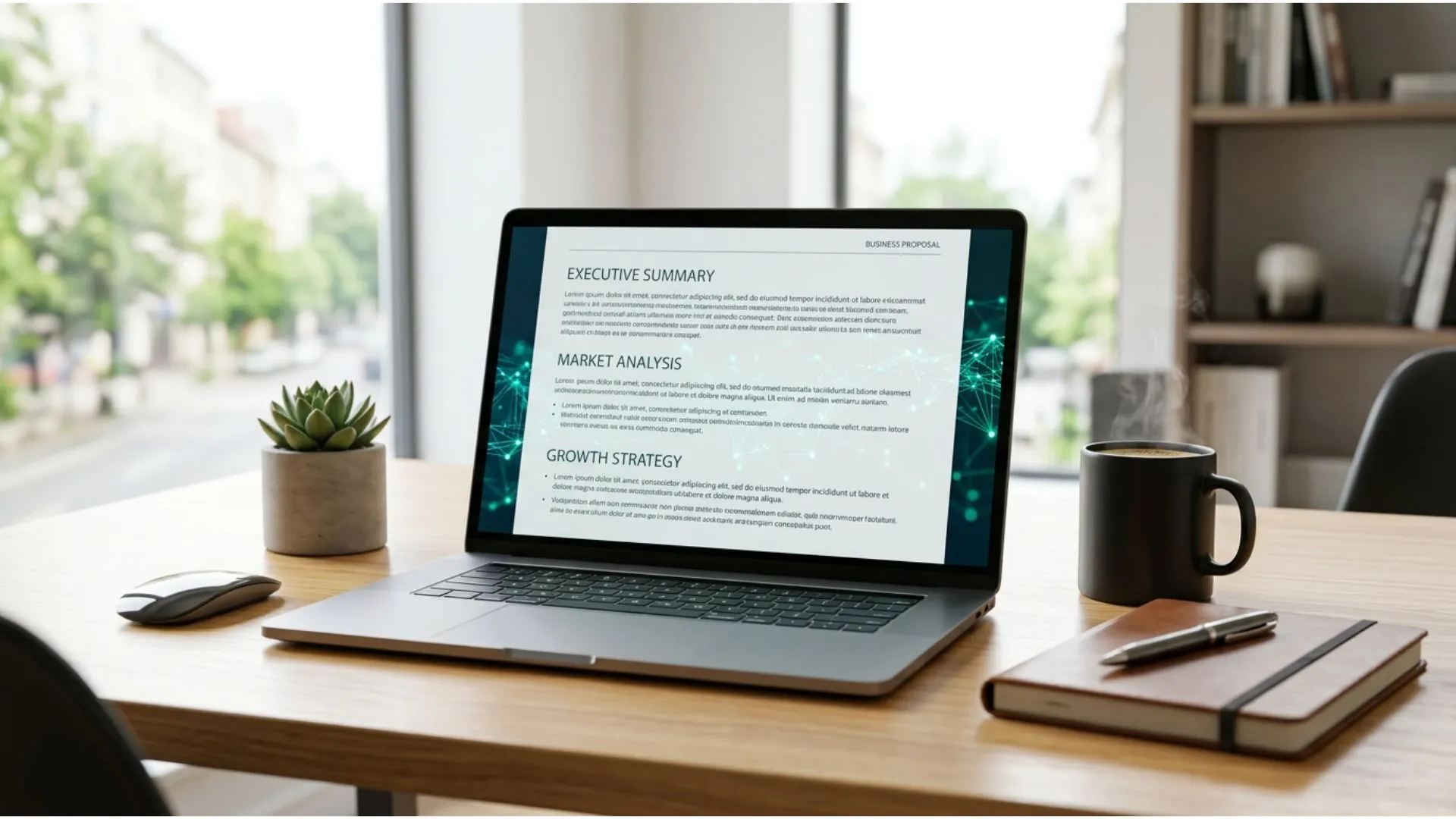
Workflow 5: The "First Draft" Proposal Sprint (Your Sales Associate)
The Bottleneck:
Proposals are essential for revenue, but they are tedious to write. Many founders delay writing proposals because they dread the blank page. A delayed proposal drastically reduces your closing rate.
The AI Workflow:
The goal is to get to the "Editing Phase" as fast as possible. You should never write a proposal from scratch again.
How to Execute:
- Template Injection: Feed the AI a stripped-down version of your best winning proposal to teach it your structure and pricing model.
- Client Customization: Paste your notes from the discovery call (see Workflow 3).
- The "Drafting" Prompt: Command the AI to: "Write a proposal for [Client Name] using [My Template]. Address their specific pain point of [X] and position our solution [Y] as the only viable option. Keep the tone confident and consultative."
The Result:
You get an 80% complete proposal in seconds. Your job is now to refine the strategy and check the pricing, not to agonize over the introductory paragraph. You can get a proposal out the door while the lead is still hot.
Founders building agency-level client acquisition can shortcut this entire workflow with the AI Prompts for Agency Growth Toolkit — 50 pre-built prompts for pitching, scoping, onboarding, and closing clients at speed.
Conclusion: From Operator to Owner
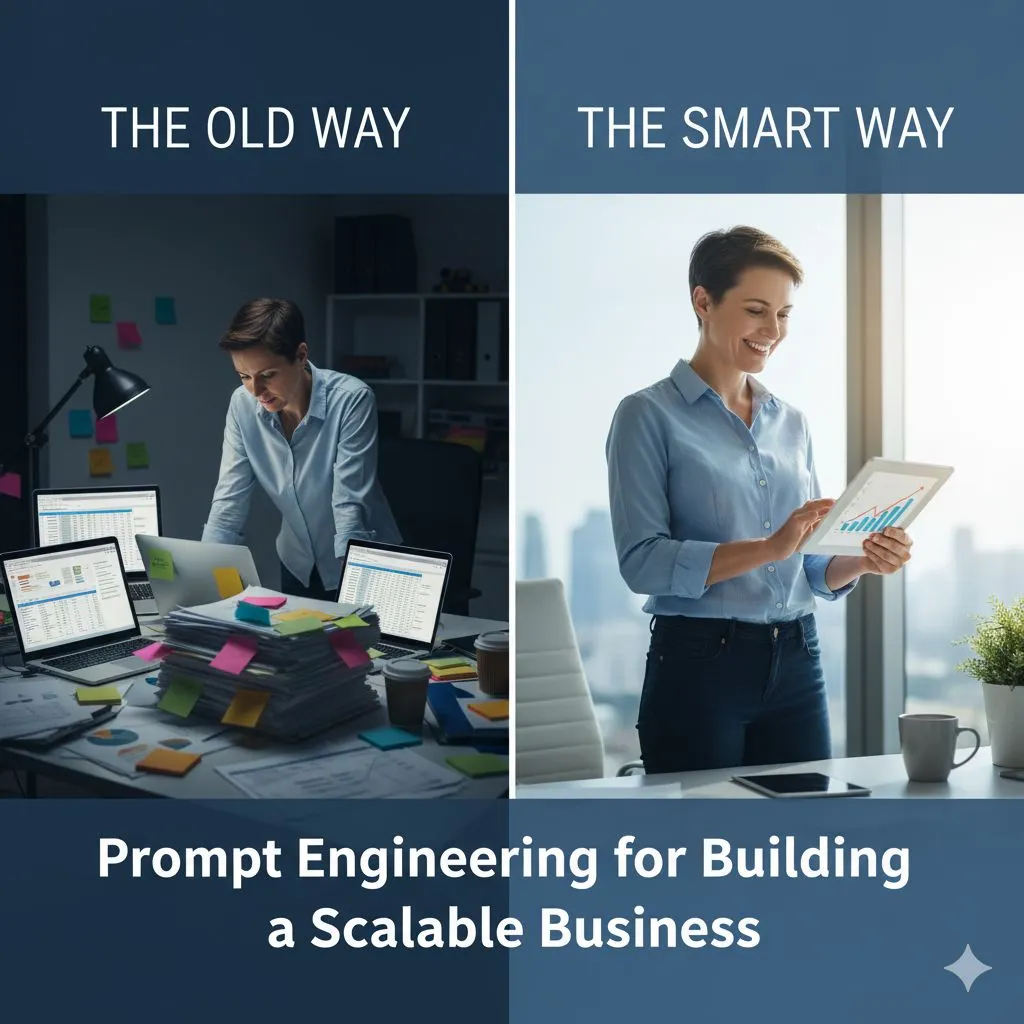
The difference between a burned-out freelancer and a scalable business owner isn't usually talent—it's systems.
Alex, if you are tired of trading your time for money at a 1:1 ratio, these workflows are your exit strategy. By implementing time management AI, you aren't "cheating" at business; you are finally equipping yourself with the resources that big agencies have had for years: a team. It just so happens that your team is digital, costs a fraction of a salary, and works 24/7.
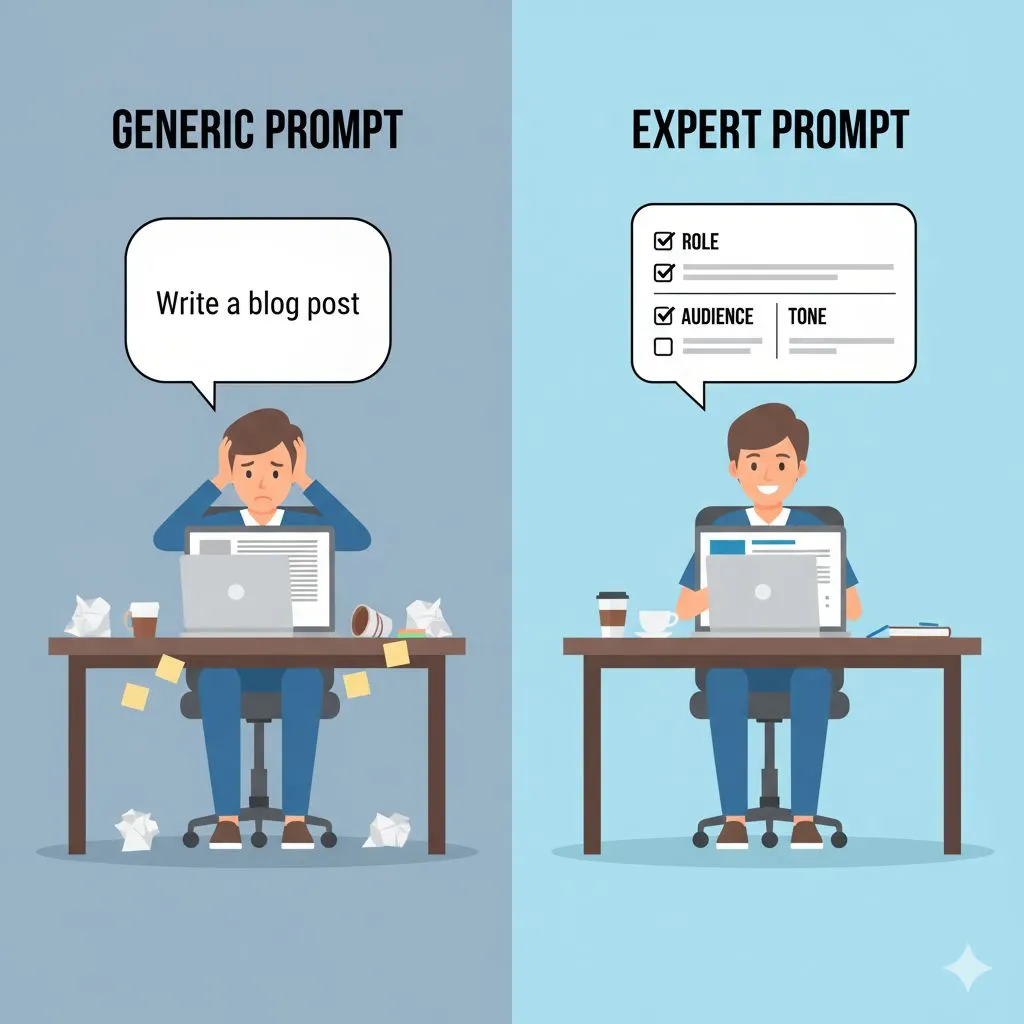
But remember: AI is only as good as the instructions you give it. The magic isn't in the tool; it's in the prompt. Master that skill with the Entrepreneur's Playbook for Prompt Engineering — the definitive guide to writing prompts that produce expert-level results every single time.
Start with one workflow. Reclaim that first hour. Then, reclaim your Saturday.
Ready to stop guessing and start scaling?
You don't need to invent these prompts from scratch. We have built the exact frameworks you need to plug into these workflows immediately.
Ready to go beyond free and access all 30 industry-specific prompt packs? Browse the full Expert AI Prompts pricing catalog and choose the pack built for your exact business model.
Get Your Free "5 Hours Back" Prompt Pack Today
Stop spinning your wheels. Download the prompts, copy, paste, and take the rest of the day off. You earned it.
Further Reading
• The Ultimate Guide to AI for Small Business