How to Upskill Your Team on AI Without Buying Expensive Courses
How to Upskill Your Team on AI Without Buying Expensive Courses
Jan 28, 2026

If you are like most small business owners, you are tired. You are juggling client delivery, managing a lean team, and trying to keep the cash flow positive. Somewhere in the back of your mind, a nagging voice is telling you that you need to "get on board" with Artificial Intelligence (AI). You see the headlines. You see your competitors churning out content at impossible speeds. You know you need to adapt.
But then you look at the options. Corporate training seminars cost thousands of dollars. "Certified" AI courses take weeks to complete and often result in theoretical knowledge that doesn't actually help you ship products or close leads. As a small business owner, you don’t have the budget for a consultant, and you certainly don’t have the time to send your team away on a week-long retreat.
Here is the truth: You don’t need to.
The most effective artificial intelligence learning happens not in a classroom, but in the trenches of your daily operations. Upskilling your team on AI isn't about buying a diploma; it's about building a habit. It is about shifting from "overworked operator" to "tech-enabled strategist."
This guide will walk you through a practical, zero-fluff approach to training your team on AI using resources you already have. We will focus on ROI, efficiency, and immediate application—helping you scale your business without scaling your costs.
Phase 1: The Cultural Shift – From Skepticism to Sandbox
Before you send your team a list of YouTube links or login credentials for ChatGPT, you have to address the elephant in the room. In many small teams, the introduction of AI is met with two distinct emotions: skepticism or fear.
- The Skeptic thinks this is just another crypto-style hype cycle that will blow over.
- The Fearful worries that training an AI is essentially training their replacement.
If you don't address these mindset barriers first, no amount of free training will work. Your team will drag their feet.
Creating Psychological Safety
You need to reframe the narrative. AI is not a replacement for your team; it is an exoskeleton for them. It allows a good writer to become a prolific publisher. It allows a detailed administrator to become a data analyst.
Start by explicitly stating: "Our goal with AI is not to cut staff. It is to cut the drudgery out of your job so we can all go home on time and grow the business without burning out."
The "AI Sandbox" Method
Formal training often fails because the stakes are too high. If an employee feels they have to get it "perfect" on the first try, they won't use the tool. You need to create a "Sandbox."
A Sandbox is a designated project or time block where failure is free. It’s a low-risk environment.
- Don't start with client work. Do not ask your team to use AI to write a proposal for your biggest prospect on day one.
- Start with internal friction. Ask them to use AI to summarize a messy meeting transcript, organize a chaotic inbox, or brainstorm ideas for the company holiday party.
When the outcome doesn't impact revenue, your team will feel free to play. And "play" is the fastest way to learn a new technology.
The 80/20 Rule of AI Adoption
As a small business owner, you likely suffer from "Shiny Object Syndrome." New tools launch every day. If you try to teach your team everything, they will learn nothing.
Apply the Pareto Principle (80/20 rule) to your AI stack.
- 20% of the tools (usually a Large Language Model like ChatGPT/Claude/Gemini and perhaps one image generator or automation tool) will deliver 80% of the results.
- Focus your upskilling efforts strictly on these core tools. Ignore the niche apps until you have mastered the basics.
By narrowing the focus, you reduce overwhelm. You aren't asking your team to become computer scientists; you are asking them to become power users of one or two specific tools that will make their lives easier immediately. For a real-world breakdown of how lean teams deploy this approach, read how solopreneurs use AI to compete with larger teams.
Phase 2: The DIY Curriculum (Leveraging Free Resources)
Once the mindset is right, you need materials. The good news is that the best artificial intelligence learning resources are currently free. The speed of AI development moves faster than any university curriculum can keep up with. By the time a formal course is recorded, edited, and sold, it is often obsolete. That is why the best AI tools for business guide focuses on practical, immediately applicable tools — not theoretical frameworks that date within months.
Real-time learning happens on social media, newsletters, and documentation. Here is how to curate a "syllabus" for your team without spending a dime.
Curate, Don't Create
You do not have time to be the professor. Your job is to be the librarian.
Identify the Role Needs:
- Marketing: Needs prompts for copywriting, SEO, and social media variation.
- Operations/Admin: Needs prompts for data sorting, email drafting, and calendar management.
- Sales: Needs prompts for objection handling, script role-playing, and lead scoring.
The "YouTube University" List:
Find 3-5 credible creators who focus on practical application, not hype. Look for titles like "How to use AI for [Specific Task]" rather than "AI News of the Week." Curate a playlist of 5 videos that total less than an hour of watch time. Assign this as "homework" during work hours.
Vendor Documentation:
Ideally, the tools you use (like ChatGPT or Midjourney) have extensive help centers. These are often overlooked. They contain the specific syntax and commands that the developers themselves recommend.
Competitor Analysis as Learning
One of the best ways to learn is to reverse-engineer what is working in your market. Have your team find a competitor who is clearly scaling up their content or operations. Ask your team:
"How do we think they did this? If we had to replicate this output using AI, how would we do it?"
This changes the learning process from passive (watching a video) to active (solving a puzzle).
Phase 3: The "Lunch and Learn" Model
You have a small team (2–10 people). This is your advantage. You don't need a Learning Management System (LMS); you need a pizza and a whiteboard.
Implementing a weekly or bi-weekly "Lunch and Learn" session is the most effective way to socialize knowledge. In a small business, everyone wears many hats. If your Operations Manager figures out a way to use AI to clean up spreadsheets, your Marketing Manager needs to know that skill for their analytics.
Structure of the Session
Keep it short and high-energy. 30 to 45 minutes maximum.
- 0-5 mins: Review of the week. What tools broke? What updates were released?
- 5-20 mins: The "Feature Presentation." One team member rotates to present a specific use case they solved that week. Example: "I used AI to turn our 30-minute Zoom call into a checklist."
- 20-30 mins: Group troubleshooting. "I'm stuck on this prompt. It keeps giving me generic robot text. Help me fix it."
Gamify the Process: "Prompt of the Week"
To encourage the "Sandbox" mentality mentioned in Phase 1, introduce a small incentive.
- The Challenge: Who saved the most time this week? Who created the most creative image? Who automated the most boring task?
- The Reward: It doesn't have to be expensive. A gift card, a half-day off, or even just public recognition in the team chat.
The goal is to associate artificial intelligence learning with reward and recognition, rather than additional workload. When your team sees that "using AI" equals "praise and efficiency," adoption becomes viral within the company.
The "Buddy System"
If you have a slightly larger team (5-10 people), pair them up. Pair a tech-savvy employee with a tech-hesitant one. The goal isn't for the expert to do the work, but to sit side-by-side (or screen share) and guide the other through their first successful prompt.
The "Aha!" moment—when a skeptic sees a task that usually takes 2 hours finish in 2 minutes—is the most powerful training tool in existence. You can’t lecture that feeling; they have to experience it.
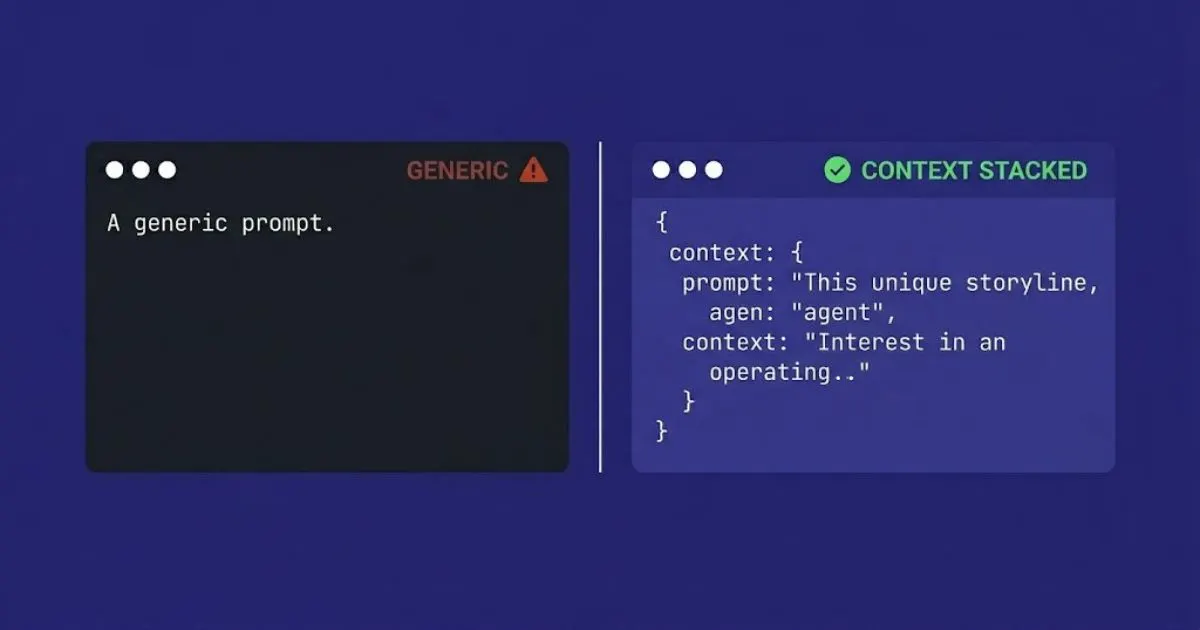
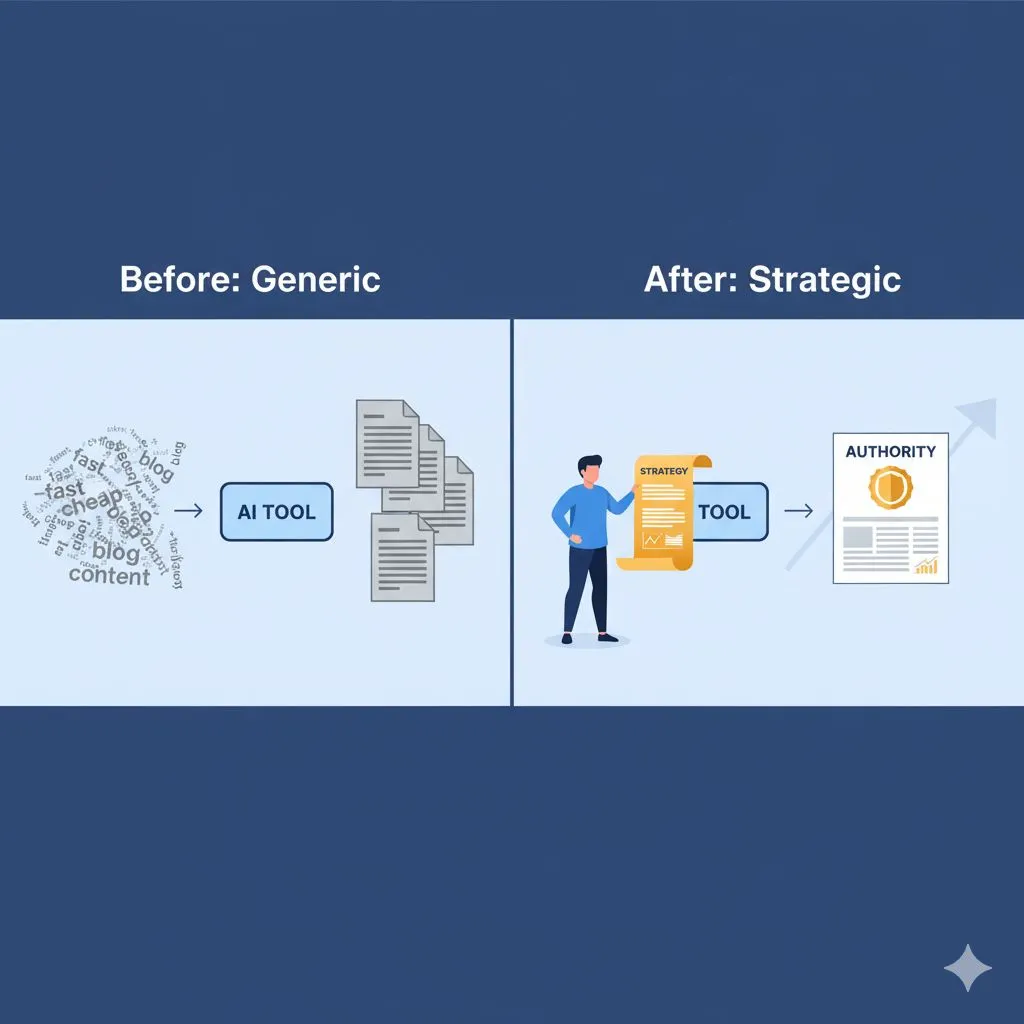
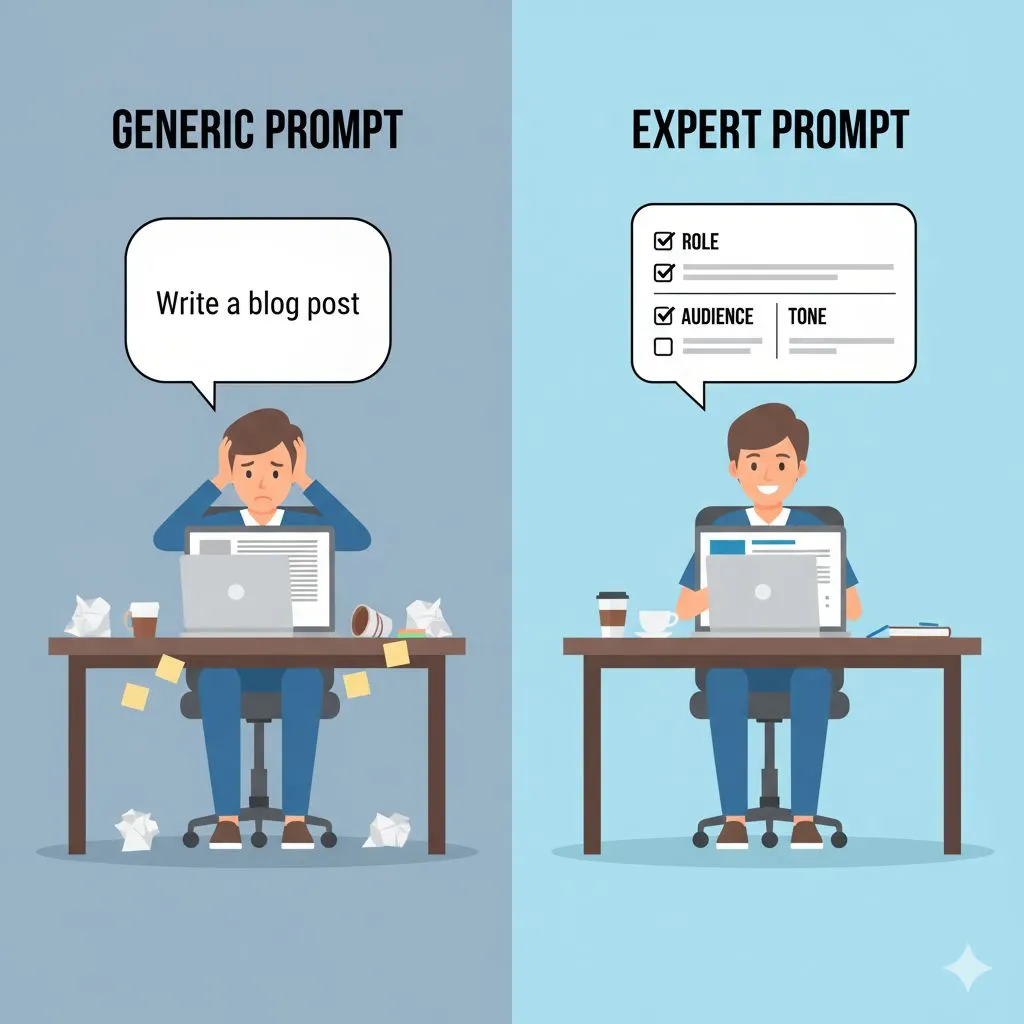
Before introducing your team to prompt frameworks, it helps to understand the difference between generic AI prompts and expert-structured prompts — the gap between the two is where most small business teams stall.
Phase 4: Prompt Engineering 101 – The Only Hard Skill You Need
If you are going to teach your team one technical skill, do not let it be Python coding or data visualization. Teach them Prompt Engineering.
Prompt engineering is simply the art of talking to the AI effectively. Most people fail at AI because they treat it like Google. They type in a keyword and expect a result. But AI is not a search engine; it is a reasoning engine. It needs context.
The CTCC Framework
To streamline this for your team, give them a formula. At Expert AI Prompts, we recommend a structure similar to this for every interaction. You can print this out and tape it to their monitors:
If you want 50 pre-built prompts already structured on this exact framework — engineered for your specific industry — the Prompt Engineering Edge AI Toolkit gives your team an expert foundation from day one.
C.T.C.C.
- Context: Who is the AI pretending to be? (e.g., "Act as a senior copywriter with 10 years of experience in B2B tech...")
- Task: What exactly do you want? (e.g., "Write a 300-word email sequence for cold outreach...")
- Context (Input Data): What information does it need? (e.g., "Here is the product description and our target persona...")
- Constraints: What should it avoid? (e.g., "No jargon, use short sentences, do not use the word 'delve', keep tone professional but friendly.")
The "Bad vs. Good" Workshop
Run a session where you compare outputs.
- Bad Prompt: "Write a blog about gardening."
- Result: Generic, fluffy, boring text that looks like Wikipedia.
- Good Prompt: "Act as a master gardener in Queensland. Write a blog post about preparing soil for tomatoes in a humid climate. Target the audience of a beginner urban gardener. Use a humorous, encouraging tone."
- Result: Specific, engaging, brand-relevant content.
Teach your team that if the output is bad, the user is usually to blame, not the bot. This empowers them to iterate rather than give up.
Handling Hallucinations
Part of upskilling is teaching skepticism. Teach your team that AI can "hallucinate" (make things up confidently).
- The Rule: Verify everything. AI is a drafter, not a publisher.
- The Practice: Never copy-paste directly to a client or a public platform without a human eye scanning for accuracy and tone.
Phase 5: Building Your Internal Knowledge Bank
As your team starts learning, you will face a new risk: "Knowledge Silos." If only Sarah knows the perfect prompt to generate monthly reports, and Sarah leaves the company, you have lost that capability.
You must capture this artificial intelligence learning into a tangible asset. The automated prompt engineering guide for consistent AI outputs shows exactly how to build this system — so your best prompts become a permanent business asset, not tribal knowledge.
The Prompt Library
Create a shared document (Google Doc, Notion, Trello, etc.) called the "Prompt Library."
Whenever someone creates a prompt that delivers a great result, they must copy-paste it into the library.
- Title: What does it do?
- The Prompt: The exact text used.
- Variables: Highlight the parts that need to be changed (e.g., [Client Name], [Product Type]).
Over time, this becomes a proprietary asset for your business. It allows a new hire to come in and immediately produce expert-level work by simply accessing the library.
AI-Assisted SOPs
Standard Operating Procedures (SOPs) are the backbone of a scalable business, but nobody likes writing them. Use AI to solve this.
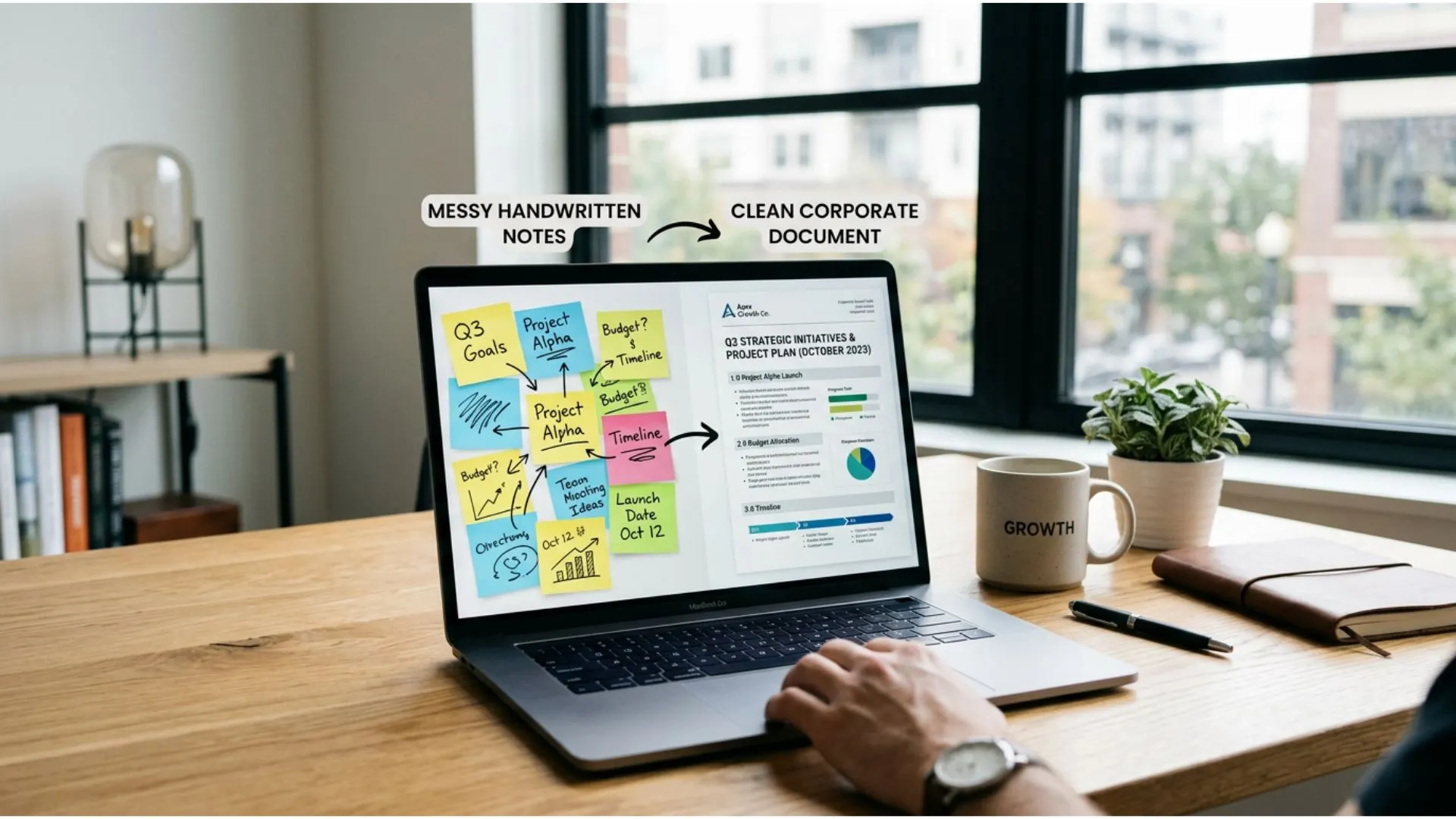
Train your team to record a Loom video of themselves doing a task. Then, transcribe that video and feed it into an AI.
- Prompt: "Read this transcript of me performing a task. Convert it into a step-by-step Standard Operating Procedure with checklists. Format it for a new employee handbook."
Suddenly, your upskilling efforts are producing permanent documentation. You are building a business that runs on systems, not just on individual effort.
Phase 6: The 30-Day "Lean Upskilling" Roadmap
To make this actionable, here is a simple 30-day plan you can launch next Monday. This allows you to integrate learning without halting operations.
- Week 1: Exploration & Safety
- Goal: Alleviate fear and set up accounts.
- Action: Hold the "All Hands" meeting. Explain the vision (Growth, not replacement). Give everyone a paid license to one major AI tool.
- Task: Ask everyone to use AI for one personal task (e.g., meal planning, writing a birthday card) to get comfortable with the interface.
- Week 2: The First Wins
- Goal: Apply to low-risk work.
- Action: Introduce the CTCC Prompt Framework.
- Task: Each team member must use AI to speed up one internal admin task (email drafting, meeting summaries).
- Friday: First "Lunch and Learn" to share results.
- Week 3: Deepening the Skill
- Goal: Refine output quality.
- Action: The "Bad vs. Good" Prompt Workshop.
- Task: Use AI for a draft of client-facing work (but do not send it yet). Review the outputs as a team. Critically analyze the "voice" and accuracy.
- Week 4: Documentation & Systematization
- Goal: Lock in the knowledge.
- Action: Launch the Prompt Library.
- Task: Every team member must contribute at least two proven prompts to the company library.
- Metric: Measure time saved on the tasks automated this month.
Conclusion
The barriers to entry for Artificial Intelligence are lower than they have ever been. You do not need a degree in data science, and you certainly do not need a corporate training budget that rivals a Fortune 500 company.
What you need is curiosity, a safe environment for failure, and a structured approach to sharing knowledge. By shifting your culture, leveraging free resources, and focusing on the art of Prompt Engineering, you can transform your small team into an AI-powered powerhouse.
Remember Alex Rivers' core motivation: You want to scale without the stress. You want to compete with the big players without having their headcount. Artificial intelligence learning is the great equalizer. It allows you to punch above your weight class.
The most expensive course is the one you pay for but never use. The most valuable education is the one your team builds together, one prompt at a time, solving real problems for your actual business.
Stop waiting for the "perfect" time or the "certified" expert. The tools are ready. Your team is capable. The only missing piece is the decision to start.
Ready to fast-track your team's learning?
Don't start from a blank page. We have curated the best tools, frameworks, and starter prompts to help you skip the trial-and-error phase.
Get your free resources and start scaling today.
Or skip the trial-and-error phase entirely and browse all 30 industry-specific prompt packs to find the toolkit built for your exact business.
Further Reading
• AI for Beginners: A No-Jargon Guide for Entrepreneurs
• How to Start Your AI Learning Journey for Beginners
• The Entrepreneur's Playbook for Prompt Engineering
• What Is Generative AI and Its Business Benefits?