How to Create a Month of Social Media Content in One Hour
How to Create a Month of Social Media Content in One Hour
Jan 27, 2026

The Strategic Guide for Busy Entrepreneurs
What if you could sit down for 60 minutes on a Sunday afternoon and walk away with 30 days of polished, on-brand social media content? That's not a productivity fantasy — it's the complete AI content creation system that busy entrepreneurs are now using to stay consistent across every platform without burning out.
If you are like most small business owners, your to-do list is a mile long, and "posting on social media" usually falls to the very bottom. You know you need to be visible to grow. You know consistency builds trust. But when you are juggling client delivery, finances, and team management, sitting down to write engaging LinkedIn posts or clever Instagram captions feels like a luxury you cannot afford.
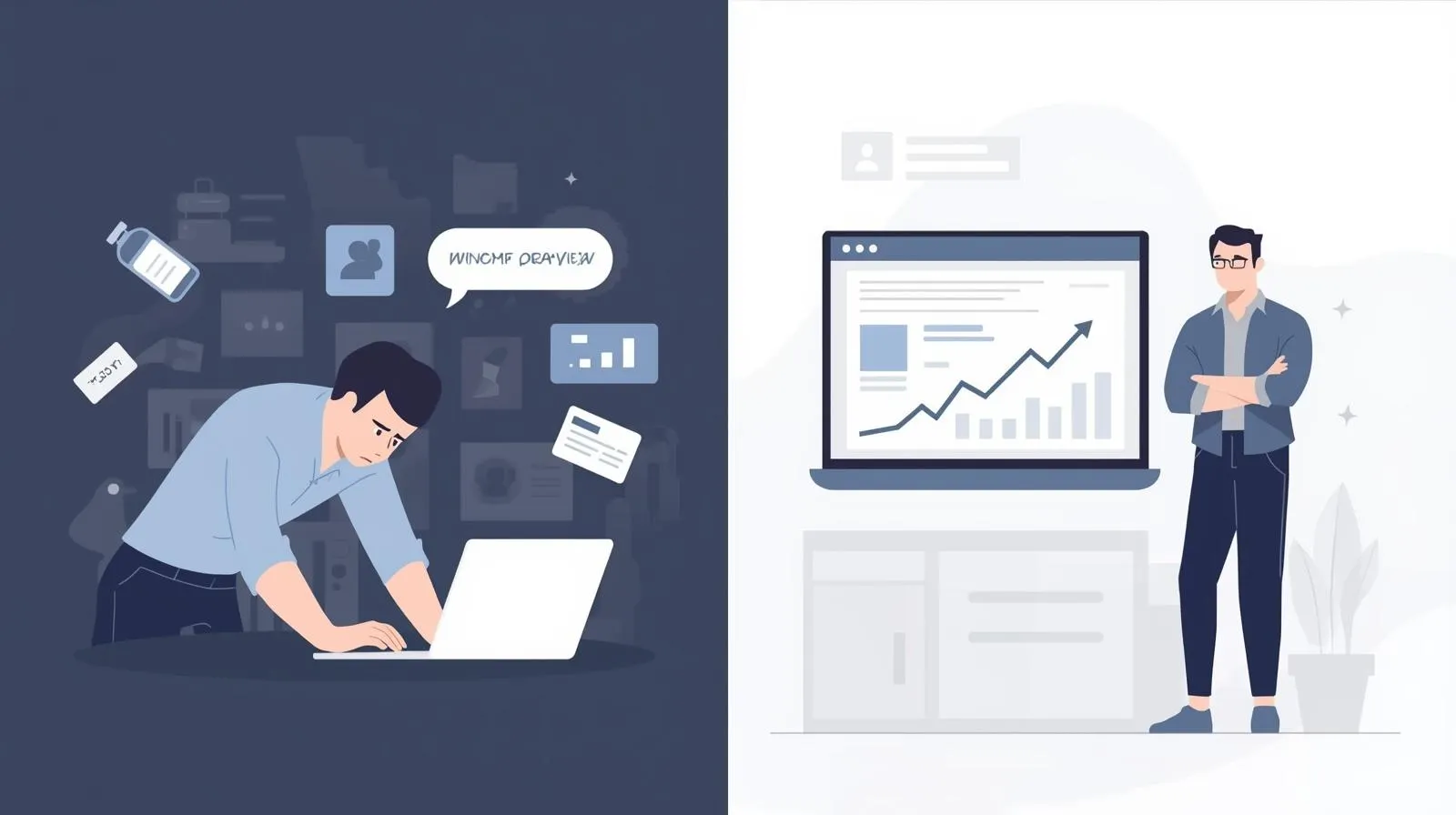
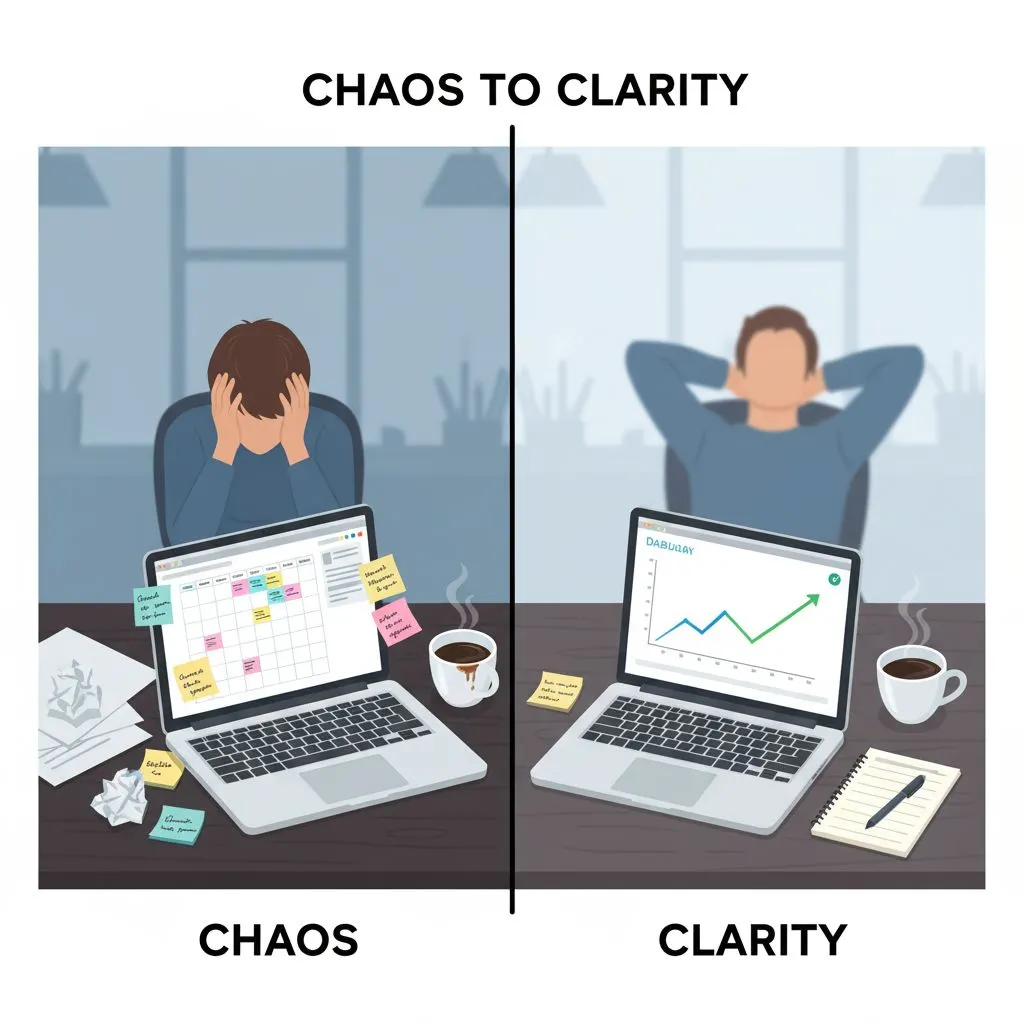
Meet the "Content Hamster Wheel." You post sporadically when you have inspiration, then go silent for weeks when business gets crazy. This inconsistency hurts your brand credibility and stalls your growth.
But what if you could step off the wheel?
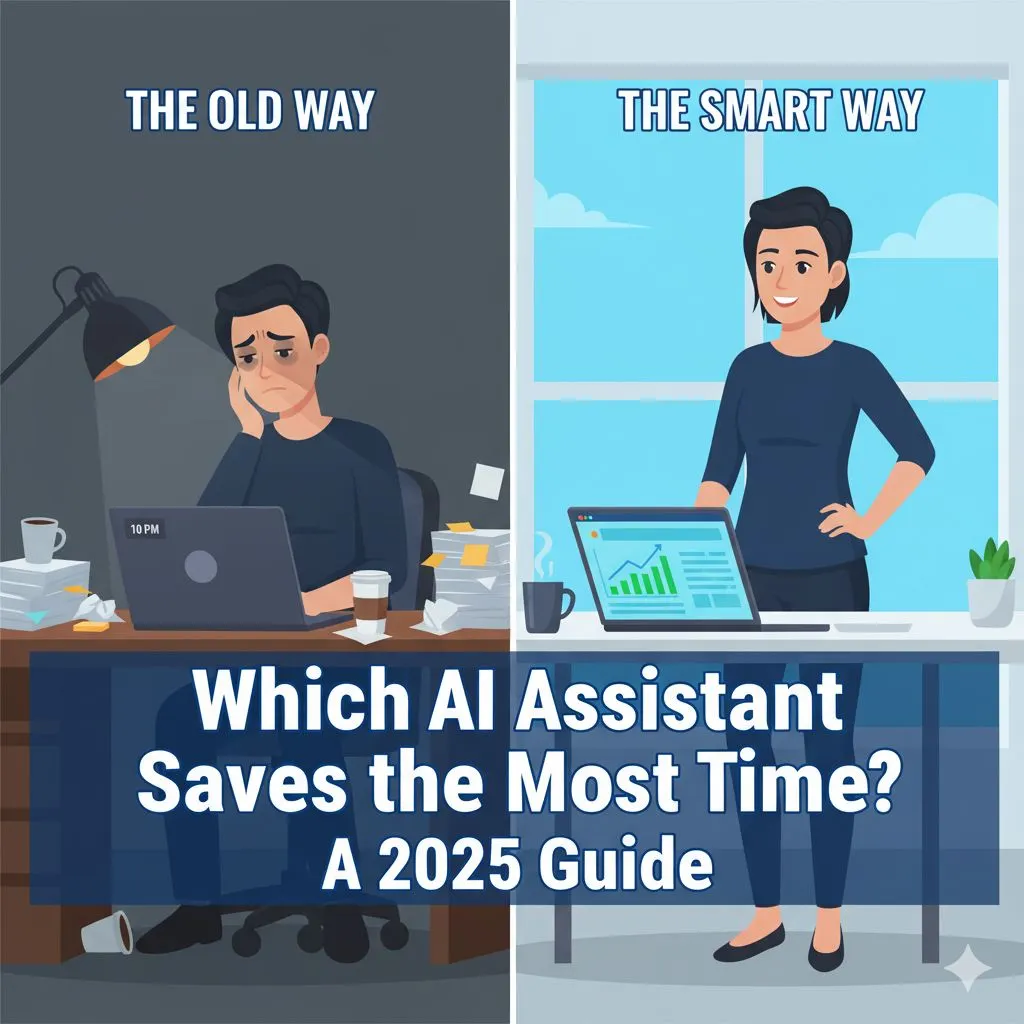
Imagine sitting down with your morning coffee at 8:00 AM and, by 9:00 AM, having 30 days of high-quality, expert-level content scheduled and ready to go. This isn’t a fantasy, and it isn’t about hiring an expensive agency. It is about utilizing AI content creation the right way.
For ambitious entrepreneurs, AI isn't just a shortcut; it is leverage. It allows a team of two to compete with a team of twenty. However, the goal isn't just more content—it’s better business. This tutorial will walk you through a proven, one-hour workflow to generate a month’s worth of strategic social media content that actually moves the needle.
Stop hustling harder. It’s time to scale smarter.
The AI Prompts That Drive Results
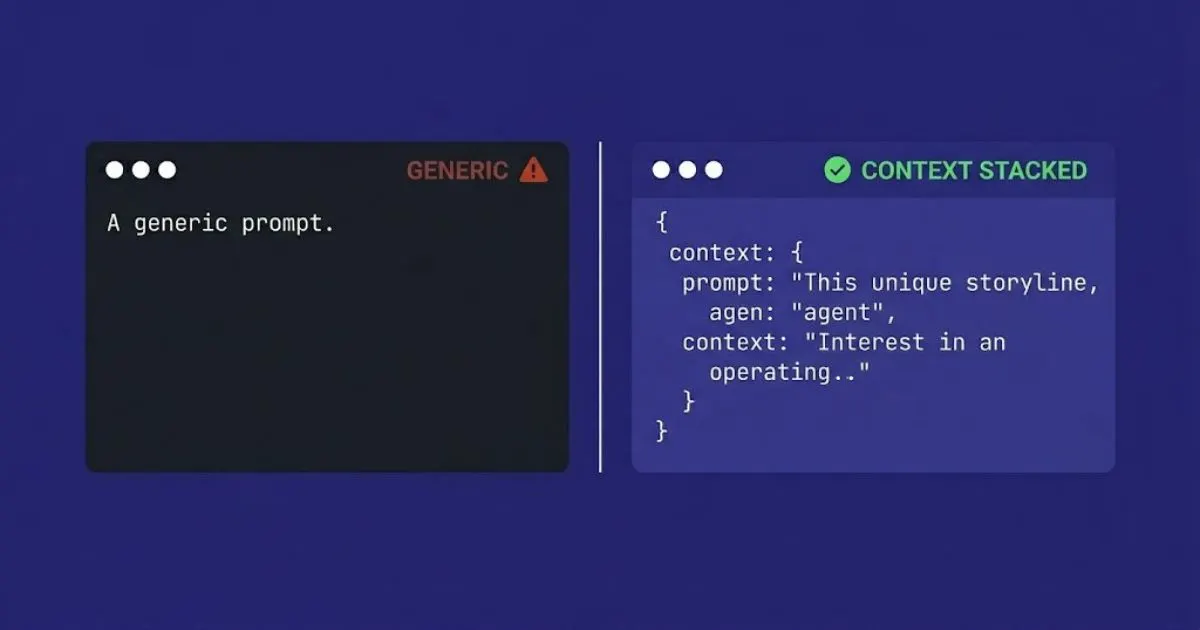
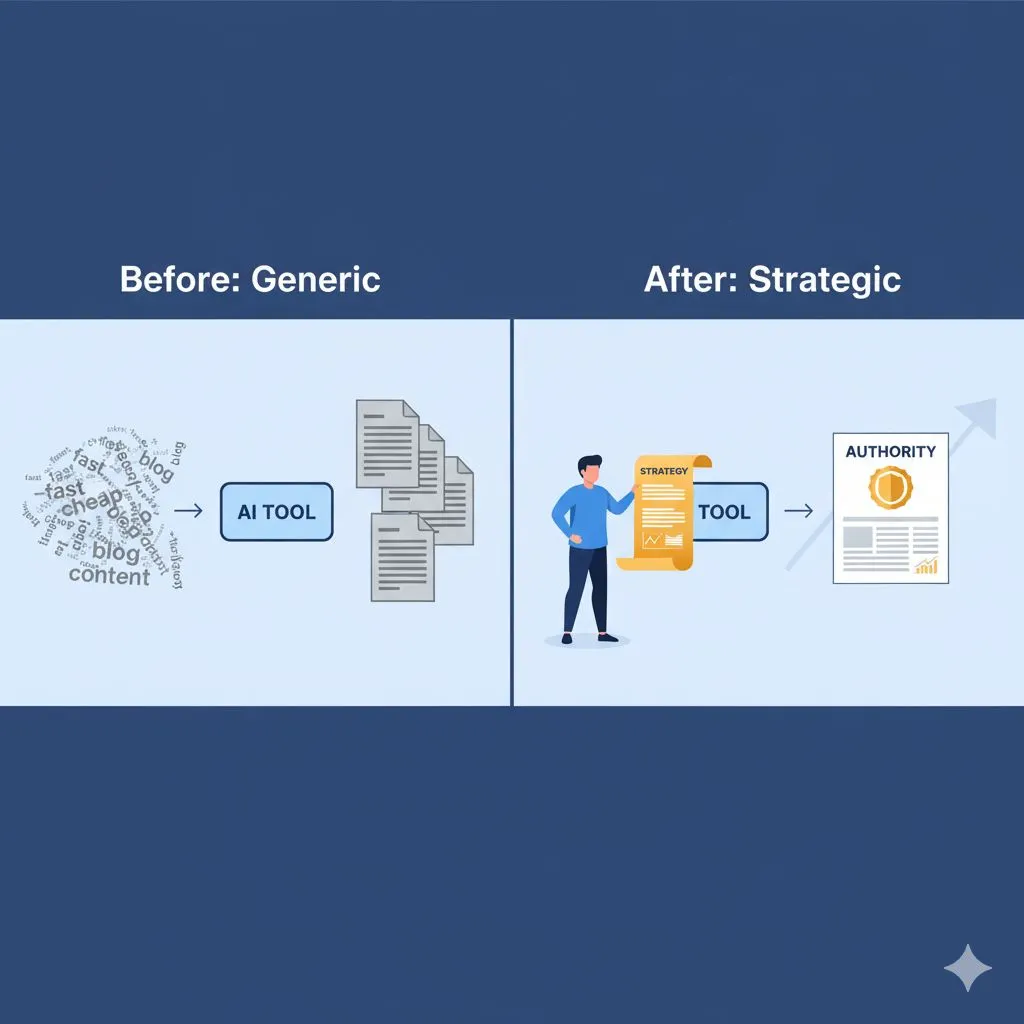
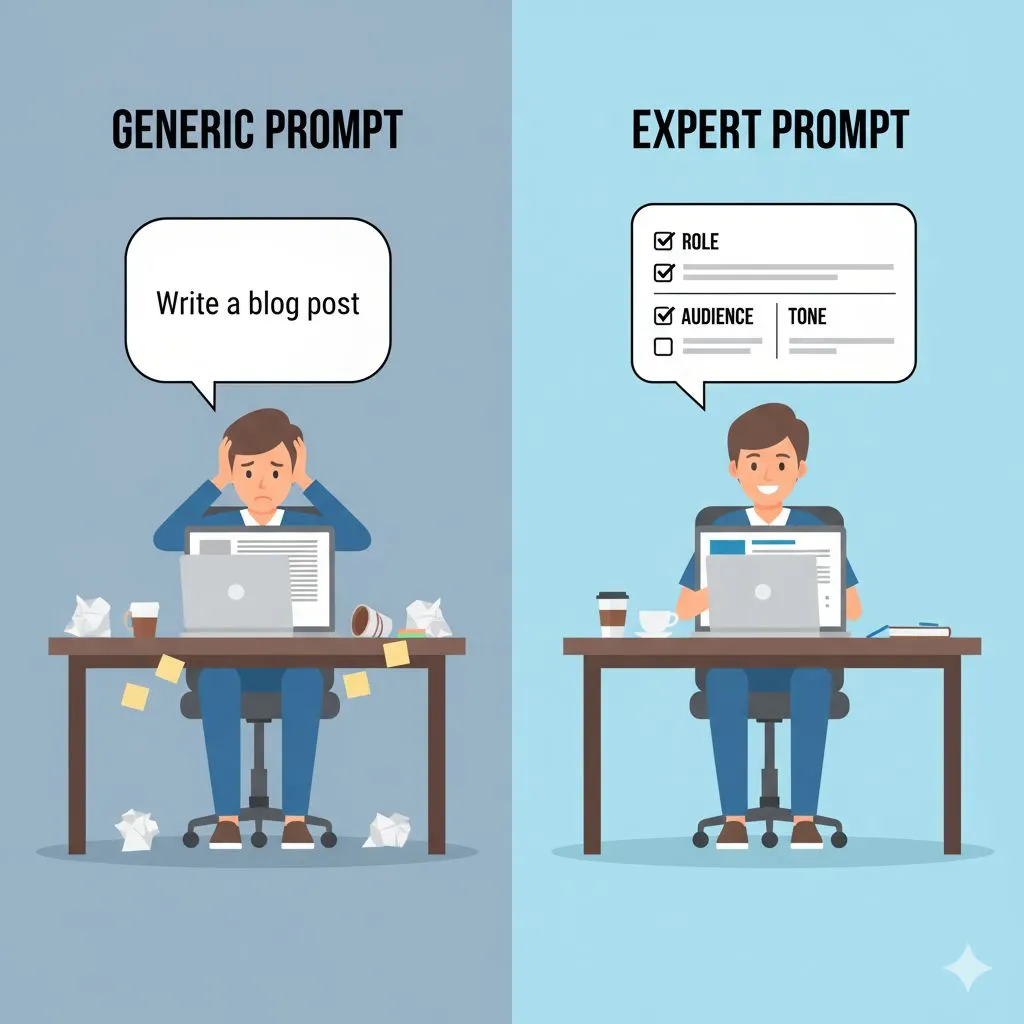
Not all AI prompts are equal. Generic prompts produce generic content. The posts that stop the scroll are built on structured prompts with specific context — your brand voice, your audience's pain points, and a clear call to action embedded in the request.
For carousel posts and short-form video scripts, the hook is everything. Explore the library of AI prompts for viral hooks on social media — tested across multiple niches, ready to customise in under 60 seconds.
Phase 1: The Strategy Check (Minutes 0–10)
Most people fail with AI because they open ChatGPT or Claude and immediately type, "Write me 30 social media posts."
The result? Generic, robotic fluff that sounds like everyone else. It lacks soul, it lacks strategy, and it definitely doesn't convert followers into clients. To get expert-level results, you must spend the first ten minutes on strategy.
Defining Your Content Pillars
Before you ask the AI for a single word, you need to define the boundaries. What are you known for? To build authority, you shouldn't post about everything; you should post about the 3–5 core topics that drive your business revenue.
For example, if you run a boutique marketing consultancy, your pillars might be:
- Digital Strategy: High-level advice for growth.
- Case Studies: Proof of your results (credibility).
- Behind the Scenes: Humanizing your brand (trust).
- Industry Myths: Challenging the status quo (authority).
By feeding these pillars to the AI, you ensure every piece of content generated serves a business purpose.
Priming the "Expert" Persona
AI is a generalist. You are an expert. To bridge that gap, you must "prime" the AI. You need to tell it who it is, who you are, and exactly who you are talking to.
Instead of a generic prompt, you will start your session with a Context Prompt. It looks something like this:
"Act as a Senior Content Strategist for a boutique marketing agency. Our audience consists of overworked small business owners aged 30–50 who value efficiency and ROI. Our tone is professional, confident, and empathetic. We avoid jargon and fluff. I need you to help me plan content that positions our brand as a trusted authority. Do you understand?"
This simple step changes everything. The AI now understands your brand voice (Alex Rivers’ voice: ambitious but grounded) and your target audience. It shifts from generating "text" to generating "strategy."
Once the AI confirms it understands your context, you are ready to move from strategy to ideation. The clock is ticking—you are 10 minutes in, and you have already outperformed 90% of your competitors who are skipping this step.
Phase 2: The Ideation Engine (Minutes 10–20)
Now that the strategy is set and the AI is primed with your persona, we move to the engine room: Ideation. This is often where entrepreneurs get stuck. Staring at a blinking cursor is the biggest time-thief in content creation.
With AI content creation, we eliminate the "blank page problem" entirely. In this 10-minute block, we aren't writing posts yet; we are generating a surplus of high-value ideas so we can cherry-pick the best ones.
From Blank Page to Full Calendar
Using your Content Pillars from Phase 1, ask the AI to generate topic clusters. We want specific, actionable topics, not broad concepts.
Try this prompt:
"Based on the 4 Content Pillars we defined, generate 10 unique content ideas for each pillar (40 total). These ideas should address specific pain points, objections, or questions our audience has. Keep the titles catchy and relevant to current industry trends."
Within seconds, you will have a list of 40 potential posts. Your job is now that of an Editor-in-Chief, not a writer. Scan the list.
- Does "Why Marketing is Good" sound boring? Delete it.
- Does "5 Ways to Automate Your Leads without Losing Quality" sound like something Alex Rivers would click? Keep it.
Select the best 12–15 ideas. Why not 30? Because we are going to repurpose these core ideas later. You don't need 30 unique strokes of genius; you need 12–15 solid insights that can be adapted for different formats.
The "Pain-Point" Injection
To truly elevate your brand perception, you need to go deeper than surface-level tips. You need to show your audience you understand their struggles.
Ask the AI for a second round of ideation specifically focused on objections and fears.
"List 5 common reasons clients hesitate to hire a consulting agency like mine, and suggest a content angle that overcomes each objection using empathy and logic."
This is where the magic happens. You are now creating content that handles sales objections before you ever get on a discovery call. You are building trust on autopilot.
By the 20-minute mark, you should have a finalized list of headlines mapped out. You have saved hours of brainstorming and have a roadmap that is strategically aligned with your business goals.
Phase 3: High-Speed Drafting & Batching (Minutes 20–45)
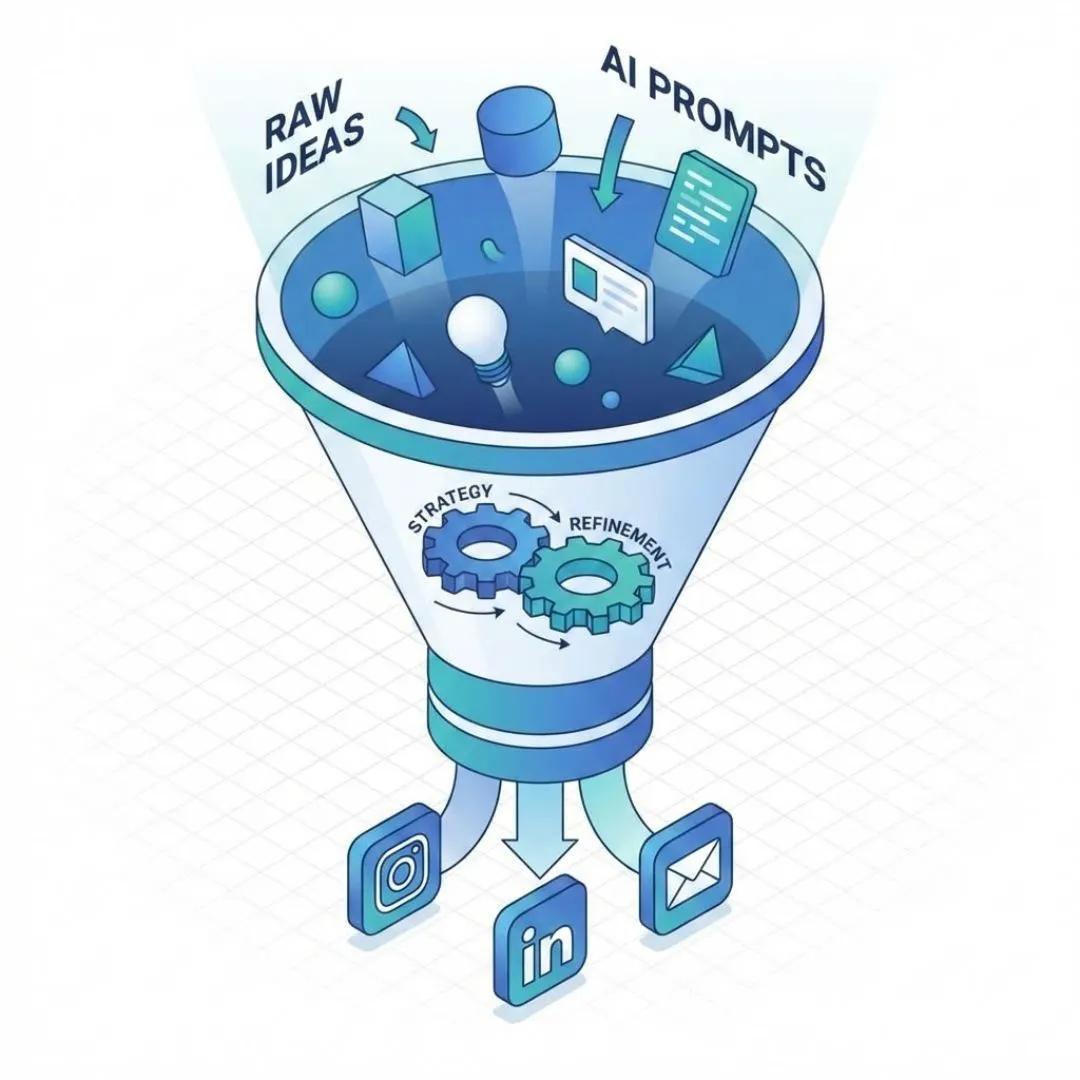
You have your strategy. You have your topics. Now, we build.
This 25-minute block is the most intensive part of the hour, but it is also the most rewarding. We are going to use "Batching" to write the actual copy for your posts.
The Batching Workflow
Switching tasks kills productivity. If you write a LinkedIn post, then try to design a graphic, then write a tweet, your brain is constantly recalibrating. Instead, we write everything first.
We will focus on your primary platform (e.g., LinkedIn) and then adapt for others.
Structured Prompting for Expert Outputs
Here is the golden rule of AI: The quality of the output depends on the structure of the prompt.
Do not say: "Write a post about idea #1."
Do say:
"Using idea #1 (Automating Leads), write a LinkedIn post. Use a strong hook to grab attention in the first line. Structure the body with bullet points for readability. End with a question to encourage engagement. Keep the tone professional but actionable."
Pro Tip: If you want to move even faster, you can ask the AI to draft 5 posts at a time.
"Draft LinkedIn posts for ideas #1 through #5. Follow the same structure for each: Hook, Agitation of the problem, Solution (bullet points), and a Call to Action."
The Human "Pass"
As the AI generates these drafts, you must remain engaged. Read them as they appear. If a phrase sounds robotic (e.g., "In the dynamic landscape of..."), ask the AI to rewrite it: "Make the tone more conversational and punchy. Remove the fluff."
This is where Expert AI Prompts differentiate themselves. By using prompts that include constraints (e.g., "No sentences longer than 20 words," or "Use an analogy to explain this concept"), you force the AI to write like a skilled copywriter rather than a bot.
Platform Adaptation: Work Smarter, Not Harder
You have your LinkedIn posts (or blog summaries). Now, you need content for Instagram, X (Twitter), or your newsletter. Do not start from scratch.
In the remaining time of this drafting block, use the Repurposing Prompt:
"Take these 5 LinkedIn posts and rewrite them into: 1) Short, punchy Tweets/Threads. 2) Scripts for 30-second Instagram Reels. 3) Captions for Instagram carousel posts."
Suddenly, your 15 core ideas have blossomed into 45+ pieces of content across multiple platforms. You are creating an ecosystem of content that reinforces your message everywhere your audience hangs out, without tripling your workload.
Phase 4: Visuals & Scheduling (Minutes 45–60)
You have 45 minutes on the clock, and the text is done. Now, we need to make it look good and get it out into the world.
AI for Visuals
For many business owners, graphic design is a massive bottleneck. You can lose hours tweaking fonts in Canva. To stay within our one-hour limit, we need to simplify.
- Template Strategy: Choose 3 standard templates in Canva that match your brand identity (e.g., one for quotes, one for lists, one for photos).
- Bulk Create: If you use Canva Pro, you can use the "Bulk Create" feature. You simply upload a CSV of the quotes or headlines generated by your AI text prompts, and Canva will automatically generate 30 distinct graphics in seconds.
Alternatively, if you need unique imagery, use an AI image generator (like Midjourney or DALL-E) to create custom visuals.
Prompt: "A clean, minimalist flat-lay of a modern desk setup, high resolution, professional lighting, brand colors [insert hex codes]."
This ensures your feed looks cohesive and professional without the need for a photoshoot.
The "10% Rule" of Quality Control
We are in the home stretch. You have 5–10 minutes left. Do not skip this step.
The "10% Rule" states that AI gets you 90% of the way there, but the final 10%—the human polish—is what builds trust.
Quickly scan your scheduled posts.
- Check for American vs. British spelling (depending on your location).
- Ensure the tone sounds like you.
- Add a personal anecdote or a client name where appropriate.
This human touch is the difference between "content" and "connection." It validates that there is a real person behind the brand, calming the skepticism of clients who are wary of automated businesses.
Set It and Forget It
Schedule everything in a single session using one of the best AI social media tools to automate your content calendar. Buffer, Later, and Publer all integrate well and save hours of manual scheduling.
The Psychology of "Done"
There is a profound mental shift that happens when you click "Schedule" on that last post. The weight lifts. You are no longer waking up thinking, "What do I post today?" You have bought yourself 30 days of freedom. You have eliminated the daily decision fatigue that plagues so many small business owners.
📖 Want the full strategic picture? This post covers the execution layer — the one-hour workflow. For the complete audience strategy, content architecture, and platform-specific AI tactics, read the definitive guide to AI for social media.
Conclusion: From Operator to Strategist
If you have followed this process, you haven't just saved time—you have fundamentally changed how you operate your business.
Let’s look at the ROI of this hour:
- Time Saved: You reclaimed roughly 10–15 hours of manual writing and brainstorming.
- Consistency: Your brand will show up every day, staying top-of-mind for your network.
- Authority: By focusing on strategic pillars rather than random thoughts, you are positioning yourself as a credible industry leader.
This is the power of AI content creation when it is wielded correctly. It stops being a shiny toy and becomes a business asset.
For the ambitious solopreneur or small business owner, this workflow is the key to competing with larger agencies. You don’t need a marketing department; you need a system. You need to move from being the person who does the tasks to the person who orchestrates the strategy.
When you stop drowning in the daily grind of content production, you free up your mental energy for what really matters: serving your clients, refining your offers, and closing deals.
Taking It Further: From One Hour to Full Automation
Once you've run this system for two or three months, you'll start to see patterns: which content types get the most engagement, which themes your audience responds to, and where to double down.
For social media managers, agencies, or anyone producing content for multiple clients, one-hour batching is just the beginning. The AI Social Media Manager Toolkit provides 50 industry-specific prompts for social content — structured, tested, and designed to maintain brand voice across every post without manual editing.
Ready to Scale?
You now have the framework, but the quality of your output relies entirely on the quality of your prompts. Trial and error takes time—time you don’t have.
Why guess when you can know?
We have developed a comprehensive toolkit designed specifically for small business owners who want expert results without the learning curve. It includes the exact Context, Ideation, and Repurposing prompts used in this tutorial, refined for 30 different industries.
Stop spinning your wheels. Start winning clients.
Get The Small Business Playbook for AI Content Creation
Start This Weekend
You now have the complete framework. The only thing left is to run it. Block 60 minutes. Open your AI tool of choice. Follow the four steps above and come out the other side with a month of content done.
🎁 Free resource: Get Your Free 1-Week AI Content Plan — a done-for-you template with AI prompts included, designed for busy entrepreneurs who need to publish consistently without the overwhelm.
🚀 Ready to scale? See all 30 prompt packs and pricing — 50 expert-level prompts per pack, built for your specific industry, not generic use cases. One-time investment, lifetime access.
Expert AI Prompts Blog | Prompt Packs | Free Resources | Pricing |
© 2026 Expert AI Prompts