Data Privacy for Small Business: How to Use AI Without the Risk
Data Privacy for Small Business: How to Use AI Without the Risk
Mar 25, 2026

For a small business owner like you, AI feels like the ultimate equalizer. It’s the extra set of hands you can’t afford to hire, the marketing strategist you need but don’t have on payroll, and the efficiency engine that finally lets you clock out before midnight. You want to move fast. You want to reclaim your time. But there is a nagging voice in the back of your head—a headline you read about a massive data leak, or a vague warning about "training data."
The question isn't whether you should use AI; the competitive landscape demands that you do. The real question is: How do you use it without accidentally handing your client list, financial secrets, or proprietary ideas over to a global database?
When you are running a lean operation—maybe it’s just you and a few contractors, or a tight-knit team of ten—you don’t have an IT department to vet every tool. You are the IT department. And unlike the massive corporations, you don’t have the buffer to absorb a reputation hit. If a Fortune 500 company leaks data, their stock dips. If a small consulting firm leaks client data, they go out of business.
This guide isn’t about scaring you away from innovation. It is about equipping you with the data privacy protocols necessary to scale confidently. We are going to strip away the legal jargon and focus on practical, operational security for the ambitious entrepreneur. For a complete overview of how AI fits into your business toolkit, start with the no-jargon guide to AI for entrepreneurs.
You can have the speed and the safety, but only if you build the right guardrails first.
The "Red Light" List: What Never Goes into the Prompt
The most common way data privacy is compromised isn't through sophisticated hacking; it’s through casual copy-pasting. Before reviewing the specific categories below, see common AI prompt mistakes to avoid for a broader view of costly AI errors small businesses make every day. When you are in the flow state, trying to get a proposal out the door or debugging a workflow bottleneck, it is tempting to dump the entire source document into the chat box and ask for a summary.
To protect your business, you need to treat your AI interface not like a vault, but like a crowded coffee shop. You wouldn't shout your credit card number or your client’s home address across a Starbucks. You shouldn't type them into a standard AI chat interface, either.
Here is your non-negotiable "Red Light" list—data that should never touch a public generative AI model:
1. Personally Identifiable Information (PII)
This is the baseline of data privacy. PII includes names, home addresses, phone numbers, email addresses, and social security numbers. It seems obvious, but it gets tricky in context.
- Bad Habit: Pasting a raw email thread to ask for a sentiment analysis or a drafted reply.
- The Risk: If that conversation is used to train the model, there is a non-zero chance that specific email addresses or names could surface in other contexts. More importantly, you may be violating GDPR, CCPA, or local privacy laws by processing client data via a third-party tool without consent.
2. Financial Specifics
Never input raw bank account numbers, credit card details, or login credentials. But go deeper than that. Be wary of uploading unredacted Profit & Loss statements or granular payroll data.
- The Fix: If you need AI to analyze financial trends, use round numbers or percentages. Instead of saying, "Analyze why we lost $4,250 on the Smith Account," say, "Analyze a scenario where a service business has a 12% cost overrun on a project due to scope creep."
3. Trade Secrets and "Secret Sauce"
This is where the "Expert" in Expert AI Prompts comes into play. You want AI to help you execute, not to own your strategy. If you have a proprietary framework, a patent-pending formula, or a unique client acquisition strategy that gives you a competitive edge, do not feed the raw details into a public model.
- The Mental Shift: Use AI to build the container, not to fill it with your diamonds. Ask AI to structure a patent application; do not paste your invention’s blueprints into it.
The "Anonymization" Technique
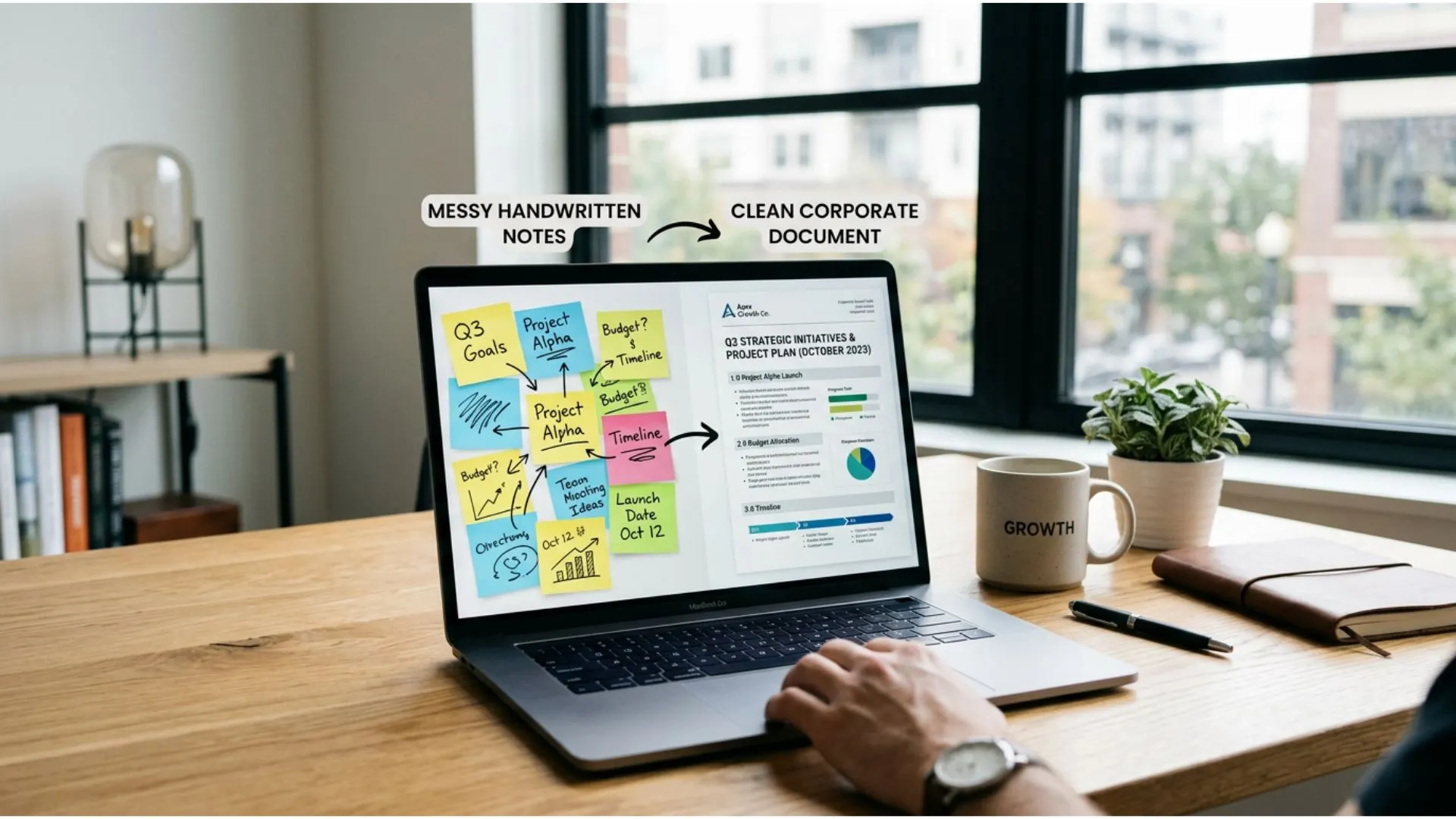
You don't have to stop using AI for sensitive tasks; you just have to "sanitize" the data first. This is a skill every member of your team should master — and one of the most common gaps uncovered by the free Generic-to-Expert AI Content Audit checklist.
- Real Name: "John Smith from Acme Corp" --> Anonymized: "Client A from [Tech Company]"
- Real Figure: "$150,000 revenue" --> Anonymized: "[Revenue Figure]" or "High 6-figures"
- Real Location: "123 Main St, Springfield" --> Anonymized: "[Location]"
By using these brackets and generic descriptors, you get the same high-quality reasoning and output from the AI without exposing the sensitive details. Once the AI generates the draft, you paste it back into your secure document editor (like Word or Google Docs) and fill in the blanks manually. It takes an extra thirty seconds, but it safeguards your business integrity.
Configuring Your Tools for Privacy
Now that we have covered what you type, let's talk about where you type it. Not all AI interfaces are created equal, and the default settings on many popular tools favor the developer, not the user.
Most major Large Language Models (LLMs) operate on a simple trade-off: they offer you a free or low-cost service, and in exchange, they use your interactions to "train" and improve their models. For a casual user asking for a cookie recipe, this doesn't matter. For a business owner like Alex Rivers, who is drafting contracts or analyzing market strategy, it matters a lot.
Training vs. Privacy Mode
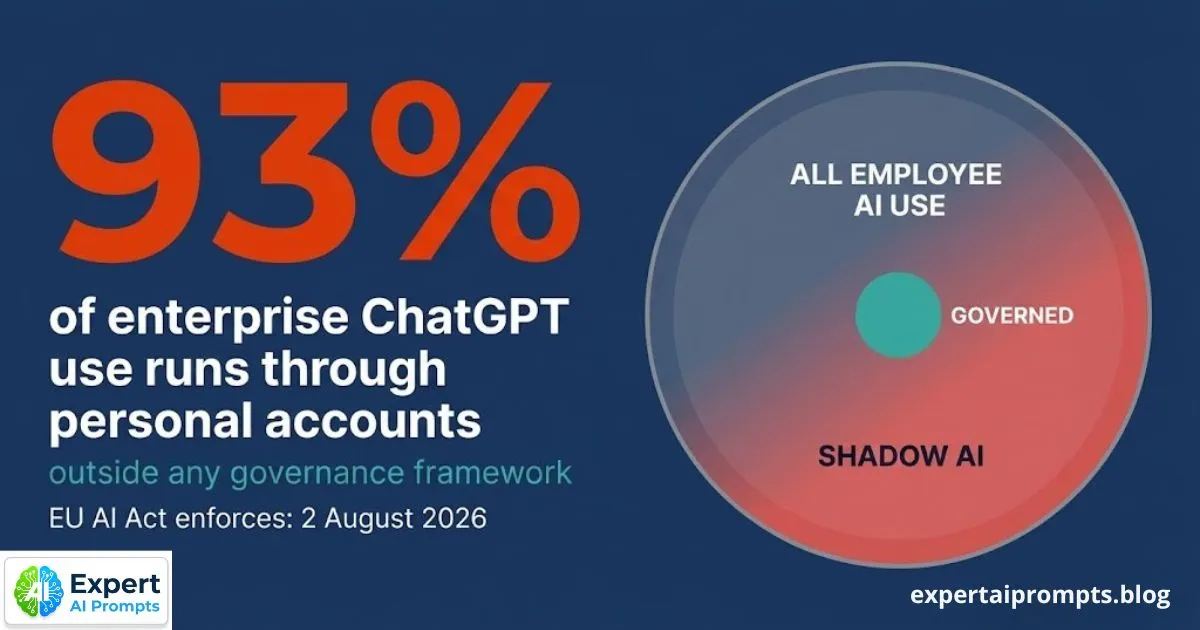
"Training" means the AI company records your conversation and potentially uses it to teach the AI how to respond better in the future. This is how data leaks happen—not necessarily because a hacker broke in, but because the AI "learned" a piece of confidential information and might inadvertently recall it later.
Fortunately, the major players have introduced privacy controls. You just have to know where to find them.
- ChatGPT (OpenAI): In your settings, look for "Data Controls." You can toggle off "Chat History & Training." When this is off, your chats are not used to train the models. Note: In some versions, turning this off also disables your ability to see past chat history, which can be annoying for workflow. However, OpenAI has introduced "Temporary Chat" modes and specific Enterprise/Team plans where privacy is the default.
- Claude (Anthropic): Anthropic generally takes a stricter stance on safety. Their commercial terms for business plans often state that they do not use your data for training by default, but always check the current Terms of Service.
- Copilot (Microsoft): If you are using Microsoft 365 Copilot (the business version integrated into Word/Excel), it is built on your enterprise data boundary. This means your data stays within your company’s "walls" and isn't used to train the public model. This is a safer bet for heavy corporate data usage.
Free vs. Paid: The Privacy Tax
As a small business owner, you are always watching the bottom line. It is tempting to stick to the free versions of these tools. However, in the world of data privacy, you get what you pay for. For an independent review of how Expert AI Prompts handles data boundaries and security in practice, read this honest Expert AI Prompts review: time savings and value.
Free tiers almost always rely on your data for training—that is the "cost" of the free product. By upgrading to a "Team" or "Enterprise" plan (even for a team of 2 or 3), you are often buying a different legal agreement.
- Team Plans: Usually explicitly state that data is not used for training.
- Security: They often come with better encryption standards and administrative controls (so you can manage who on your team has access).
Consider the monthly subscription fee not just as a software cost, but as insurance for your intellectual property.
The API Advantage
For the slightly more tech-savvy entrepreneur (or if you have a developer on contract), using the API (Application Programming Interface) is often much more secure than using the web chat interface.
When you use an API (for example, hooking OpenAI into a custom dashboard or a tool like Zapier), the privacy policy is usually stricter. OpenAI, for instance, states that data submitted via their API is not used for training by default. This is why many third-party apps built on top of AI models can claim higher security than the chat bots themselves. If you are building automated workflows to scale your business, using the API connection is the professional, secure route.
Creating a Lightweight AI Policy for Your Team
You are wearing many hats. You don't have time to write a 50-page compliance handbook, and honestly, your team wouldn't read it if you did. But if you have even one employee, freelancer, or Virtual Assistant (VA) using AI on your behalf, you are vulnerable.
If your social media manager pastes a client’s embargoed press release into a public bot to "rewrite it for LinkedIn," the damage is done. You need a Lightweight AI Policy. This should be a one-page document—simple, readable, and actionable.
The "2-10 Person" Reality
For a small team, policy is about culture, not policing. You want to empower your team to use these tools to save time (that’s how you scale), but you need boundaries.
Your policy should cover three things:
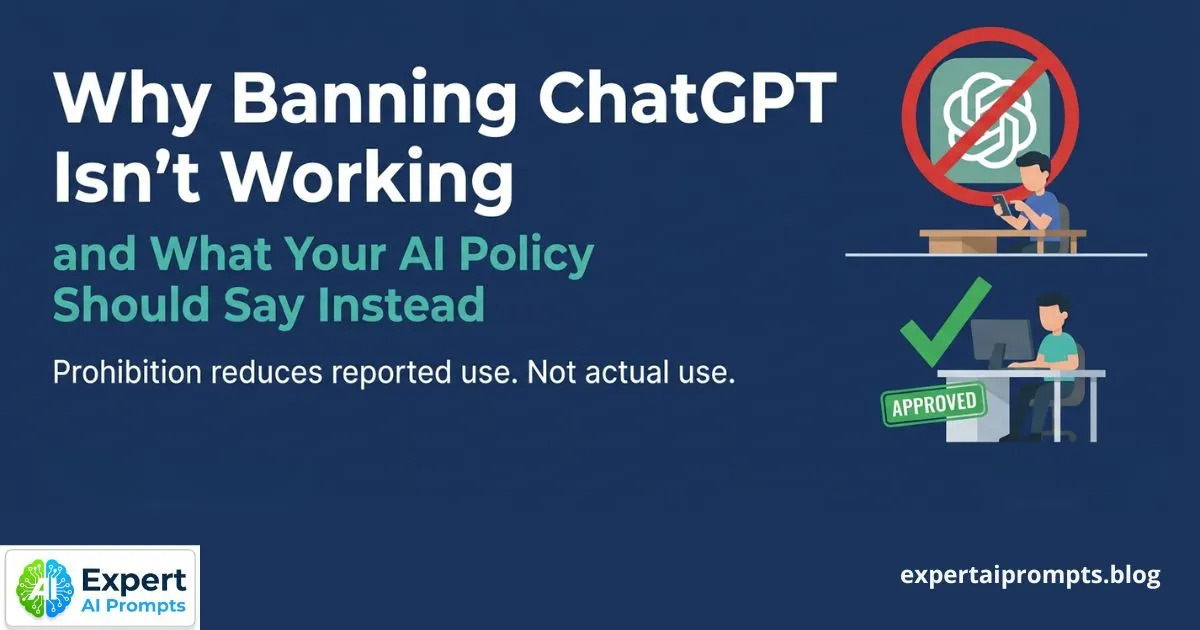
- Approved Tools: List exactly which AI tools are allowed. (e.g., "We use ChatGPT Team Plan and Canva Magic Write. Do not use random free AI tools found on Google without approval.")
- The Red Light List: Reiterate the banned data types we discussed earlier (No PII, no passwords, no unreleased client data).
- Review Protocols: AI is a drafter, not a publisher.
The "Human in the Loop" Rule
This is the golden rule for quality and safety. No AI-generated content leaves the building without human eyes on it.
- Why? AI hallucinates (makes things up). It can invent facts, misquote laws, or accidentally include a snippet of data it shouldn't have.
- The Protocol: Every output must be verified for accuracy and tone. This protects your brand credibility. If a client sees a generic, error-riddled AI email, you lose trust. If that email contains someone else's data, you lose your business.
Train Your Team:
Don't just email the PDF policy. Spend 15 minutes on a Zoom call. Show them how to anonymize data. Show them the "Chat History" toggle. Make them partners in protecting the business. When your team understands why privacy matters (i.e., protecting the clients who pay their salaries), they become your first line of defense.
Turning Privacy Into a Competitive Advantage
We often view data privacy as a defensive measure—a shield to protect us from disaster. But for an ambitious small business owner like Alex Rivers, privacy can also be a sword. It can be a powerful differentiator that sets you apart from the "Wild West" of digital agencies and consultants who are playing fast and loose with client data.
In a market flooded with AI-generated noise, trust is the new currency. Explore the Expert AI Prompts Trust, Security and Risk Mitigation hub for practical frameworks your business can implement today.
Marketing Your "AI-Safe" Approach
Clients are not oblivious. They read the same news you do. They know AI is reshaping industries, and many of them are terrified that their consultants are going to feed their proprietary strategy into a public bot.
You can flip this script. By explicitly stating your commitment to data privacy, you position your business as a sophisticated, enterprise-grade operation, regardless of your actual headcount.
- In Proposals: Add a section titled "Data Security & AI Policy." State clearly: "We leverage cutting-edge AI technology to drive efficiency and insight, but we operate under a strict 'No-Training' data policy. Your proprietary data never enters public learning models."
- The Impact: This immediately signals that you are not just a freelancer hacking together a solution; you are a strategic partner who understands risk. It justifies your fees and builds immense confidence.
Ethical AI Use as a Brand Value
Your brand identity is built on credibility and quality. Adopting a "Privacy First" AI strategy aligns perfectly with these values. It shows you value quality over shortcuts.
- Transparency: When should you disclose you are using AI?
- Internal Ops: If AI helps you organize your calendar or draft a meeting agenda, the client doesn't need to know. That is just efficiency.
- Deliverables: If AI generates a significant portion of a deliverable (like a blog post or a logo), transparency is often the best policy. However, frame it correctly. Do not say, "I used AI to write this." Say, "I used advanced AI tools to conduct initial research and structure the arguments, which were then refined and verified by our senior strategists."
This distinction matters. It reinforces that the Human in the Loop (you) is the value driver, while the AI is simply the tool that allows you to work faster.
The Long-Term ROI of Privacy
Investing time in data privacy protocols feels like a "slow down" moment when you want to speed up. But consider the long-term view.
- Scalability: If you want to grow from a 5-person shop to a 50-person agency, you need systems that don't break. A "sanitize-first" workflow is scalable. A "paste-everything" habit is a ticking time bomb.
- Client Retention: High-value clients (the ones who pay well and respect your time) care about confidentiality. Demonstrating that you have a handle on AI privacy opens doors to corporate contracts that are usually closed to small players.
Conclusion
The narrative around AI for small businesses is often polarized: it's either a magic button that solves everything, or a dangerous risk that will ruin your reputation. The truth, as always, lies in the strategy.
You, Alex, are an overworked operator trying to become a confident strategist. You need AI. You cannot afford to ignore the productivity gains of generating content, analyzing data, and streamlining workflows in seconds rather than hours. But you also cannot afford to be reckless.
Data privacy is not a barrier to using AI; it is the license to use it at full speed.
By following the steps we’ve outlined—identifying "Red Light" data, configuring your settings for privacy, establishing a lightweight team policy, and anonymizing inputs—you remove the risk. You stop worrying about leaks and start focusing on leverage.
You can stop hustling and start scaling. You can compete with the big players because you have their speed, but you also have the agility to implement safety protocols faster than they can schedule a committee meeting.
The difference between a stressed business owner and a scalable CEO isn't just about how hard they work; it's about the systems they trust. Make your AI workflow one of them.
Conclusion (Continued) & Next Steps
(Note: The conclusion was initiated in the previous section to ensure flow, but we will solidify the final wrap-up and Call to Action here to maximize impact.)
You have the roadmap. You know how to lock the doors and secure the windows. Now, the only thing left to do is to actually drive the car.
The hesitation you felt before—that skepticism about whether AI was "safe" or "ready" for your business—should now be replaced by a calculated confidence. You understand that the tool isn't the danger; the workflow is where the safety happens. And you have fixed the workflow.
Now, you need the fuel. Start with zero risk: visit the Expert AI Prompts Free Offers Hub and claim your free resources — no credit card, no commitment.
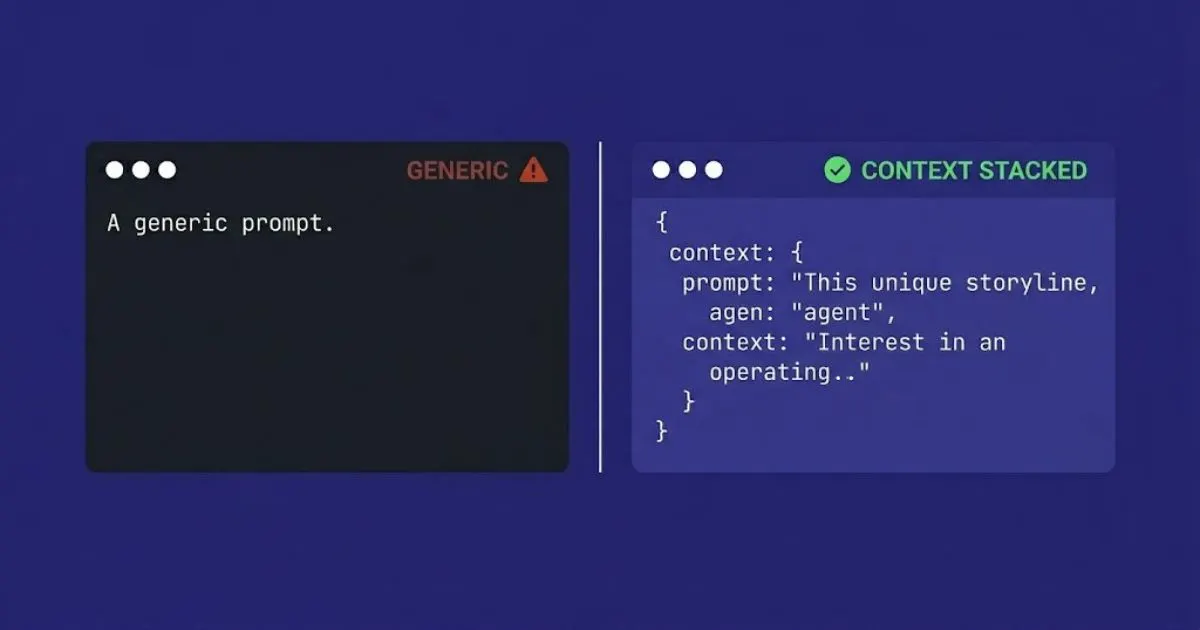
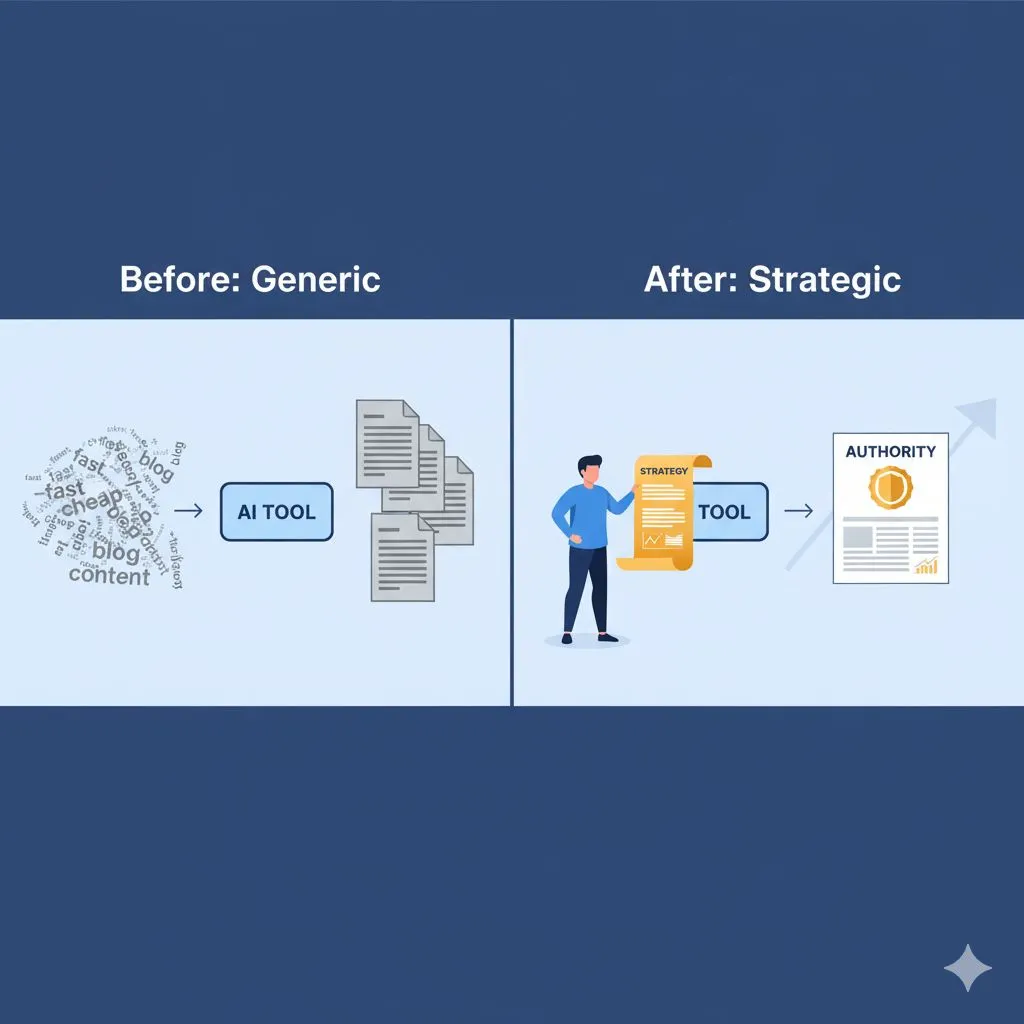
Knowing how to use AI safely is step one. Knowing what to ask it to get expert-level results that actually grow your business is step two. Most entrepreneurs get stuck staring at a blinking cursor, or they use generic prompts that churn out robotic, mediocre content that harms their brand more than it helps.
You don't have time for trial and error. You need proven, industry-specific frameworks that respect your new privacy protocols and deliver instant ROI.
Ready to stop spinning your wheels and start winning clients?
We have curated the ultimate toolkit for the time-poor, ambitious entrepreneur. It’s not just a list of questions; it’s a strategic engine designed to work within the safety guidelines we just discussed.
Get Your Ultimate Guide: AI for Small Business
Unlock expert-level content, streamline your operations, and scale your business safely—starting today.
When you are ready to go further, view the full Expert AI Prompts pricing catalog and choose the prompt pack built for your industry.
Further Reading
• Trust, Security and Risk Mitigation: Full Resource Hub
• AI Hallucinations and Credibility Risk: What Consultants Need to Know
• 5 Mistakes to Avoid When Using AI Prompts: Free Trial Guide