Repurposing Content: Turning 1 Blog Post into 10 Social Pieces with AI
Repurposing Content: Turning 1 Blog Post into 10 Social Pieces with AI
Jan 29, 2026

Part 1: The Strategy & The Shift
You just spent four hours writing a comprehensive, expert-level blog post. You researched the keywords, you polished the prose, and you hit publish. You share the link once on LinkedIn and maybe drop it in your newsletter.
A week later, you check the analytics. 50 views.
For a small business owner juggling client work, marketing, and operations, this is heartbreaking. It feels like a waste of time. The natural reaction is to think, "I need to write more."
But writing more isn't the answer. The answer is content AI.
If you are like most ambitious entrepreneurs, you are likely overextended. You don’t have a massive marketing team to chop up your content for you. You are doing it all. The secret to competing with the big agencies isn't outworking them; it's out-leveraging them.
This tutorial will show you exactly how to take one high-quality "Core Asset" (your blog post) and use AI to fracture it into 10 distinct, high-performing pieces of social content. For the complete strategic framework behind AI-powered content production, read The Small Business Playbook for AI Content Creation.
This isn't about letting a robot write generic fluff for you. It’s about being the architect of your own brand while AI acts as the construction crew.
Phase 1: The Strategy (The Waterfall Method)
Before we open a single prompt window, we need to correct a common misconception about AI.
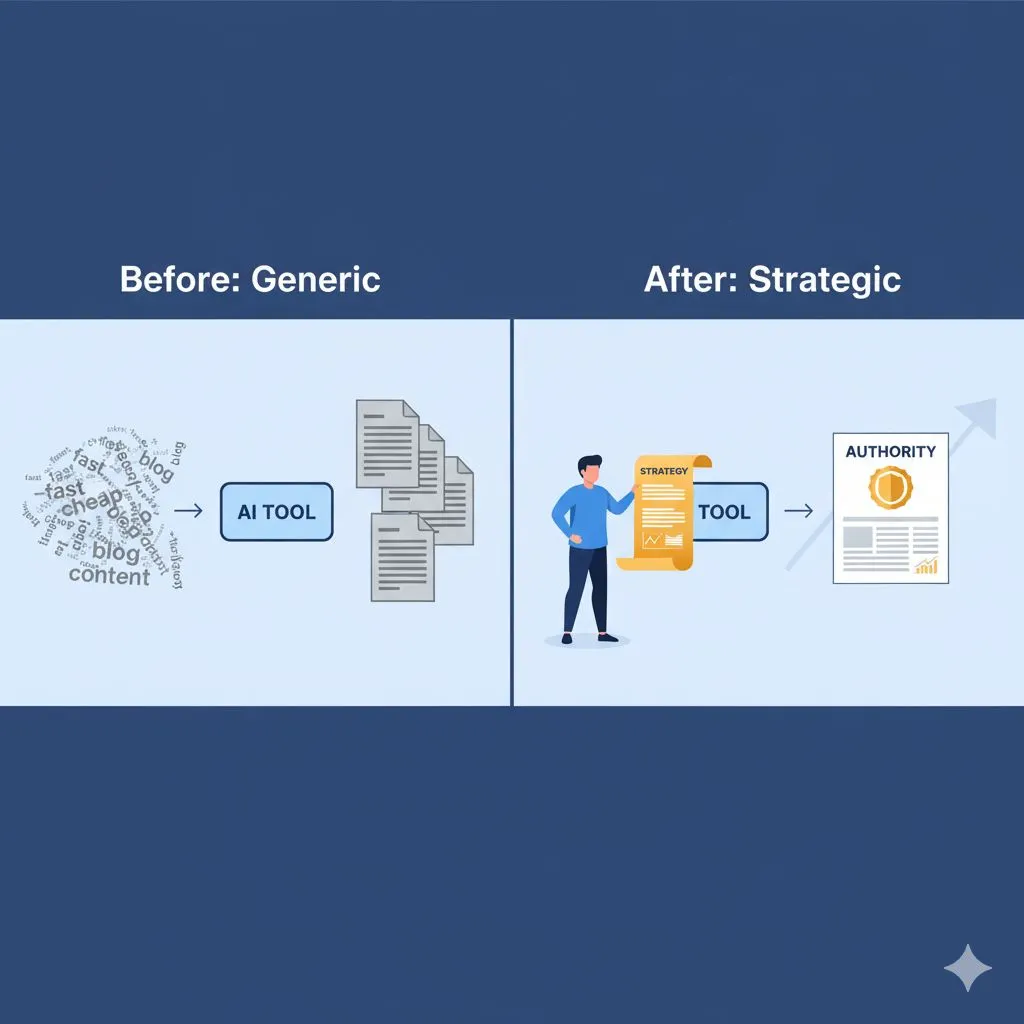
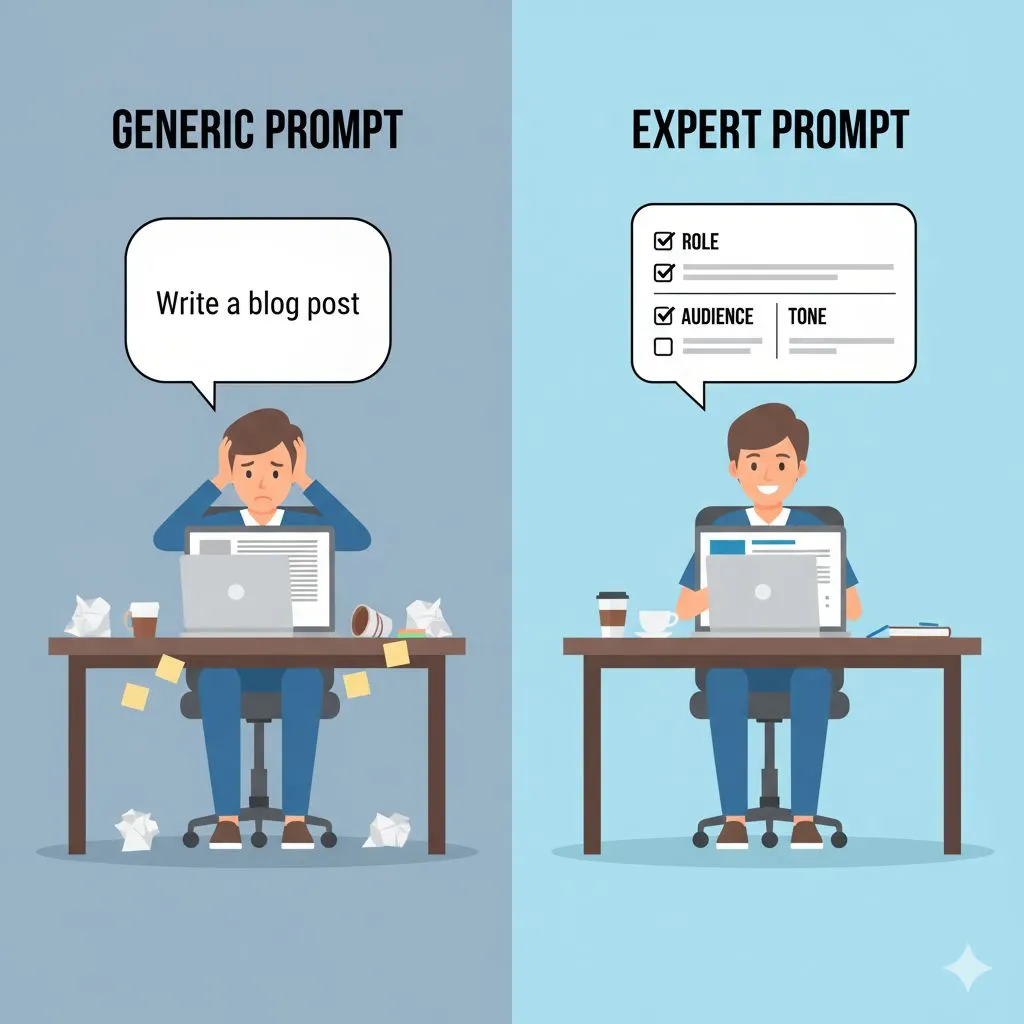
Many people use AI to invent ideas. They ask Chatbots, "Give me 10 ideas for a post about marketing." The result? Generic, hallucinated advice that makes you look like an amateur.
Instead, we are going to use the Waterfall Method.
- Top of the Waterfall: Your human expertise. This is your Blog Post. It contains your unique voice, your specific experience, and your brand values.
- The Flow: AI acts as the translator. It takes your verified expertise and reformats it for different platforms.
- The Pool: Your social channels fill up with content that sounds exactly like you because it is you.
Why Repurposing beats Creation
- Authority: You reinforce the same key message 10 times, making you memorable.
- Efficiency: You do the heavy lifting (thinking) once, then execute (posting) ten times.
- Reach: Different people prefer different formats. Some read tweets; others watch Reels.
Ready to turn your blog post into a content engine? Let’s dive into the execution.
Part 2: Text-Based Repurposing (LinkedIn & X)
The easiest place to start is text-to-text transformation. However, you cannot simply copy-paste a paragraph from your blog to LinkedIn. The psychology of a blog reader (who is ready to study) is different from a social scroller (who is looking for dopamine).
Here is how to use content AI to bridge that gap. Before you write a single prompt, learn the foundational technique: how to use an AI content writer so it still sounds human.
Piece 1: The LinkedIn Thought Leadership Post
LinkedIn favors "bro-etry" (short, spaced-out lines) or structured, actionable lists. Your blog post likely has long paragraphs. We need to break those down.
The Strategy: Identify the single most counter-intuitive point in your blog post. Social media rewards strong opinions.
- The AI Prompt:"Act as an expert copywriter. I am pasting a blog post below. Please extract the most controversial or insightful point from this text and rewrite it as a LinkedIn post. Use short, punchy sentences. distinct spacing between lines, and a strong 'hook' in the first sentence. End with a question to drive engagement. Tone: Professional but conversational."
If LinkedIn is a primary channel for your business, the AI Prompt System for LinkedIn delivers 50 industry-specific prompts built for consistent LinkedIn authority.
Piece 2: The Twitter/X Thread
Twitter is about rhythm. You need a hook, body tweets that deliver value per tweet, and a closer. A 1,500-word blog post usually contains enough data for 3 separate threads, but let's stick to summarizing the main argument.
The Strategy: Turn your H2 headers (subheads) into individual tweets.
- The AI Prompt:"Take the blog post provided and turn it into a 10-tweet thread. Tweet 1 must be a compelling hook about the problem the blog solves. Tweets 2-9 should summarize the key steps or points, with one idea per tweet. Tweet 10 should be a call to action to read the full article. Keep each tweet under 280 characters."
Piece 3: The "Contra" Post (The Debate Starter)
Engagement algorithms love debate. Your blog post likely takes a stance. Use AI to flip that stance to create a "Myth vs. Truth" post. This works great on LinkedIn or Facebook.
The Strategy: Highlight a common industry myth that your blog post debunks.
- The AI Prompt:"Based on the text provided, identify a common industry myth that this article disproves. Write a social media post titled 'Why most people get [Topic] wrong.' Contrast the common belief with the truth found in my article. Keep it under 200 words."
By this stage, you haven't written a single new word, but you have three distinct pieces of content ready to schedule. But text is only half the battle. To truly scale your brand, we need to get visual.
Part 3: Visual & Audio Repurposing
The biggest bottleneck for small business owners is switching contexts. Going from "writer mode" to "designer mode" or "video mode" drains energy. This is where content AI shines—it handles the structural formatting so you just have to fill in the blanks or hit record.
Piece 4: The Carousel Script (LinkedIn/Instagram)
Carousels are the highest-performing organic reach format on LinkedIn and Instagram right now. They require a logical flow: Hook > Problem > Context > Solution > Results > CTA.
- The AI Prompt:"Analyze the blog post and restructure the main 5 points into a slide-by-slide script for an Instagram Carousel.
- Slide 1: Title and Hook.
- Slide 2: The Core Problem.
- Slides 3-7: The actionable steps (summarized).
- Slide 8: The Conclusion/Result.
- Slide 9: Call to Action.
- Provide text for the image and the caption separately."
Tip: You can take this output and paste it into Canva’s "Canva AI" feature to generate the images instantly.
Need a full week of planned content ready to go? Grab the free 1-Week AI Content Plan Template and batch your calendar in one session.
Piece 5: The Short-Form Video Script (Reels/TikTok)
You know you need to be on video, but scripting is hard. You don't need to dance; you just need to speak your truth.
- The AI Prompt:"Act as a TikTok scriptwriter. Turn the introduction and the first main solution of this blog post into a 60-second spoken-word script.
- Structure:
- 0-3 seconds: Visual Hook (What is on screen/text overlay).
- 3-10 seconds: stating the pain point.
- 10-50 seconds: The explanation/solution.
- 50-60 seconds: CTA to read the caption for more info.
- Keep the language simple and conversational."
For a done-for-you shortcut, download the free 10-Minute Viral Reel Template — a proven script structure you can fill in and film the same day.
Piece 6: The Newsletter Teaser
Do not just email the link to your list. Sell the click. Use AI to write a "teaser" email that creates a curiosity gap.
- The AI Prompt:"Write a short email (150 words) to my subscribers teasing this blog post. Focus on the 'Why' and the 'What,' but leave the 'How' for the click. Use a subject line that drives curiosity."
Piece 7: The Quote Card
Every great blog post has a "Golden Sentence"—that one line that perfectly encapsulates your philosophy. It’s hard to see your own genius, so let AI find it.
- The AI Prompt:"Scan the text and extract 5 short, punchy quotes (under 20 words) that would work well as standalone text graphics on Instagram. Prioritize sentences that are inspirational or counter-intuitive."
Now you have a script for a video, a storyboard for a carousel, an email, and graphics. You look like a media company, but you’re just one person with a smart workflow.
Part 4: Community, SEO & The Workflow
We are in the home stretch. We have covered the major feed posts. Now, let’s look at the "Long Tail" of content—the pieces that drive engagement and SEO traffic over time.
Piece 8: The Question/Poll (Stories/Groups)
Social media is a two-way street. You need to talk with your audience, not just at them.
- The Strategy: Use a concept from the blog to ask a question that qualifies your leads.
- The AI Prompt:"Based on the challenges discussed in the blog post, generate 3 questions I can ask my audience using the Instagram Story 'Poll' sticker. The goal is to identify people struggling with this specific problem."
Piece 9: The Pinterest Pin Description
Pinterest is a search engine, not just social media. It drives traffic for months, not minutes.
- The AI Prompt:"Write 3 SEO-optimized Pinterest Pin titles and descriptions (50 words each) for this article. Include relevant keywords like [Insert Keywords] and focus on the benefit to the user."
Piece 10: The Quora/Reddit Answer
This is the secret weapon. Go to Quora or a relevant Reddit sub-thread, find a question related to your topic, and drop a value bomb.
- The AI Prompt:"I want to answer a question on a forum about [Topic]. Summarize the blog post into a helpful, non-promotional answer that provides value first. Add a sentence at the end saying 'I wrote a full breakdown on this here' linking to the post."
The Workflow: How to Batch This
If you try to do this daily, you will burn out. Here is the "Expert AI" schedule for Alex Rivers:
For a full walkthrough of automating your entire content production system, see The 1-Day Workflow to Automate Blog Content with AI.
- Monday (2 Hours): Write the Core Asset (Blog Post).
- Tuesday (30 Mins): Run the AI prompts above. Copy the outputs into a document.
- Wednesday (1 Hour): Edit the text to ensure it sounds like you. (AI gets you 80% there; you add the final 20% polish). Create the graphics in Canva.
- Thursday (30 Mins): Schedule everything into your social media management tool.

Conclusion: Stop Hustling, Start Compounding
The difference between a stressed business owner and a scaling entrepreneur isn't usually talent—it's systems. By treating your content as an asset that can be leveraged, rather than a task to be checked off, you multiply your time.
Using content AI strategies allows you to dominate your niche's timeline without dominating your own calendar. You move from the "content hamster wheel" to a strategic content waterfall.
Ready to see that waterfall in action? Follow the step-by-step guide to creating a full month of AI-generated social media content.
You have the expertise. You have the tools. Now you just need the plan.
If you are ready to stop guessing what to post and start building a strategic content library, we have done the heavy lifting for you.
Get Your Free Content Pillar Planner Template Prompt Here
If you manage social media for your business or clients, the AI Prompts for Social Media Managers Toolkit gives you 50 done-for-you prompts for captions, hooks, carousels, and engagement across every major platform.
Not ready for a paid toolkit yet? Explore all 11 free AI prompt resources in the Expert AI Prompts Free Offers Hub — no credit card required.
When you're ready to invest in your content system, browse all 30 industry-specific prompt packs and pricing — one-time investment, lifetime access.
Further Reading
The Small Business Playbook for AI Content Creation
How to Create a Month of AI-Generated Social Media Content
The 1-Day Workflow to Automate Blog Content with AI
AI-Powered Content Creation vs Outsourcing: Cost Analysis
5 Best AI Social Media Tools to Automate Your Content Calendar