Launch Your Course Faster: The AI Content Workflow for Educators
Launch Your Course Faster: The AI Content Workflow for Educators
Jan 23, 2026

If you are like most subject matter experts, you didn’t start your business to spend six months staring at a blinking cursor. You started because you have valuable knowledge—expertise that can transform lives, businesses, or careers. Yet, for creators like you, the gap between having the knowledge and shipping a finished course often feels like a canyon.
You are likely juggling client delivery, daily operations, and a small team that is already stretched thin. The idea of adding "Course Creator" to your list of hats feels overwhelming. You know a course is the key to scaling your business and escaping the "trading time for money" trap, but the sheer volume of content required—scripts, slides, workbooks, emails, sales pages—is paralyzing.
This is where the conversation about ai for course creators changes everything.
We aren't talking about generating generic, robotic content that damages your credibility. We are talking about using AI as a strategic lever to extract your expertise and organize it into a sellable format at lightning speed. It is about moving from an overworked operator to a strategic director.
In this guide, we will walk through a proven AI workflow that cuts production time by 70% while maintaining the expert-level quality your brand is known for.
Phase 1: Strategic Pre-Production (The Blueprint)
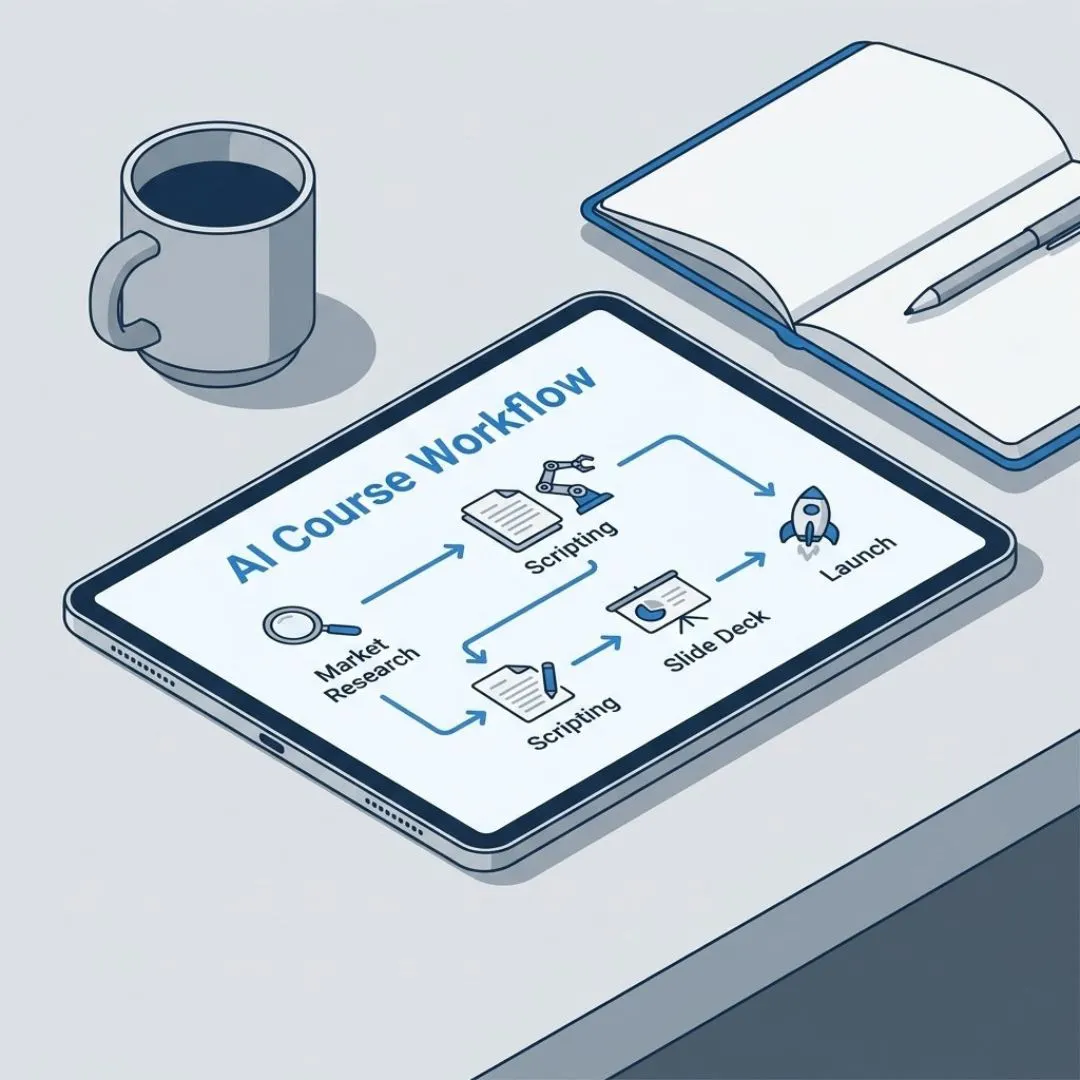
The biggest mistake course creators make is diving straight into recording. They open a slide deck and start typing. Three weeks later, they realize the curriculum has no flow, or worse, they’ve built a course nobody wants.
AI excels at the structural work that usually drains your brainpower before you even hit "record."
Validating the Concept
Before you invest hundreds of hours, you need to know your angle is sharp. You likely have a general idea, but does it solve a specific, expensive problem for your audience?
Instead of guessing, use AI to act as a market researcher. You can input your broad topic and ask the AI to identify the top five "bleeding neck" problems your target audience faces regarding that topic. This helps you pivot from a generic course (e.g., "Intro to Graphic Design") to a solution-oriented course (e.g., "Graphic Design for Marketers Who Need to create Assets in Under 30 Minutes").
Structuring the Transformation
A great course isn't just information; it’s a transformation. It takes a student from Point A (Struggling) to Point B (Competent). Designing this journey is often the hardest part of curriculum design.
You can use AI to build your "syllabus skeleton." Feed the AI your Point A and Point B, and ask it to generate a module-by-module outline that logically bridges that gap.
- Input: "My student is an overworked agency owner (Point A). They want to automate their client reporting (Point B). Outline a 6-module course to get them there."
- Output: The AI will provide a logical flow, breaking down the journey into digestible steps, ensuring you don't miss a critical prerequisite concept.
For a ready-to-deploy structure, see the proven 1-day workflow to automate your content production.
Defining the Avatar
Your content will fall flat if it tries to speak to everyone. You need a hyper-specific student persona.
Use AI to flesh out your "Alex Rivers." Ask it to generate a psychographic profile of your ideal student: What keeps them up at night? what specific words do they use to describe their pain? What have they tried before that failed? Having this detailed profile ensures that every script and lesson you generate in the next phase speaks directly to their soul, building the trust necessary for them to complete the course.
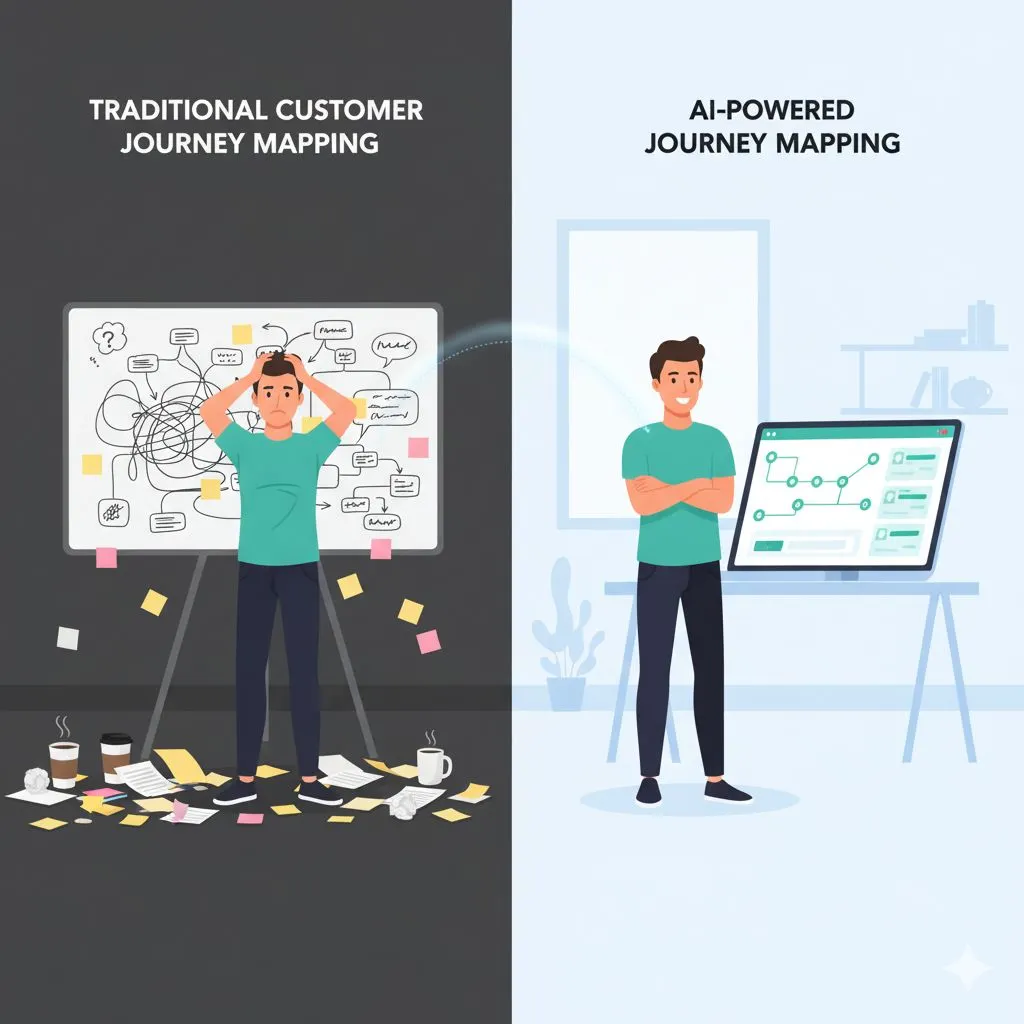
This mirrors how to approach using AI to write for every stage of the customer journey — a framework that applies directly to course sales funnels.
Want a head start? Download the free 1-week AI content plan template — a plug-and-play planner designed for busy entrepreneurs ready to move from planning to production.
Phase 2: Rapid Content Production (The Heavy Lifting)
Once your strategy is set, you face the most daunting phase: The Grind. This is where most aspiring course creators quit. Writing scripts for 30 videos, designing 30 slide decks, and creating accompanying worksheets can easily take 200+ hours of manual work.
This is where ai for course creators transitions from a planning tool to a production engine. The goal here isn’t to let the AI "write the course" for you, but to get every asset to 80% completion instantly, so you can spend your limited time adding the final 20% of expert nuance.
The "Blank Page" Cure: Scripting
Staring at a blank page destroys productivity. It forces you to think about structure, tone, and educational pacing all at once.
Instead, feed your module outline (from Phase 1) into your AI tool. Ask it to generate a detailed script or a "talking point outline" for a specific lesson.
- The Prompt Strategy: Be specific. "Act as an expert copywriter. Write a 10-minute video script for Module 2, Lesson 1: 'Setting Up the Dashboard.' Tone: Encouraging but direct. Include an opening hook, three core teaching steps, and a practical homework assignment."
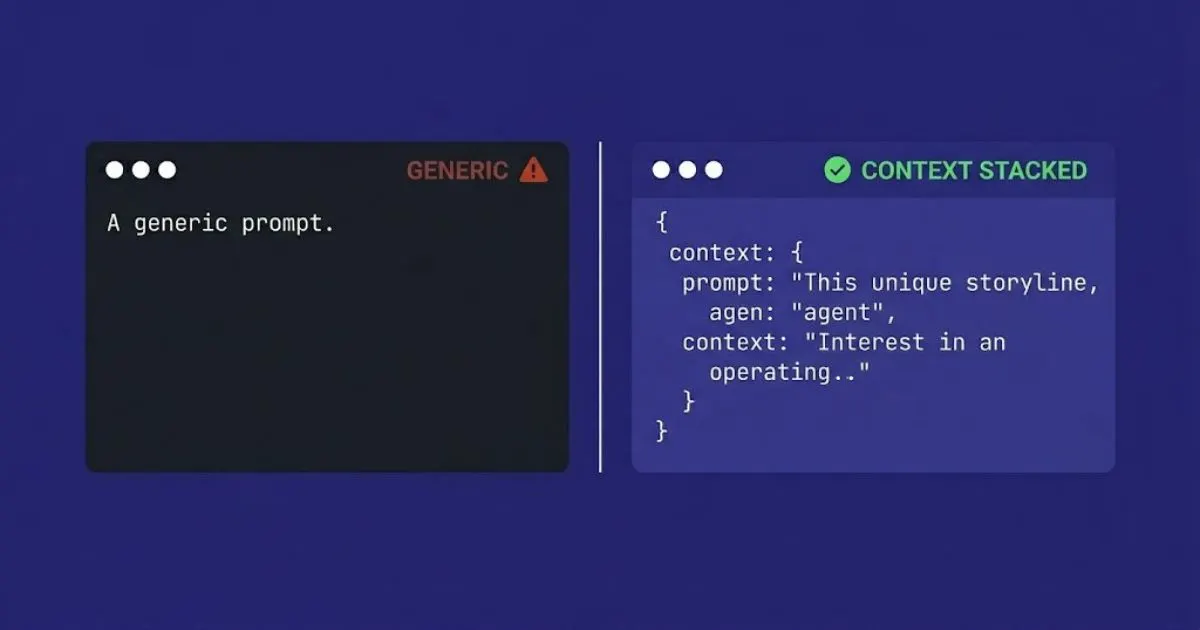
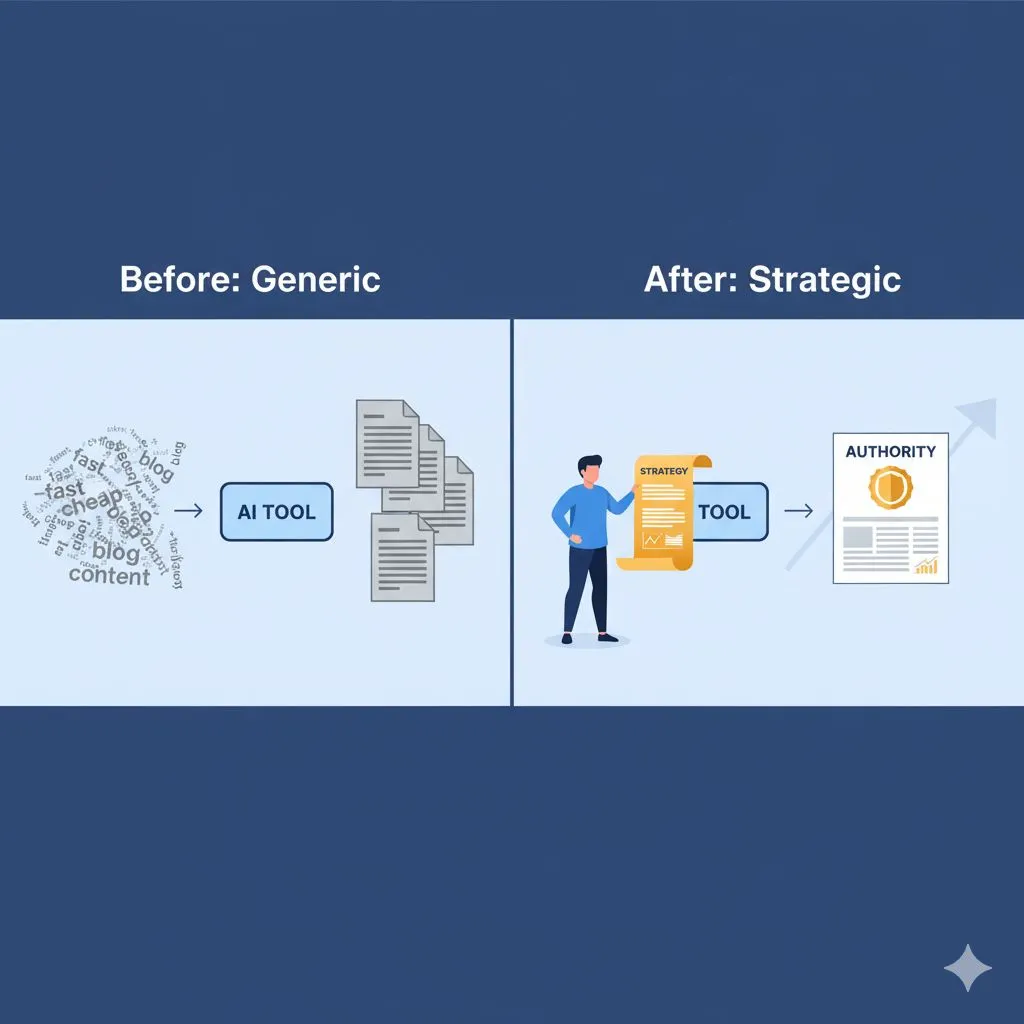
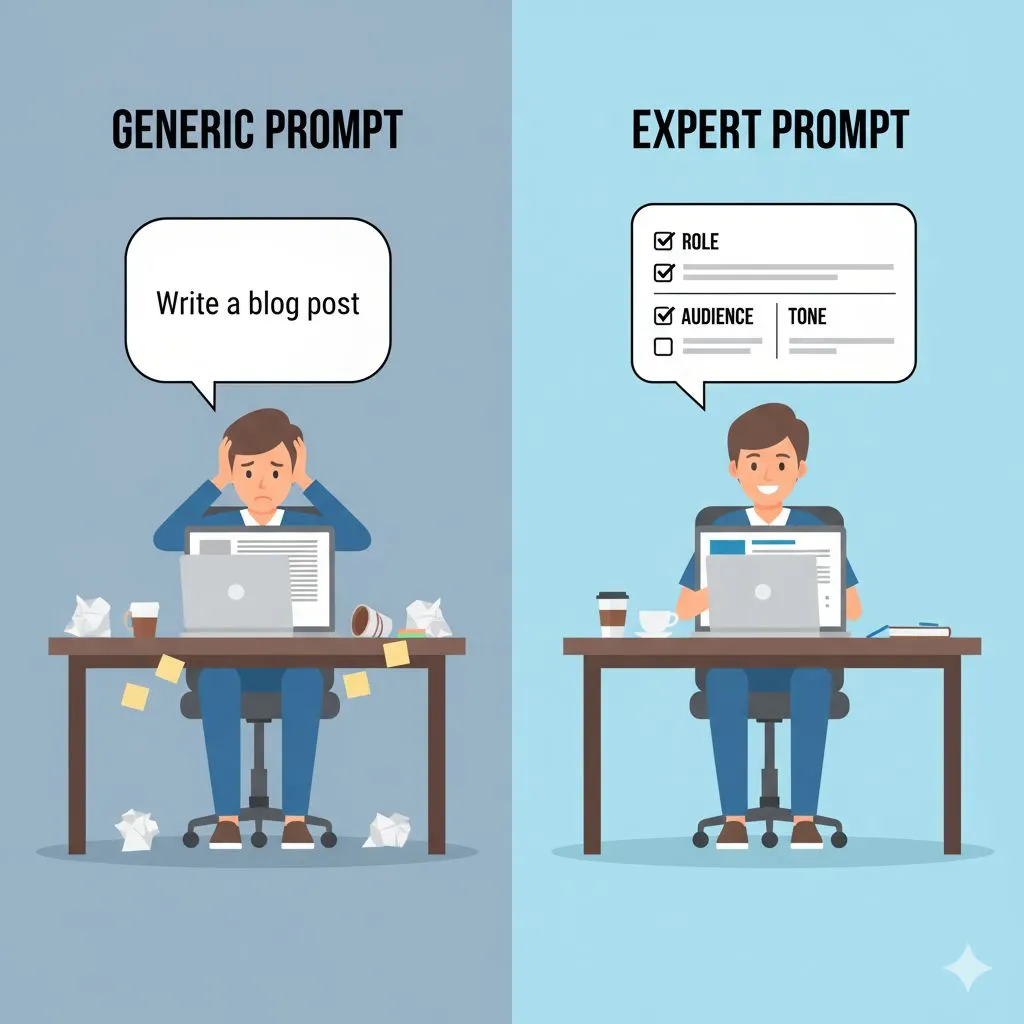
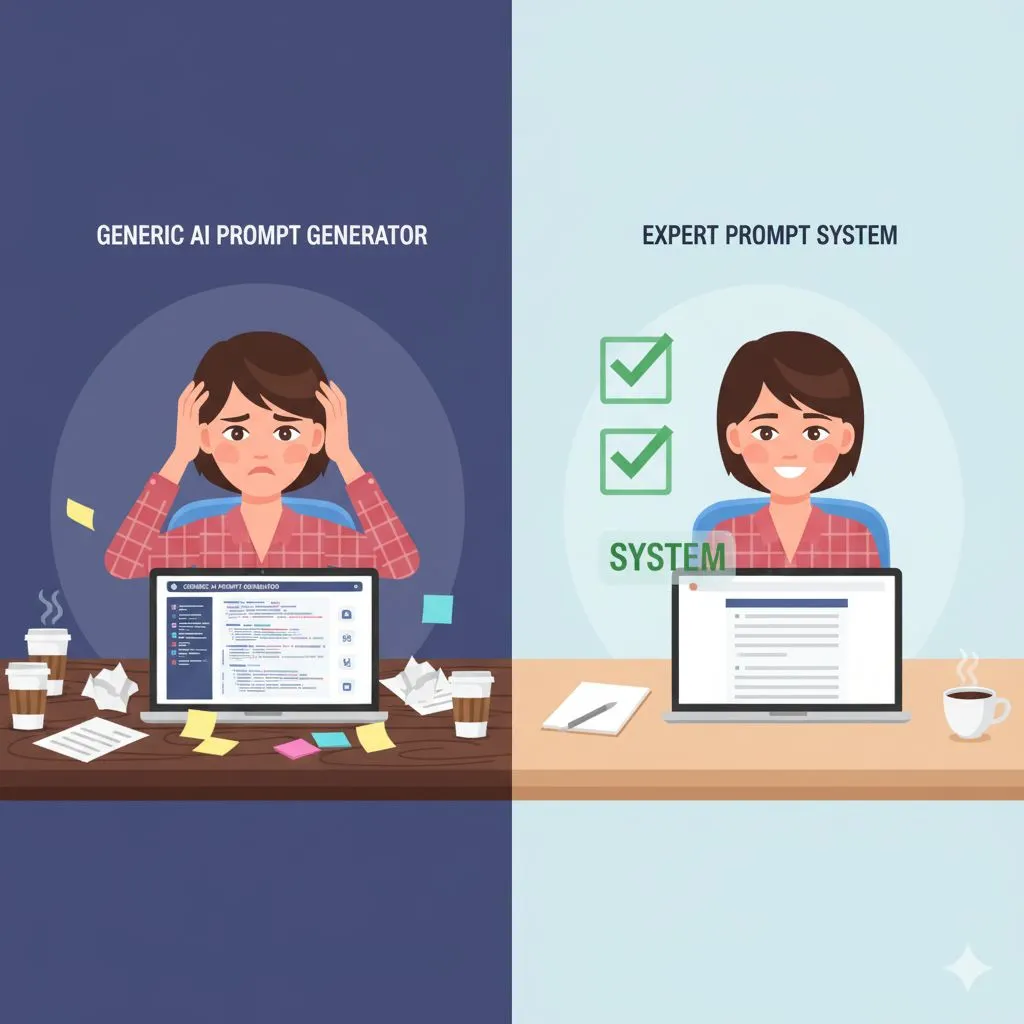
The difference between a generic instruction and a precision prompt is significant — see how expert AI prompts outperform generic prompts for a side-by-side breakdown.
The AI provides the structure. It handles the "Welcome back to the course" transitions and the summary conclusions. Your job is simply to read through, inject your specific anecdotes, correct any industry nuances, and ensure the voice sounds like you. You are no longer writing from scratch; you are editing. This is significantly faster and less mentally draining.
Visual Aids & Slide Decks
If writing scripts is mentally draining, building slide decks is tediously slow. Aligning bullet points, finding stock images, and formatting text boxes is not the best use of a CEO’s time.
Modern AI workflows allow you to repurpose your work instantly. You can take the script you just generated and ask the AI to "Summarize this script into key bullet points for a 5-slide presentation."
Some advanced tools even allow you to export these outlines directly into presentation software. However, even with standard text-based AI, getting a slide-by-slide breakdown of exactly what text should be on screen saves you hours of layout deliberation. You move from "What should this slide say?" to simply copy-pasting text into your branded template.
Workbook & Resource Creation
High-value courses include more than just video; they include implementation tools. Worksheets, checklists, and quizzes increase student success rates (and lower refund rates).
Usually, creating these is an afterthought because the creator is too exhausted from filming. With AI, you can generate them alongside the lesson.
- Actionable Output: "Based on the script above, create a 5-question multiple-choice quiz to test comprehension."
- Implementation: "Create a checklist of the 7 steps mentioned in this lesson for the student to print out."
By batching this process—generating the script, slide text, and workbook content for one lesson simultaneously—you ensure consistency across materials and drastically reduce context switching.
Phase 3: The Launch Engine (Marketing)
You have built the course. Now, you have to sell it. For many entrepreneurs like Alex Rivers, this is the most painful part. You are an expert in your field, not a professional copywriter or launch strategist. Yet, if you don't articulate the value clearly, your course will sit on a digital shelf gathering dust.
This is where ai for course creators becomes your VP of Marketing. It allows you to compete with larger training companies that have dedicated marketing departments.
The Sales Page: addressing Objections
A high-converting sales page needs to do more than list the curriculum. It needs to empathize with the pain, agitate the problem, and present your course as the only logical solution.
Use AI to draft your sales copy section by section.
- The Hero Section: Ask for 10 headline variations that promise a specific benefit.
- The "Who This Is For" Section: Paste in your Avatar profile from Phase 1 and ask the AI to write a bulleted list of who needs this course (and who doesn't).
- The FAQ (Objection Handling): This is critical. Ask the AI: "What are the top 5 reasons someone would hesitate to buy a course about [Topic]? Write an FAQ section that overcomes these objections with empathy and logic."
By addressing skepticism upfront—something Alex Rivers appreciates—you build credibility.
The Nurture Sequence
You rarely sell a high-ticket course on the first interaction. You need an email sequence that nurtures leads. Writing a 7-day launch sequence can take days of agony.
With AI, you can map out the emotional journey.
- Email 1: Acknowledge the problem (Empathy).
- Email 2: share a quick win/tip (Authority).
- Email 3: Introduce the new mechanism/course (The Solution).
- Email 4: Social proof/Case studies.
- Email 5: Scarcity/Closing.
To see this exact nurture structure in action for a coaching business, read how boutique coaching businesses scaled with automated nurture.
Feed the AI the goal of each email and the details of your course. It will draft the emails for you. Your job is to go in and add your personal flair—change the greeting, add a reference to a recent industry event, or include a personal story. The structure and persuasion psychology, however, are handled for you.
Social Promotion
Consistently posting about your launch is exhausting. You run out of ways to say "Buy my course."
Use AI to repurpose your course content into marketing assets. Take a script from Module 1, paste it into the AI, and ask:
- "Turn this lesson into a Twitter/X thread."
- "Write a LinkedIn post sharing a controversial opinion based on this text."
- "Write a script for a 60-second Instagram Reel summarizing this concept."
Suddenly, one module of your course becomes a week's worth of social media content, driving traffic to your sales page without you having to brainstorm new ideas.
Phase 4: The Human Polish (Quality Control)
As an expert, you might be skeptical. Can I really trust a machine to teach my methodology? This is a valid concern. Efficiency should never come at the cost of your reputation.
AI is the engine, but you are the steering wheel. The "Human Polish" phase is where you ensure the content meets your high standards.
Injecting Your Voice
AI tends to default to a neutral, slightly corporate tone. If your brand is "confident, empowering, and practical," you need to ensure that comes through.
Review your AI-generated scripts and emails specifically for:
- Jargon: Does it use the specific terminology your industry actually uses?
- Experience: AI can explain theory, but it cannot explain your experience. Look for places to insert phrases like, "In my 10 years of experience..." or "I saw this happen with a client last week..." These trust markers cannot be faked.
- Tone: If the output feels too "hype-y" or too dry, rewrite the opening and closing sentences. Often, fixing the bookends of a piece of content is enough to change the perception of the whole piece.
Fact-Checking & Ethics
AI helps you move fast, but it can hallucinate. Always verify statistics, quotes, or technical specifications. As a course creator, your currency is trust. A single verifiable error can undermine that. Treat AI outputs as a "junior researcher’s draft"—promising, but requiring the boss’s sign-off.
Conclusion: From Overwhelmed to Strategic
Creating a course used to mean pausing your business growth to retreat into a cave of content creation for months. It meant late nights, writer’s block, and the constant fear that you were wasting time on something that might not sell.
By integrating ai for course creators into your workflow, you flip the script.
- Pre-production becomes a strategic exercise in market fit, not a guessing game.
- Production becomes an editing process, not a writing marathon.
- Marketing becomes a scalable system, not a desperate scramble.
You reclaim your time. You reduce the stress of the blank page. Most importantly, you position yourself to scale. You can finally compete with the larger players in your industry because you are operating with the leverage of a content team, without the overhead.
The technology is ready. The strategy is sound. The only missing piece is the execution.
Ready to Scale Your Course Business?
Stop spinning your wheels with generic ChatGPT prompts that give you mediocre results. You need a system designed for ROI.
Get the AI Prompt Toolkit for Course Creators https://expertaiprompts.com/sales-landing-page-for-the-ai-prompt-toolkit-for-course-creators
Not ready to buy yet? Grab your free AI starter resources — 11 free tools, templates, and prompt guides to get you started today.
- grab your free AI starter resources — https://expertaiprompts.com/free-offers
Or, if you're ready to go all-in across your full business, see all 30 prompt packs and pricing.
- see all 30 prompt packs and pricing — https://expertaiprompts.com/expert-ai-prompts-pricing-catalog
Unlock 50 expert-level, industry-specific prompts designed to handle everything from curriculum design to launch emails. Stop hustling. Start scaling.