5 Boring Tasks You Should Never Do Manually Again
5 Boring Tasks You Should Never Do Manually Again
Jan 31, 2026
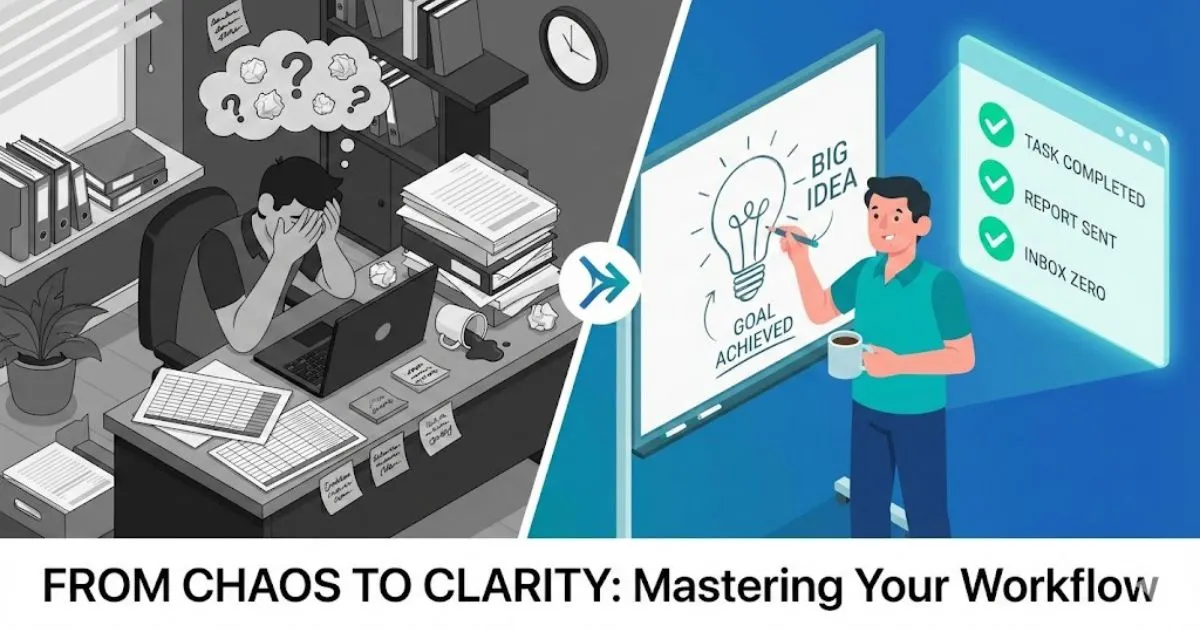
The Cost of the Hustle & The Data Entry Trap
If you are reading this, you are likely sitting in front of a to-do list that is longer than your arm. As a small business owner, you wear every hat available: CEO, marketing director, customer support agent, and occasionally, the IT department.
You have been told that "hustling" is the only way to succeed. But let’s be honest: there is a difference between working hard on your vision and drowning in low-value busy work. Spending three hours a week copy-pasting email addresses or chasing invoices isn't hustling; it’s a bottleneck. It is keeping you from the strategic work that actually grows your revenue.
The secret that larger competitors don't want you to know is that they aren't necessarily working harder than you. They are just leveraging business automation to handle the boring stuff. The ultimate guide to AI for small business shows exactly how solopreneurs and small teams use automation to reclaim time and compete at a higher level.
Automation often sounds intimidating to the non-technical entrepreneur. You might picture complex code, expensive software, or robotic interactions that alienate clients. But in 2024, automation is about accessibility. It is about setting up simple systems that run in the background, allowing you to reclaim your time, reduce stress, and operate with the polish of a Fortune 500 company—even if you are a team of two.
Here are the five boring, repetitive tasks you need to fire yourself from immediately, and how to automate them to scale your business.
1. The Data Entry & Lead Management Black Hole
The Manual Problem:
You get a notification: a new lead has filled out the contact form on your website. Great! But now, the manual dance begins. You open the email, copy the name, open your spreadsheet or CRM, paste the name. You go back, copy the email address, paste the email address. You create a folder. You write a "Hello" email.
It takes five minutes. But if you get 20 leads a week, that’s nearly two hours of mind-numbing data entry. Worse, if you are busy delivering client work, that lead might sit in your inbox for two days before you process it. In the digital age, a 48-hour delay is a death sentence for conversion rates.
The Automated Solution:
This is the "low-hanging fruit" of business automation. By connecting your website forms (like Typeform, Gravity Forms, or Squarespace) to your CRM (like HubSpot, Pipedrive, or a simple Google Sheet) using a connector tool like Zapier or Make, this data transfer happens instantly.
The Expert Edge:
Don't just move data; enhance it.
Simply moving the data is step one. The "Expert" approach is to use this automation trigger to categorize the lead. You can set up your system to tag the lead based on their budget selection or industry. For a deeper walkthrough of this approach, read how to use a personal AI assistant to delegate tasks.
- Try This: configure your automation so that high-ticket leads trigger a Slack notification to your phone immediately, while smaller leads are automatically added to a "nurture" email sequence. This ensures you are only spending your manual energy on the prospects that move the needle most.
2. The Social Media "Content Treadmill"

The Manual Problem:
Consistency is key to brand growth, but the daily execution is a nightmare for busy entrepreneurs. You wake up, realize you haven't posted on LinkedIn or Instagram in three days, and panic. You scramble to find a stock photo, stare at a blinking cursor trying to write a witty caption, and finally hit publish.
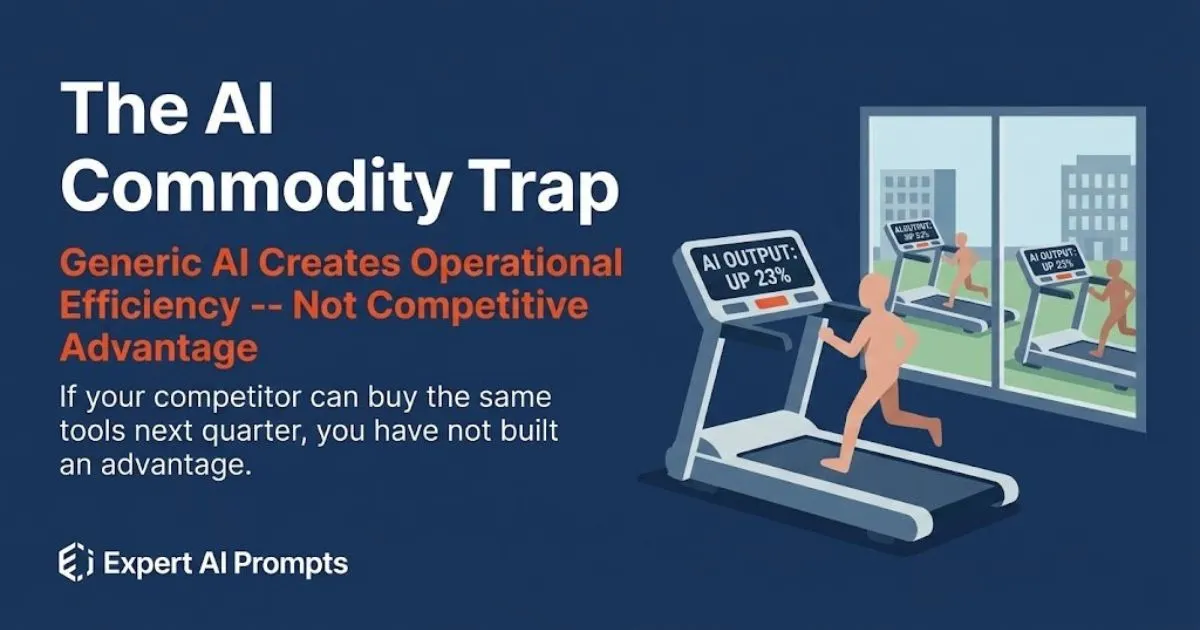
Then, you have to do it all again tomorrow. This "content treadmill" is the primary reason small businesses go silent on social media. It creates anxiety and results in rushed, low-quality content that doesn't represent your expertise.
The Automated Solution:
Stop posting in real-time. Successful creators batch their work. Tools like Buffer, Hootsuite, or Later allows you to upload weeks of content at once. But the real automation isn't just the scheduling—it's the creation process.
The Expert Edge:
This is where business automation meets AI strategy. You shouldn't be writing captions from scratch every day.
Instead, use high-level AI prompts to generate a month's worth of content pillars, captions, and hashtags in one sitting. By feeding an AI tool your brand voice guidelines and key offers, you can generate 30 high-quality posts in under an hour. The step-by-step process for creating a month of AI-generated social media content shows exactly how to build this into a repeatable workflow.
- The Workflow:
- Use an expert prompt to generate 10 content ideas based on client pain points.
- Use a second prompt to draft the captions for those ideas.
- Upload the CSV file to your scheduling tool.
- Walk away for the rest of the month.
Ready-made prompt frameworks for every social platform are available in the Social Media Managers AI Prompt Toolkit — 50 expert prompts built for this exact workflow.
3. The "When Are You Free?" Email Ping-Pong
The Manual Problem:
Nothing kills momentum like scheduling a meeting.
- You: "Let's chat. When are you free?"
- Client: "Tuesday afternoon works."
- You: "I can do 2 PM EST."
- Client (24 hours later): "Ah, I missed this. Can we do Wednesday?"
This back-and-forth exchange eats up mental bandwidth and clutters your inbox. It disrupts your focus blocks and makes you look disorganized. If you are scheduling five meetings a week, you are sending 20+ emails just to look at a calendar.
The Automated Solution:
If you do not have a scheduling link, you are losing money. Tools like Calendly, Acuity, or TidyCal eliminate the negotiation. You set your hours, sync it with your Google or Outlook calendar, and send a single link. The client chooses a time that works for them. Done.
The Expert Edge:
Automation shouldn't feel robotic; it should feel premium. Configure your scheduling tool to do the "pre-work" for you.
Set up the automation to send a confirmation email immediately that includes:
- The Zoom/Teams link (auto-generated).
- A pre-meeting questionnaire (to gather info so you don't waste time on the call).
- A branded PDF guide or case study to build authority before you even speak.
By the time you get on the call, the client is prepped, impressed, and ready to do business.
Finance & Onboarding Optimization
4. Chasing Invoices and Expense Tracking
The Manual Problem:
There is no task more uncomfortable for a business owner than chasing money. You sent the invoice two weeks ago. The due date has passed. Now you have to write that awkward email: "Just bumping this to the top of your inbox..."
Many entrepreneurs delay sending these emails because they feel "salesy" or desperate. The result? Cash flow bottlenecks that threaten the business. On the flip side, manually logging receipts and expenses into a spreadsheet at tax time is a recipe for missed deductions and headaches.
The Automated Solution:
Divorce your emotions from your accounts receivable. Modern accounting software (Xero, QuickBooks, FreshBooks) allows you to set up automated reminders. You can configure the system to send a polite reminder 3 days before the due date, on the due date, and 7 days after.
Because the email comes from "the system," it removes the personal awkwardness between you and the client. It’s just standard procedure.
The Expert Edge:
Automation can also handle the inflow. Use tools like Dext or Hubdoc to scan receipts via a mobile app. The AI reads the receipt, extracts the date, amount, and vendor, and pushes it directly into your accounting software.
- The result: You stop being a data entry clerk for your accountant. You gain real-time visibility into your profit margins without spending your Sunday afternoons entering numbers. Put a number on it — use the AI ROI Calculator for small business to calculate exactly how much manual admin is costing you in time and revenue each week.
5. Repetitive Customer Onboarding & FAQ Support

The Manual Problem:
You’ve closed the sale—congratulations! Now, do you find yourself typing the same "Welcome aboard!" email for the hundredth time? Do you find yourself constantly answering the same five questions?
- "Where do I upload files?"
- "What are your office hours?"
- "When is the first deliverable due?"
Answering these questions manually is not "good service"; it is inefficiency. If a client has to wait 4 hours for you to reply to a basic logistical question, that is friction.
The Automated Solution:
Create an automated onboarding sequence. Once a contract is signed (which should also be automated via DocuSign or HelloSign), your system should trigger a "Welcome Series."
The Expert Edge:
This is your chance to provide a "White Glove" experience on autopilot.
Construct a 3-part email sequence:
- Email 1 (Immediate): The warm welcome, access links to portals, and a "What to Expect" guide.
- Email 2 (Day 3): A check-in to ensure they can access everything, plus a link to your FAQs.
- Email 3 (Day 7): A "quick win" tip or resource related to your service.
Use AI prompts to draft these emails so they sound warm, personal, and encouraging—not robotic. For pre-built frameworks that make client-facing emails sound professional every time, explore the Prompt-Led Email Mastery toolkit. This makes your new client feel supported every step of the way, confirming they made the right choice in hiring you, all while you are sleeping or working on their project.
Conclusion & Next Steps
The Transition: From Operator to Strategist
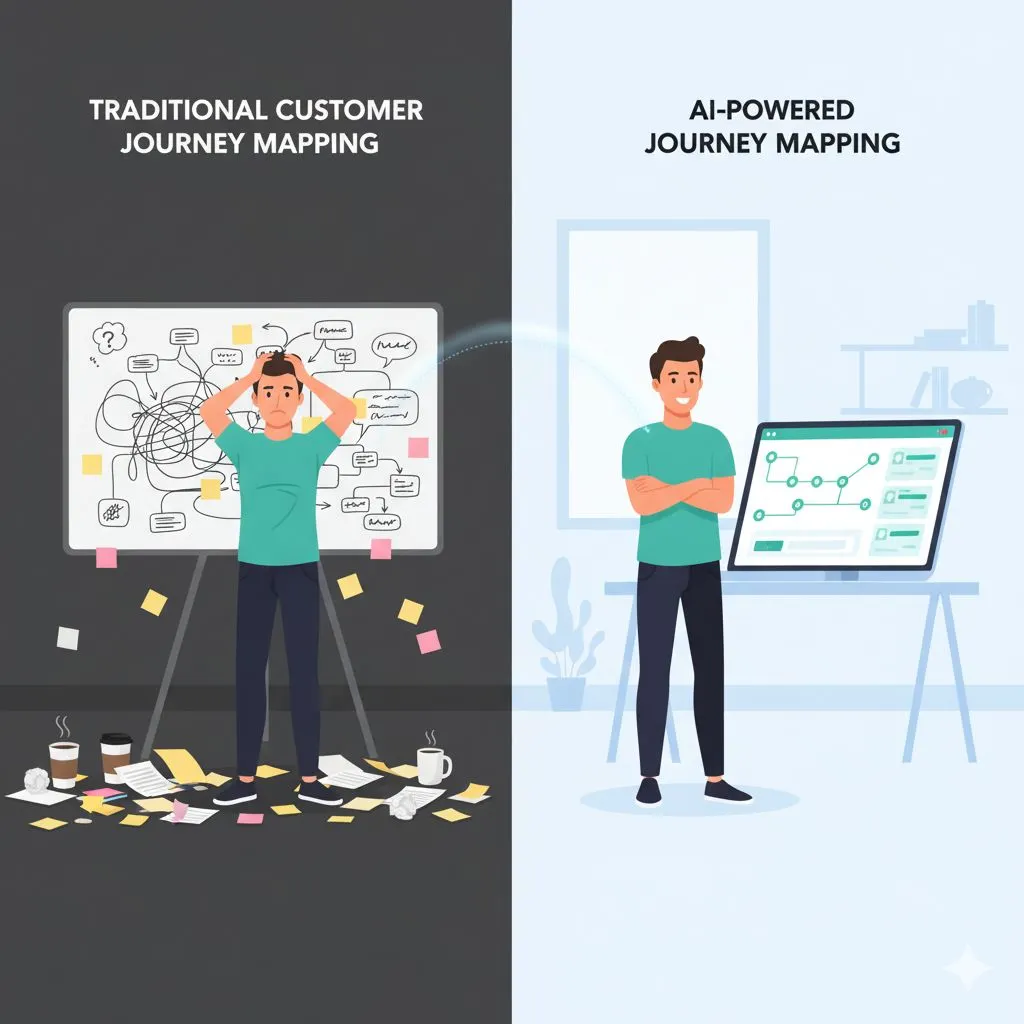
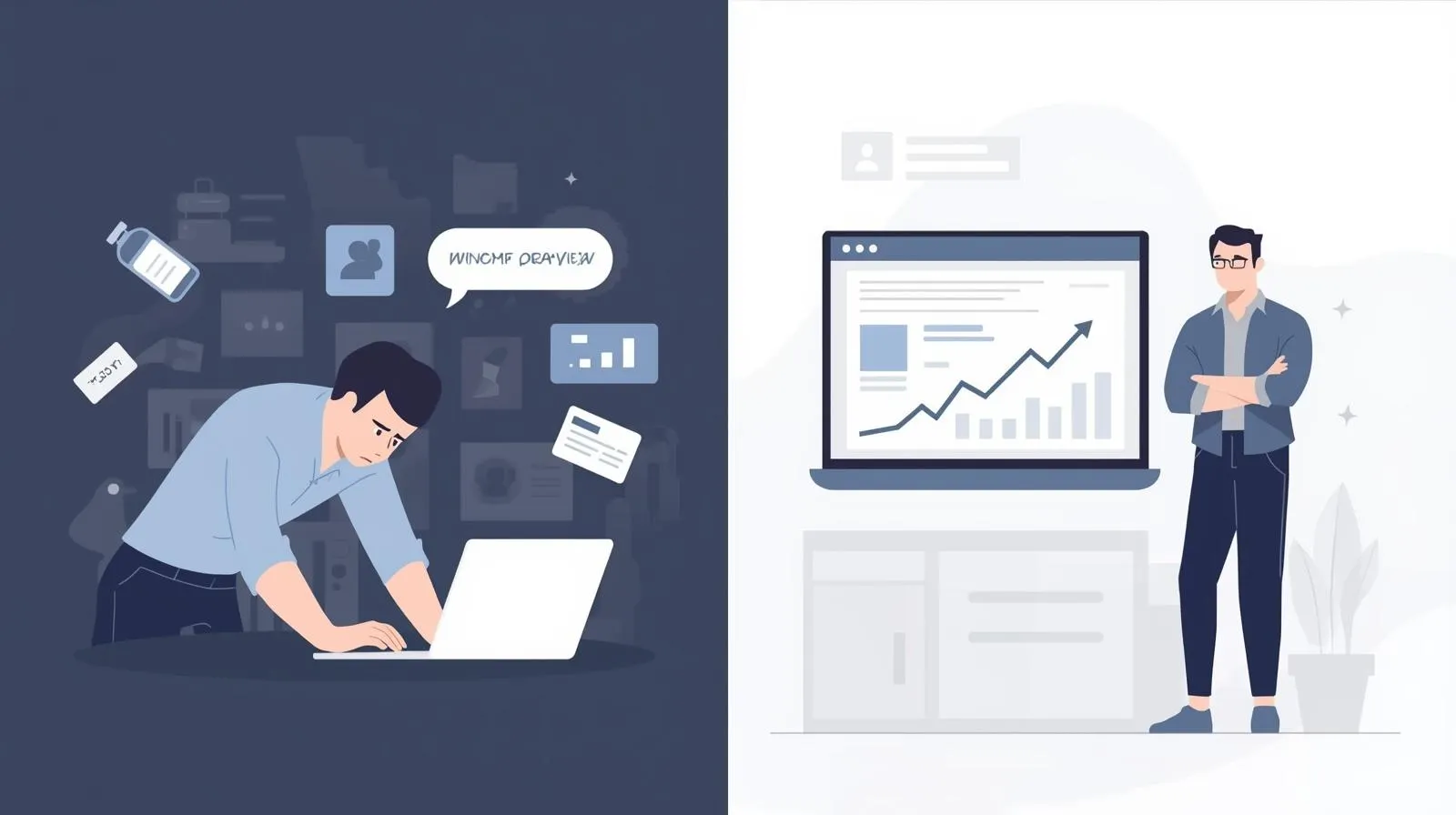
The goal of implementing business automation isn't just to save five or ten hours a week—though that is a massive benefit. The real goal is the psychological shift it creates.
When you are bogged down in manual tasks—copying rows in spreadsheets, chasing $200 invoices, formatting Instagram captions—you are operating in "survival mode." You are reacting to your business rather than leading it.
By automating these five boring areas, you buy back your mental clarity. You give yourself the space to ask the bigger questions:
- How can we double our revenue next quarter?
- What new service line should we launch?
- How can we better serve our top 20% of clients?
This is the transition from being an overworked operator to a confident strategist. It is how small teams compete with—and beat—the big players. See the case study on scaling agency operations with AI for real numbers behind this transformation. You don't need more resources; you need better resourcefulness.
A Warning: Automation Needs Quality Fuel
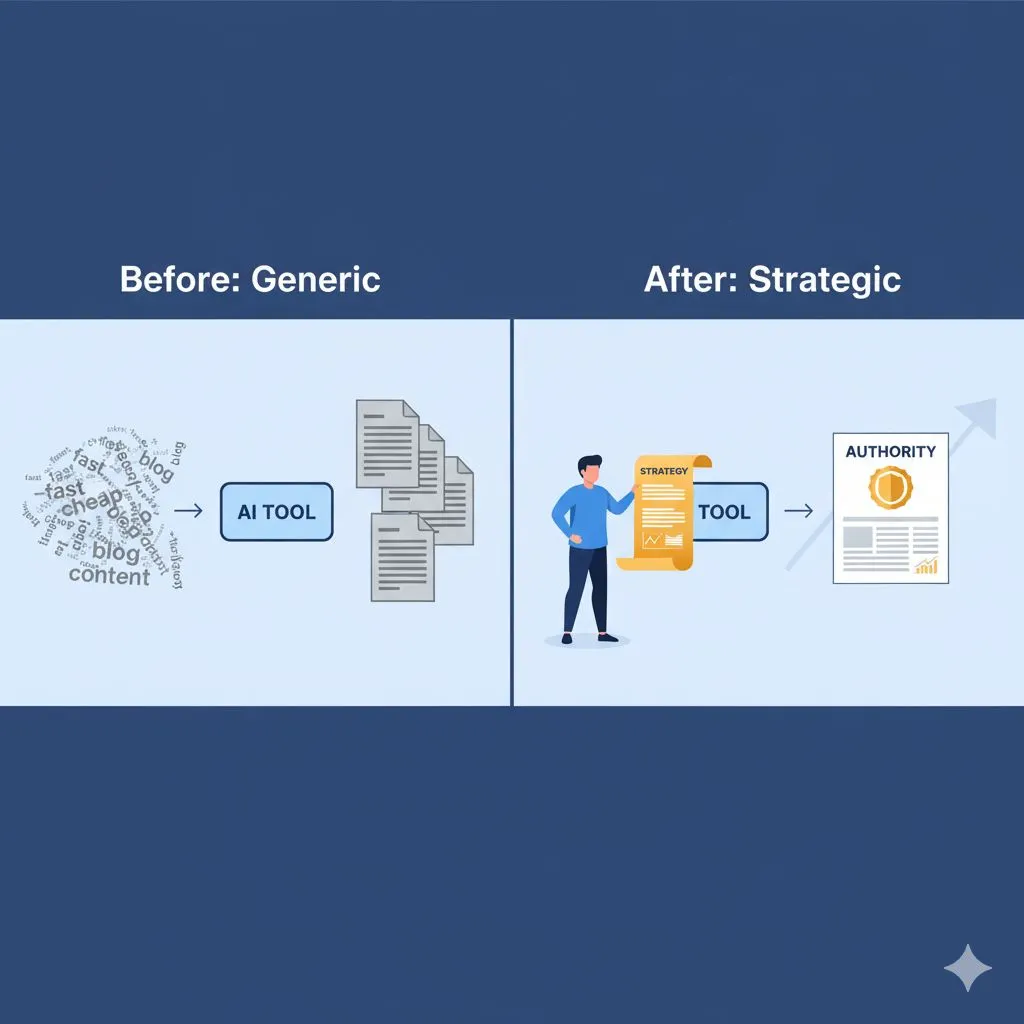
There is one caveat to automation. If you automate a bad process, you just get bad results faster. If you automate an email sequence that is poorly written, you are just spamming people efficiently.
The engine of automation requires high-quality fuel: Content. Start strong with the free 1-week AI content plan template — structured prompt frameworks ready to power your new automated systems from day one.
- You need the right words for those chase emails so they don't offend clients.
- You need strategic copy for your social media so the automation builds authority.
- You need structured agendas for your auto-booked meetings.
This is where many entrepreneurs get stuck. They set up the software but don't know what to say.
Stop Spinning Your Wheels
You don't have to guess what to write. You don't have to stare at a blank screen trying to figure out the perfect "Welcome" email or the most engaging LinkedIn caption.
We have combined the power of strategy with the speed of AI to solve this exact problem.
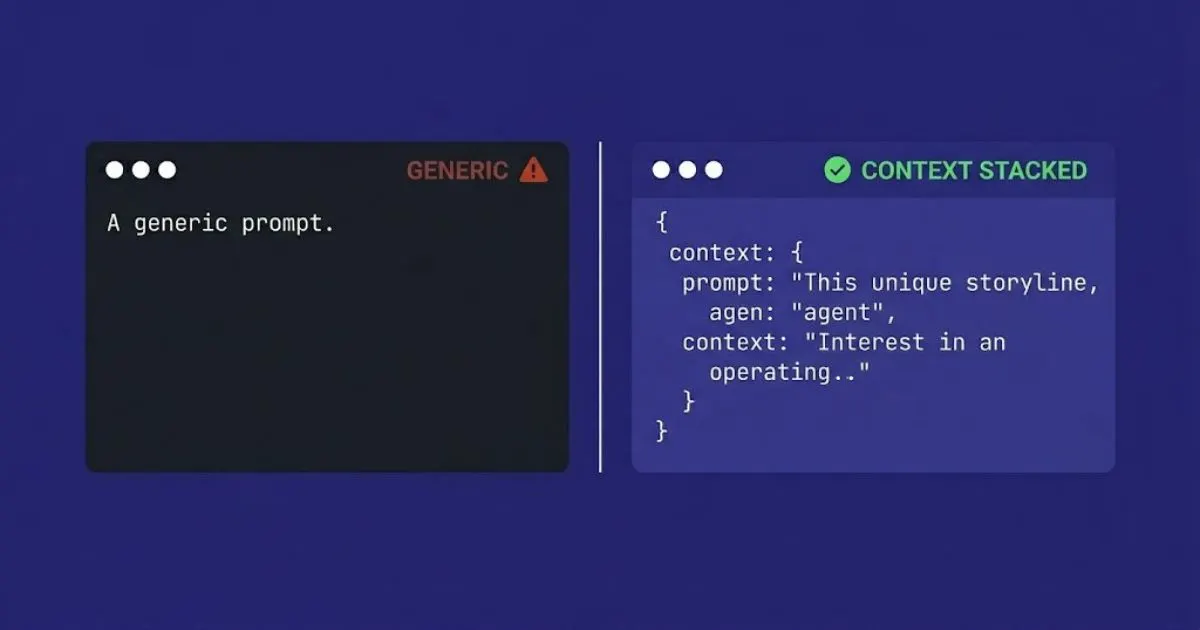
We have curated a pack of expert-level prompts designed specifically to generate the high-quality content you need to fuel your new automated systems. These aren't generic commands; they are strategic frameworks that ensure your automated output sounds professional, credible, and human.
Ready to reclaim your time and scale your business?
Click here to get our Free Prompt Pack: Save 5 Hours This Week
When you’re ready to choose your industry-specific pack, see all 30 Expert AI Prompt Packs and pricing.
Stop doing the boring work. Let the machines handle the tasks, so you can handle the growth.
Further Reading
• Ultimate Guide to AI for Small Business
• The Definitive Guide to AI for Social Media
• 5 AI Business Tools to Reclaim Your Week